ST80 Masterview Operation and Setup 43
Navigate Chapter
Chapter Structure
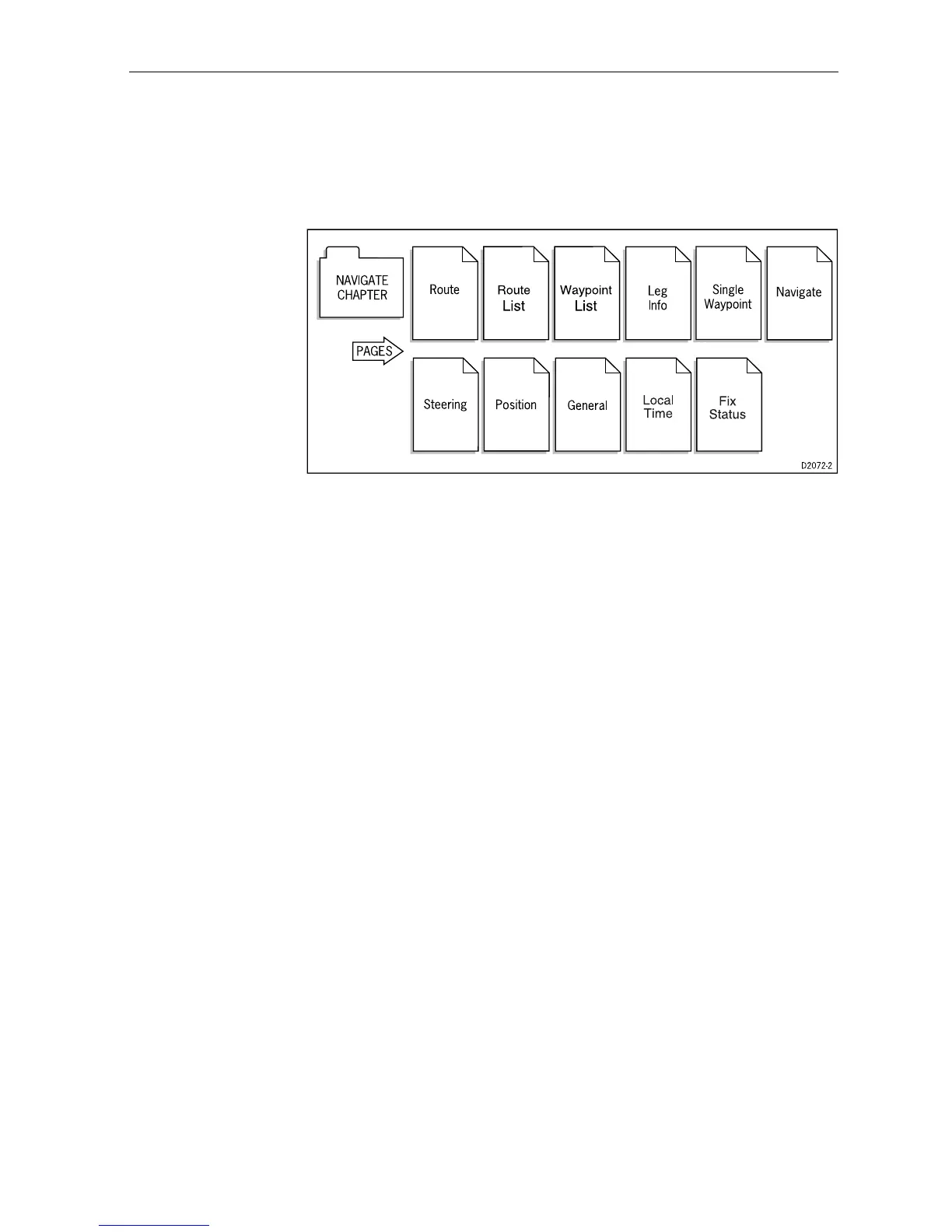
The Navigate chapter contains the following ‘pages’.
This chapter is handled in a different manner to the previous and
subsequent chapters in this handbook. The reason for changing the
approach is due to the way in which you have assemble route and
waypoint data.
Before a route can be created, waypoints must be entered into the
waypoint list. Once you have entered your chosen waypoints, a
route can then be constructed.
General Route and Waypoint Information
The Navigate chapter allows you to:
• create up to 800 waypoints
• create and name up to 20 routes
• create up to 50 waypoints per route using Lat/Lon
• import a route from an external ‘navigator’
• create and track to a single destination waypoint
Note: The Masterview displays illustrated in this section are
representations only.
Entering Information
Waypoint and route information is entered using the Autohelm
Navigator keypad only.
If ST80 Masterview instruments have been linked to specific
Navigator keypads, information can only be entered or modified
using the linked units.



 To Next Page