62 ST80 Masterview Operation and Setup
Log Information
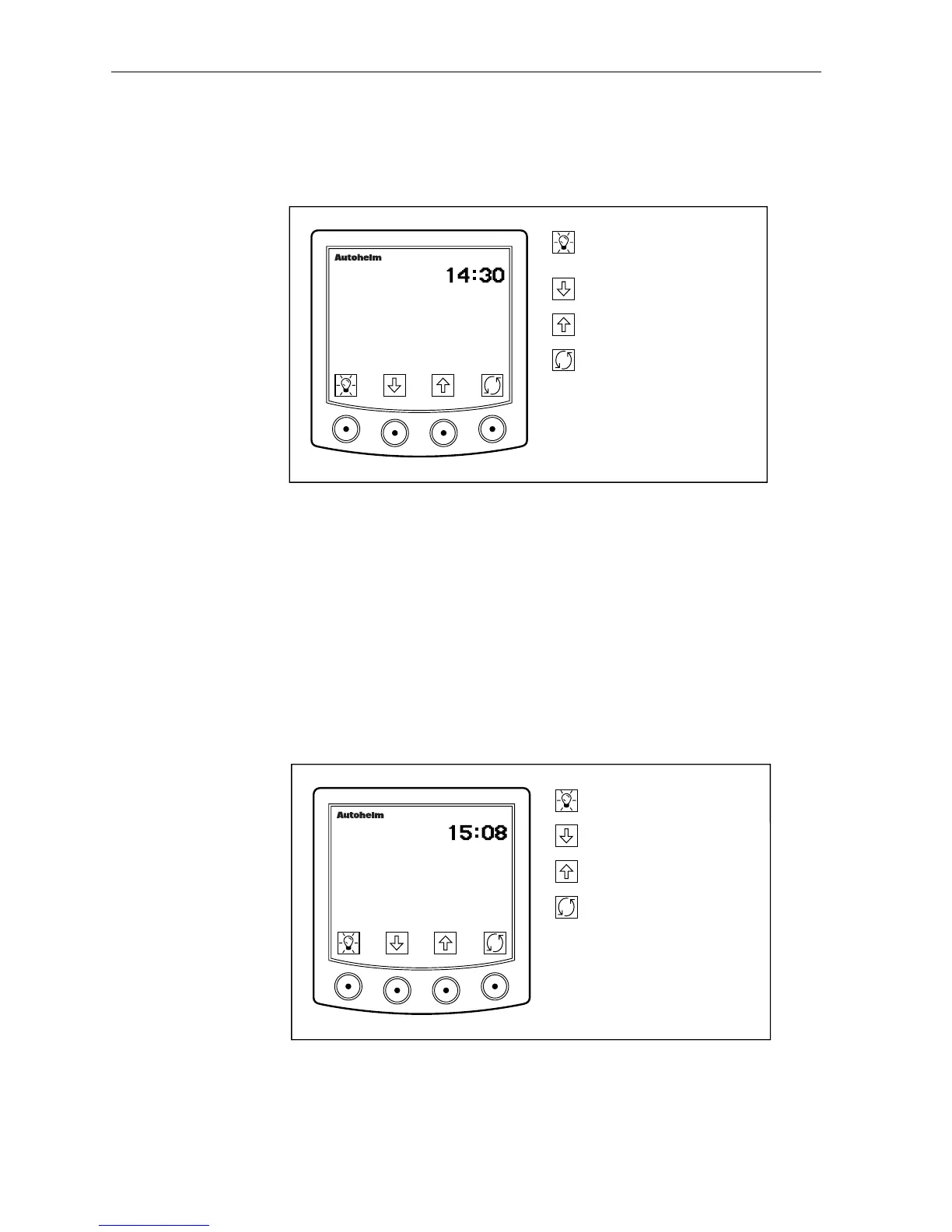
The log display shows your position (actual or dead-reckoned),
time, course made good and distance made good.
D2269-1
Press for 1 second to enter
illumination adjustment.
Go to next log entry.
masterview
O50o49.49 N
Go to previous log entry.
Return to position display.
POS
001o02.98 W
CMG 150o
DMG 130.6 NM
If you enter the log display and your position is dead-reckoned, the
last recorded fix is displayed until a new fix has been logged (CMG
and DMG are not displayed).
• Log entries are recorded every 30 minutes.
• Logged data (for the last 24 hours) is stored in memory and retained
even when the system is powered down.
• The most recent data is always displayed.
The following page is displayed if there has been a Lat/Lon log
entry in the last 24 hours.
D2626-1
Return to main display.
Go to next log entry.
masterview
059o49.49 N
Go to previous log entry.
Return to position display.
LOG
LAST FIX
001o02.98 W
• The last Lat/Lon fix, and the time at which data was lost, is shown
(CMG and DMG information is not displayed).
• This entry is removed when Lat/Lon data is restored.



 To Next Page