ST80 Masterview Operation and Setup
109
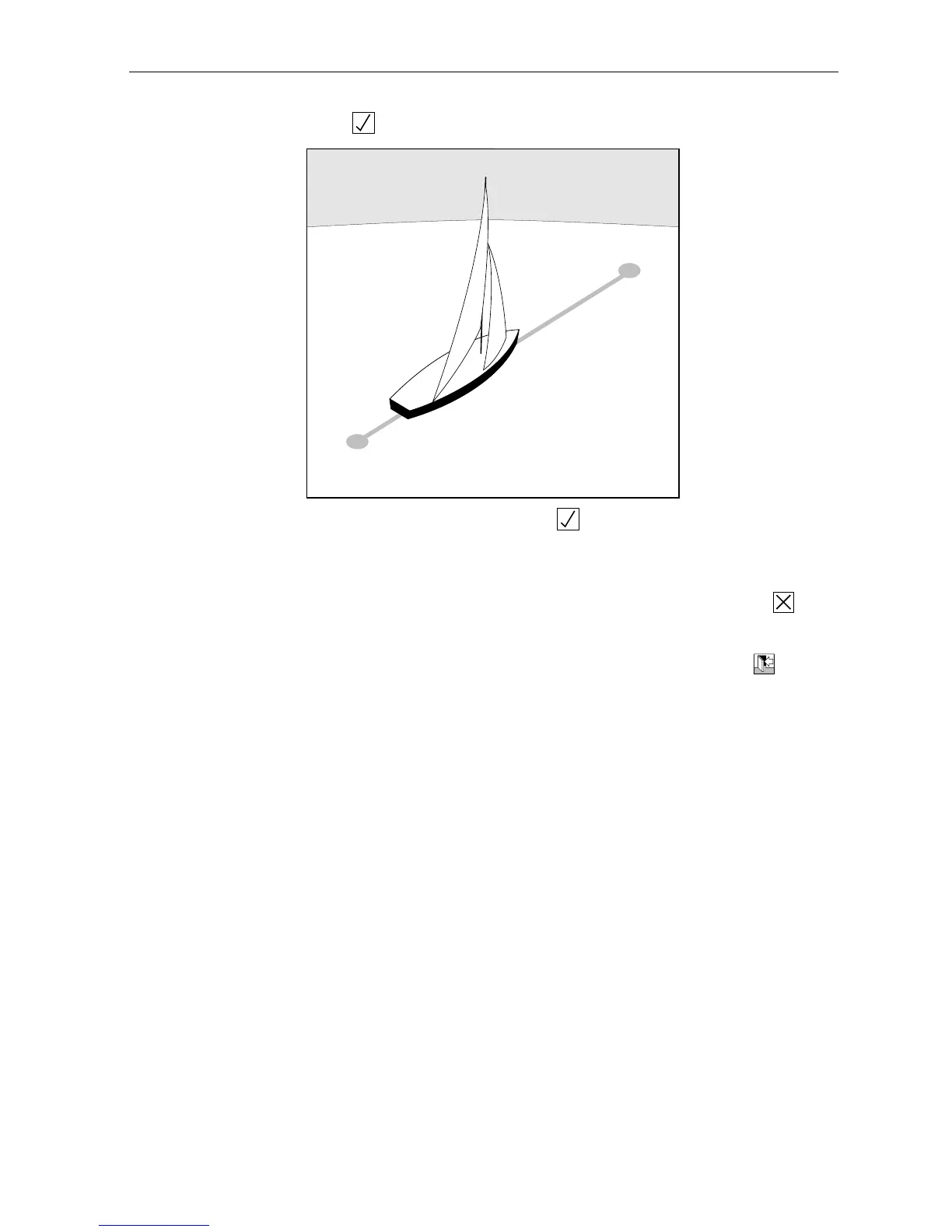
6. Press and then sail or motor from “point 2” to “point 1”.
2
1
D2206-1
DISTANCE = 1NM (APPROX)
7. When you arrive at point 2 press . The displays now reads
“ANOTHER RUN?” -– you now have the option to complete another
run.
8. Once you have completed as many runs as you require, press to
return to the “calibration factor page”.
Caution: Logged data will be lost if you exit log calibration using the key.
9. Calibration is now complete and the calibration factor has been
automatically calculated and stored.
Manually Recording and Entering a Calibration Factor
With the log display active, sail or motor from point 1 to point 2 and
make a note of the recorded distance.
Now go from point 2 to point 1. Once again make a note of the
recorded distance.
The sum of the two distances should now be divided by 2 to give an
average. This average should now be divided by the actual distance
to give you the calibration factor. Enter this factor as follows:
1. Go to the “Calibration Factor” page.



 To Next Page