124 ST80 Masterview Operation and Setup
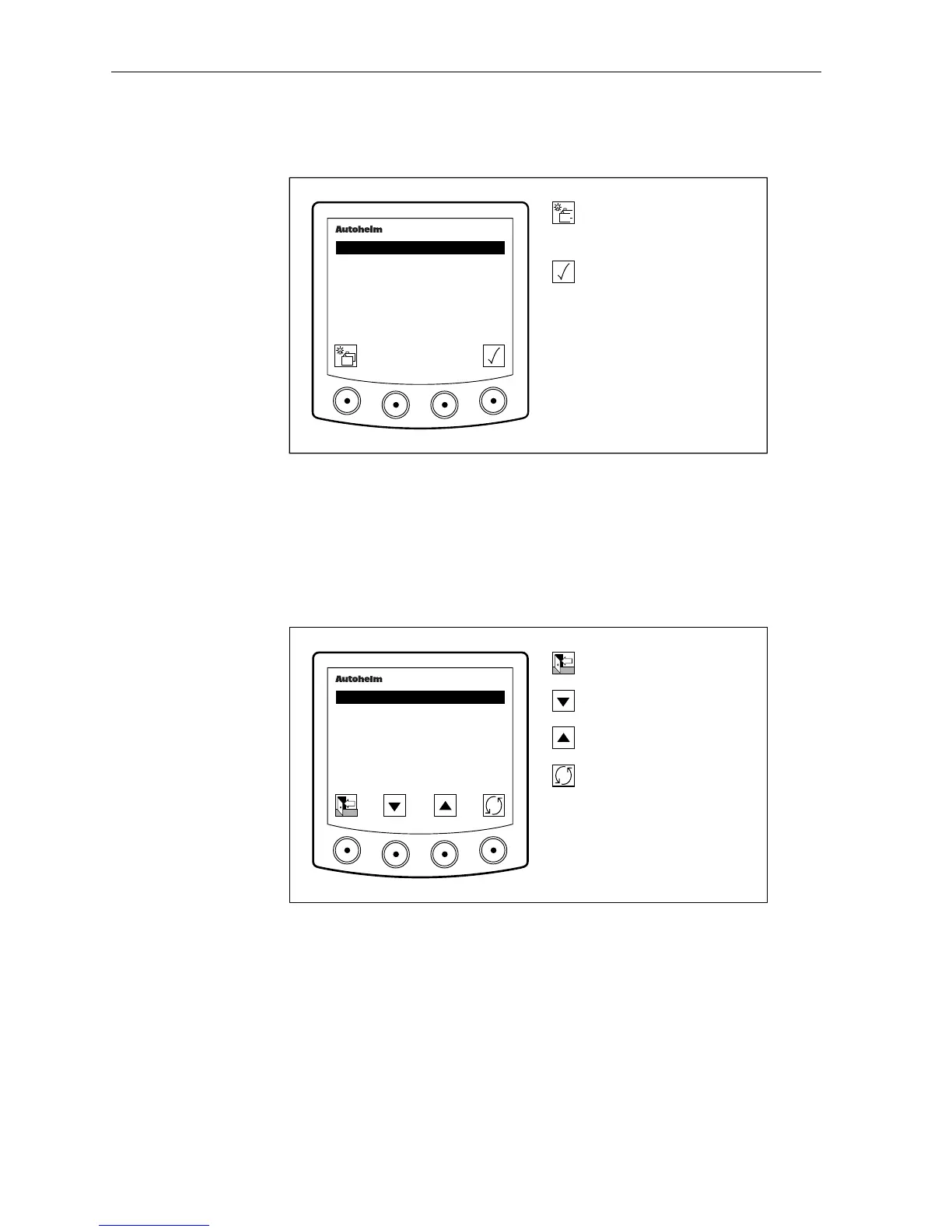
Pilot Calibrate Entry Screen
The following screen is displayed when you stop at the pilot chapter.
D2648-1
Advance to next chapter.
Press for 1 second to enter
illumination adjustment.
Enter pilot setup.
masterview
SET- UP
PILOT
CALIBRATE
• This feature is not available if the auto pilot is in auto mode or you do
not have an autopilot.
Vessel Type
This page is used to set the type of vessel the autopilot will be
used on.
D2668-1
Go to the Setup Exit page.
Decrease value.
Increase value.
Advance to the next pilot
feature.
masterview
SET- UP
PILOT
VESSEL TYPE
4
The available settings are:
(a) Displacement: 1
(b) Semi displacement: 2
(c) Planing: 3
(d) Stern drive: 4



 To Next Page