ST80 Masterview Operation and Setup 79
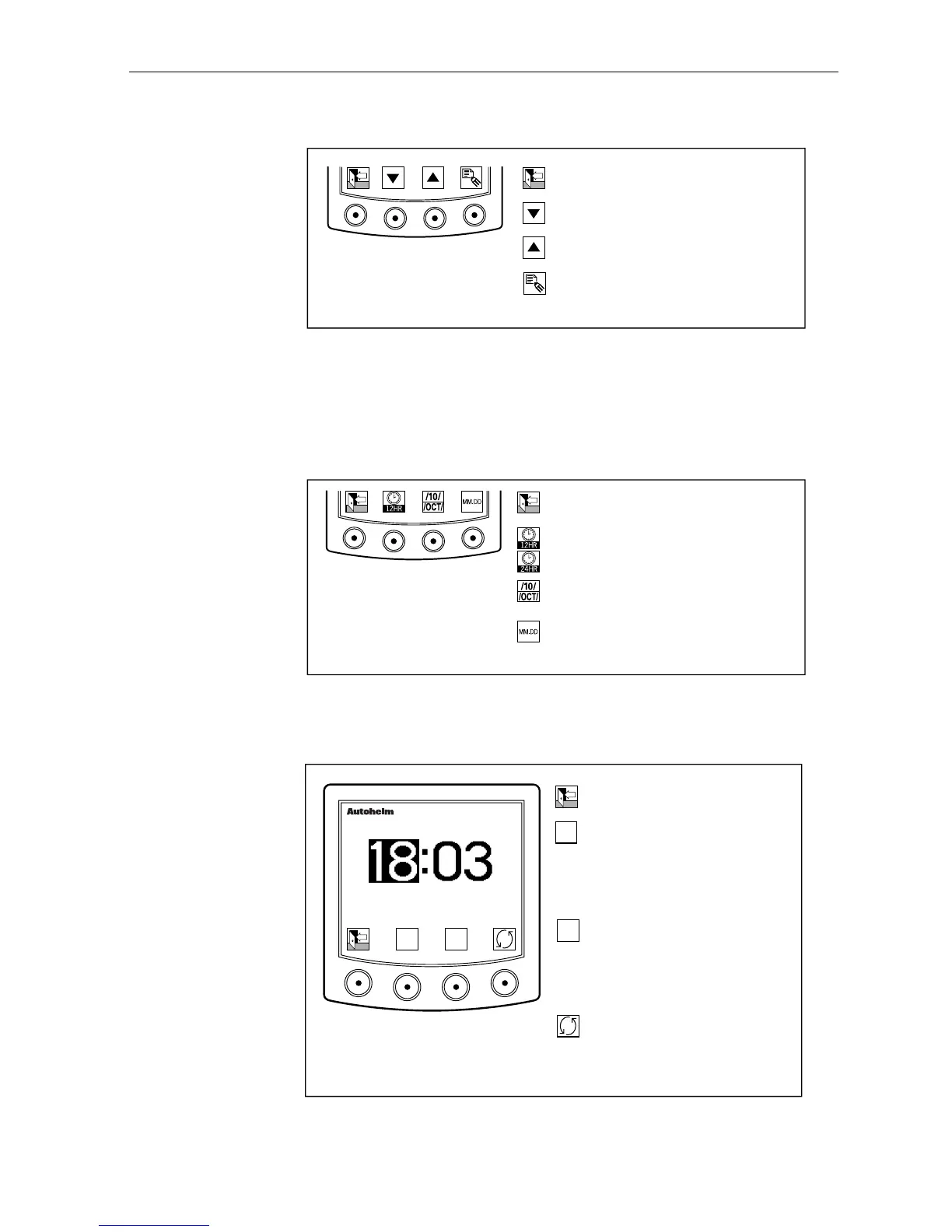
Modifying Local Time
D2165-1
Return to main local time page.
Decrease local time by 1 hour.
Increase local time by 1 hour.
Display format icons.
Changing the Format
• The time format can be set to the 12 or 24 hour clock.
• The date can be displayed in numbers or letters.
• The style can be US or European.
D2166-1
Return to local time adjustment.
Swtich between the 12 and 24 hour
format.
Switch between letter and number
month formats.
Switch between American and
European date formats.
Local Time Alarm Control
This feature allows you to set an alarm in the local time zone.
D2168-1
▼
▼
Return to the local time page.
Increase current field by 1
or switch to AM when AM/PM
highlighted
or switch alarm OFF when alarm
ON/OFF is highlighted.
Decrease current field by 1
or switch to PM when AM/PM
highlighted
or switch alarm ON when alarm
ON/OFF is highlighted.
Select next field.
Sequence is hours, minutes,
AM/PM, ON/OFF, hours.
masterview
ALARM
AM
OFF
▼
▼



 To Next Page