136 ST80 Masterview Operation and Setup
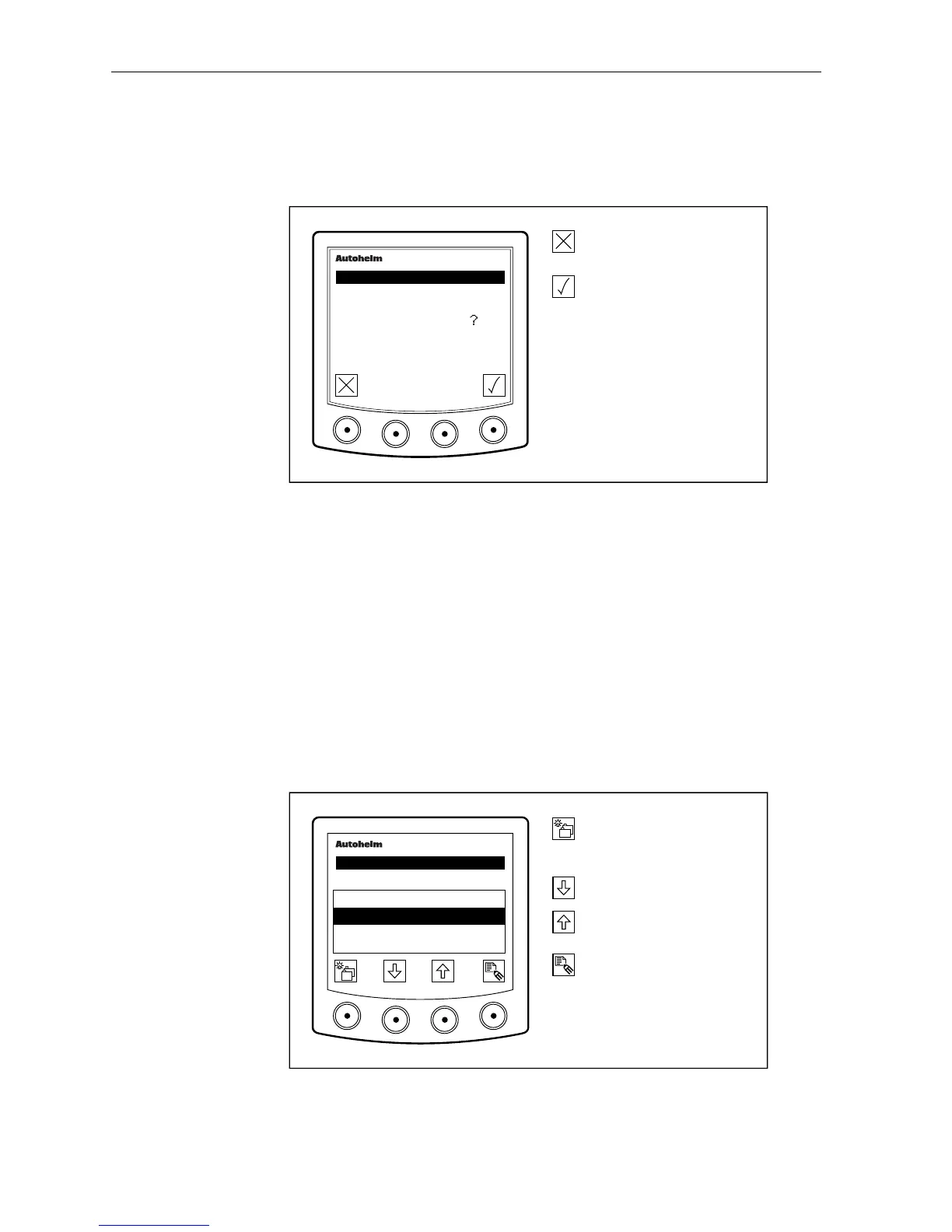
Exiting Pilot Setup
You can exit to this screen during pilot setup by pressing the left
hand key.
D2670-1
Ignore any changes made.
Save changes.
masterview
SET- UP
PILOT
SAVE CHANGES
• If you ignore any changes a “CHANGES LOST” message is
displayed for 2 seconds.
• If you save changes a “CHANGES SAVED” message is displayed for
2 seconds.
2.10 Timers Setup
Race Start
Race start is used to set up to three countdown alarms (guns). The
following illustration shows the guns set to go-off at 15, 10 and 5
minutes before the start of a race.
D2309-1
Advance to next the chapter
or press for 1 second to
enter illumination adjustment.
Highlight next start gun time.
Highlight previous start gun
time.
Display start gun editing
icons.
masterview
SET- UP
RACE START
1ST GUN
3RD GUN
15:00
05:00
2ND GUN
10:00



 To Next Page