ST80 Masterview Operation and Setup
139
2.14 Multiline
The Multiline screen is used to select the level at which you can edit
chapter and page data. The options are: edit all, edit pages and no
editing.
D2311-1
Advance to next the chapter.
Press for 1 second to enter
illumination adjustment.
Highlight next listed option.
Highlight previous listed
option.
Select highlighted option.
masterview
SET- UP
MULTILINE
EDIT ALL
NO EDITING
✕
✕
EDIT PAGES
✓
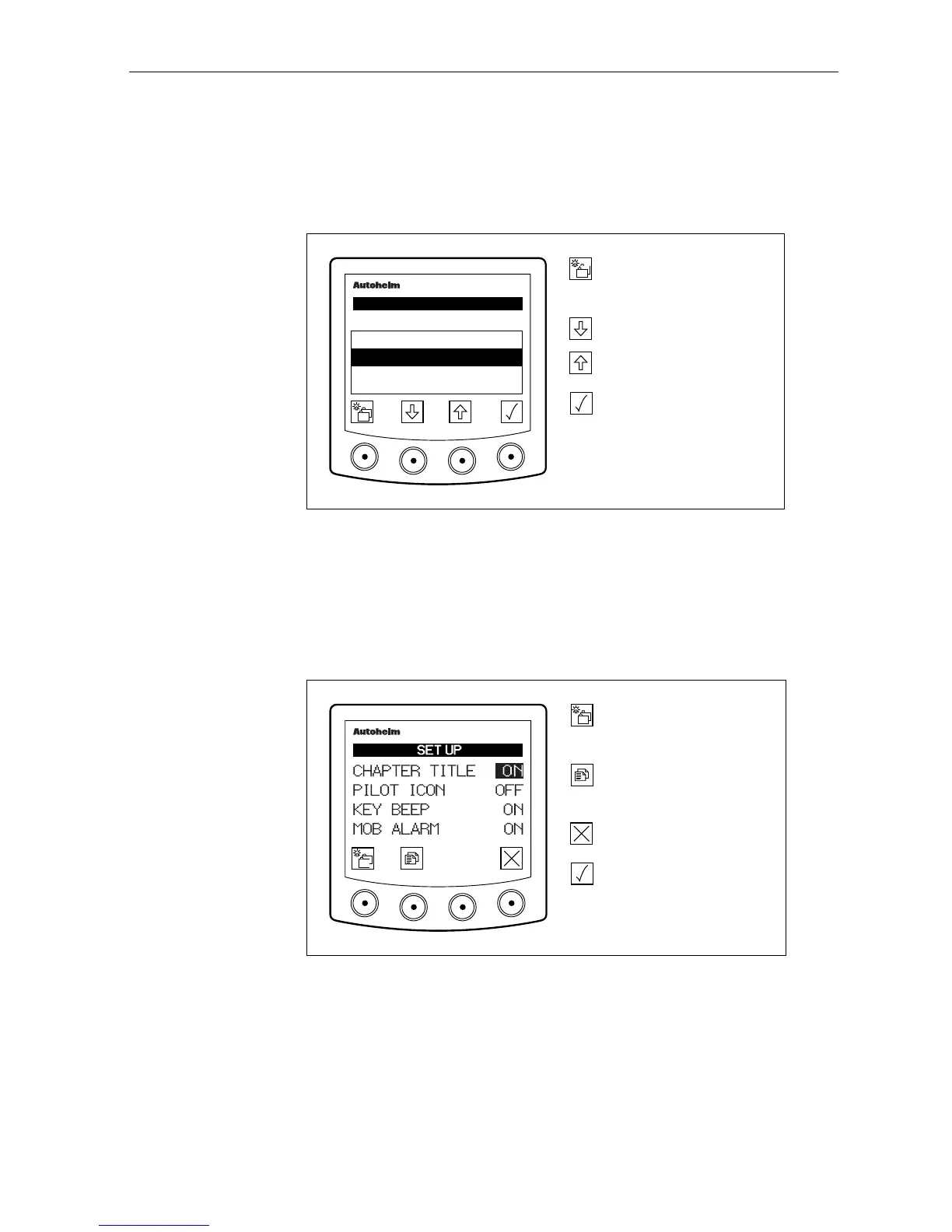
2.15 Instrument Set-Up
The features contained in this chapter are used to adjust basic
features, for example, contrast, key beep (ON/OFF) etc.
Chapter Title Control, Pilot Icon, Key Beep & MOB
D4052-1
Advance to next chapter.
Press for 1 second to enter
illumination adjustment.
Advance to next page.
Press for 1 second to go to
previous page.
Turn chapter title pages off.
Turn chapter title pages on.
masterview
or
Chapter Title
When a chapter is selected the title page is displayed for 2 seconds.
This can be turned ON or OFF (as required) from this display.



 To Next Page