ST80 Masterview Operation and Setup
107
Recording a Correction Factor Automatically
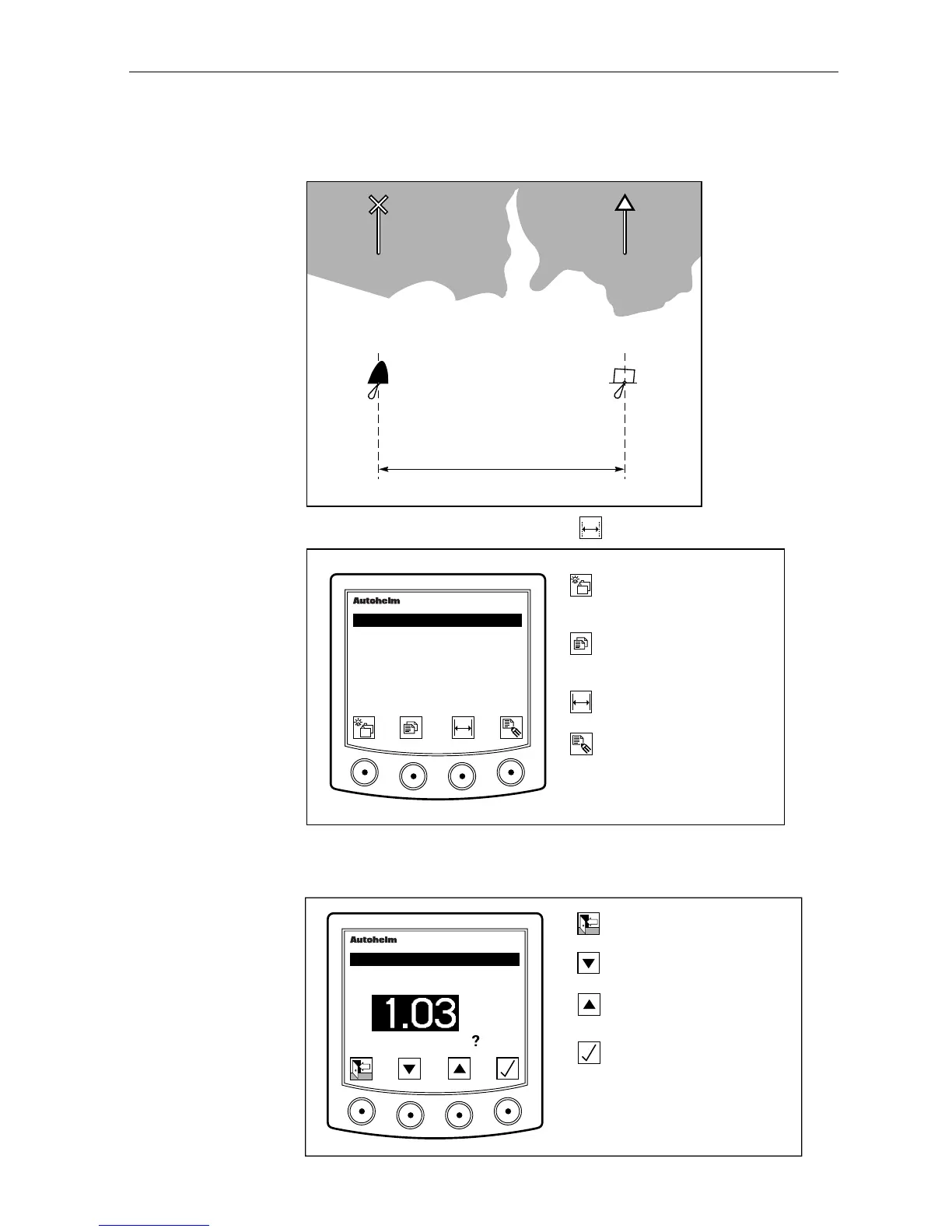
Select two charted objects approximately 1 nm apart.
Approximately 1Nm
Point 1 Point 2
D699
1. Select “auto calibration” using the
0 1
key.
D2202-1
Advance to next chapter or
press for 1 second to adjust
illumination.
Go to the next page.
Press for 1 second to return
to previous page.
Activate auto calibration
control page.
Display manual calibration
icons.
masterview
SET-UP
CALIBRATION
FACTOR
1.03
2. Key in the distance between to the two chosen points (for example,
1.00NM) as shown in the following diagram.
D2203-1
Return to main display.
Decrease the measured
distance.
Start a run.
Increase the measured
distance.
masterview
SET-UP
MEASURED
DISTANCE
NM
START RUN



 To Next Page