92 ST80 Masterview Operation and Setup
Chapter Edit
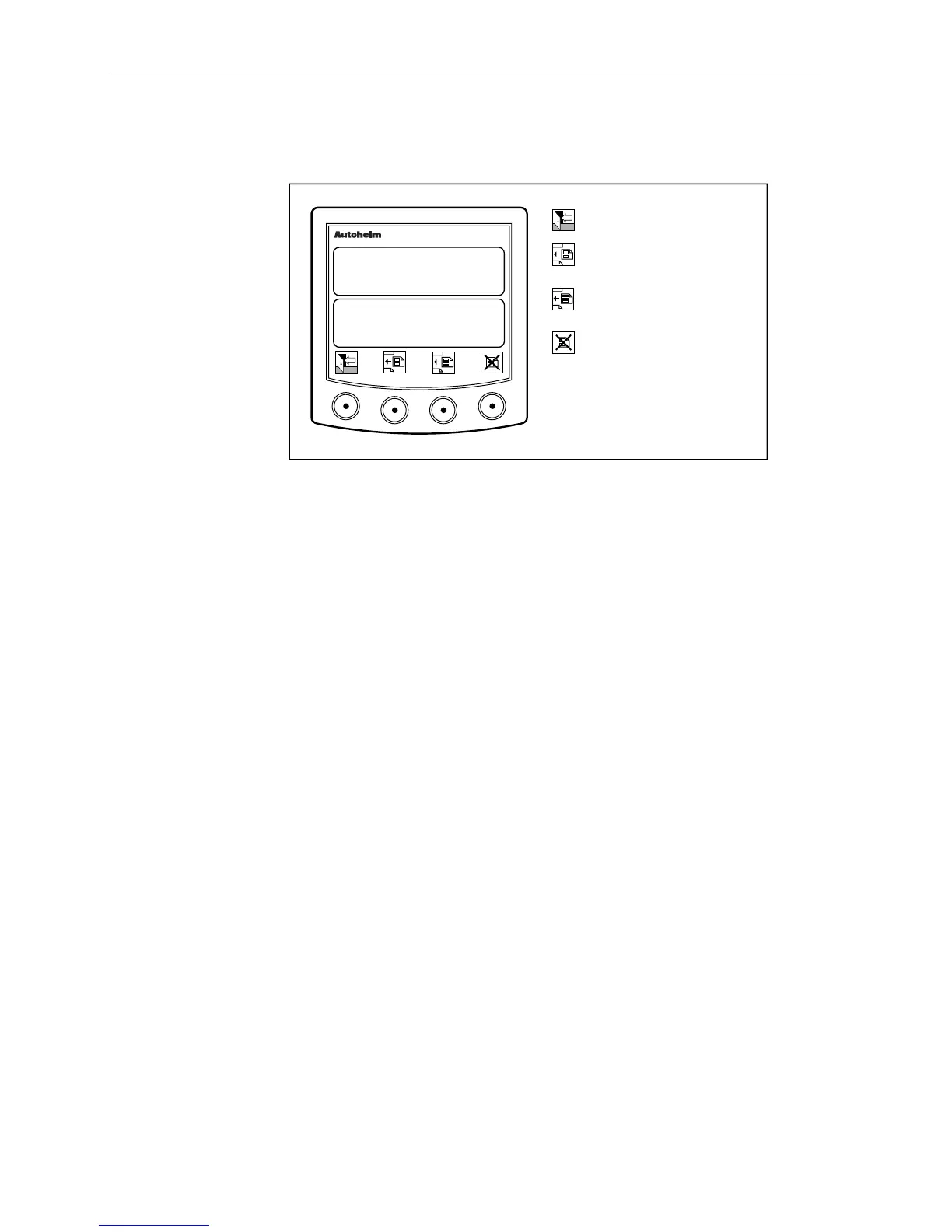
Chapter edit is used to create or delete 2 or 3 line pages.
D2298-1
Return to main page.
Insert a blank 2-line display
after the current page.
masterview
Insert a blank 3-line display
after the current page.
Delete current page.
10.5
SPEED KTS
32.0
DEPTH FT
• New pages are inserted after the currently displayed page.
• The lines of a new page are blank – data must be added as described
in the line edit section.
• The insert keys are not available when 8 pages are in use.
• The delete key is only active when there are two or more pages.



 To Next Page