144 ST80 Masterview Operation and Setup
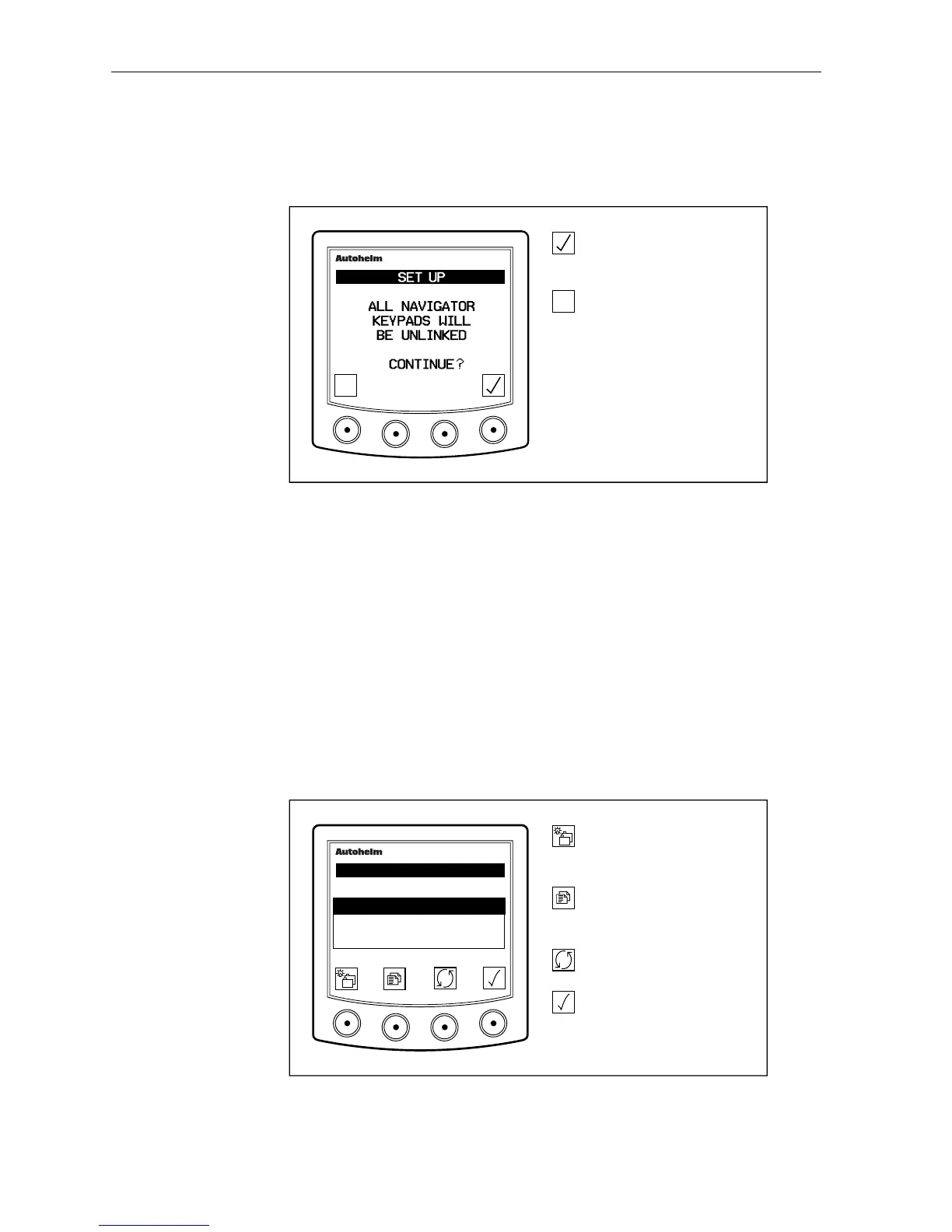
Unlinking a Navigator Keypad
The following page is displayed if you select UNLINK from the main
Navigator page.
D2321-1
Unlink all masterkey
keypads.
Return to main masterkey
page without unlinking.
masterview
✕
✕
• “KEYPADS UN-LINKED” is displayed for 2 seconds when a link is
broken .
CodeLock
This page is used to set the CodeLock anti-theft feature. There are
three modes: OFF, MANUAL and AUTO.
If you select MANUAL you have to enter your chosen four-figure
code number every time the power supply is switched on.
AUTO automatically transmits your code when the power supply is
switched on. When AUTO is selected, the unit transmitting the code
should be sited in a secure location below deck.
D2678-1
Go to the next chapter.
Press for 1 second to enter
illumination adjustment.
Advance to the next page.
Press for 1 second to return
to the previous.
Highlight next codelock
mode.
Select highlighted codelock
mode.
masterview
SET- UP
CODELOCK
✕
MANUAL
AUTO
✓
OFF
• You will be have to enter a new code number if you select AUTO or
MANUAL from OFF.



 To Next Page