56 ST80 Masterview Operation and Setup
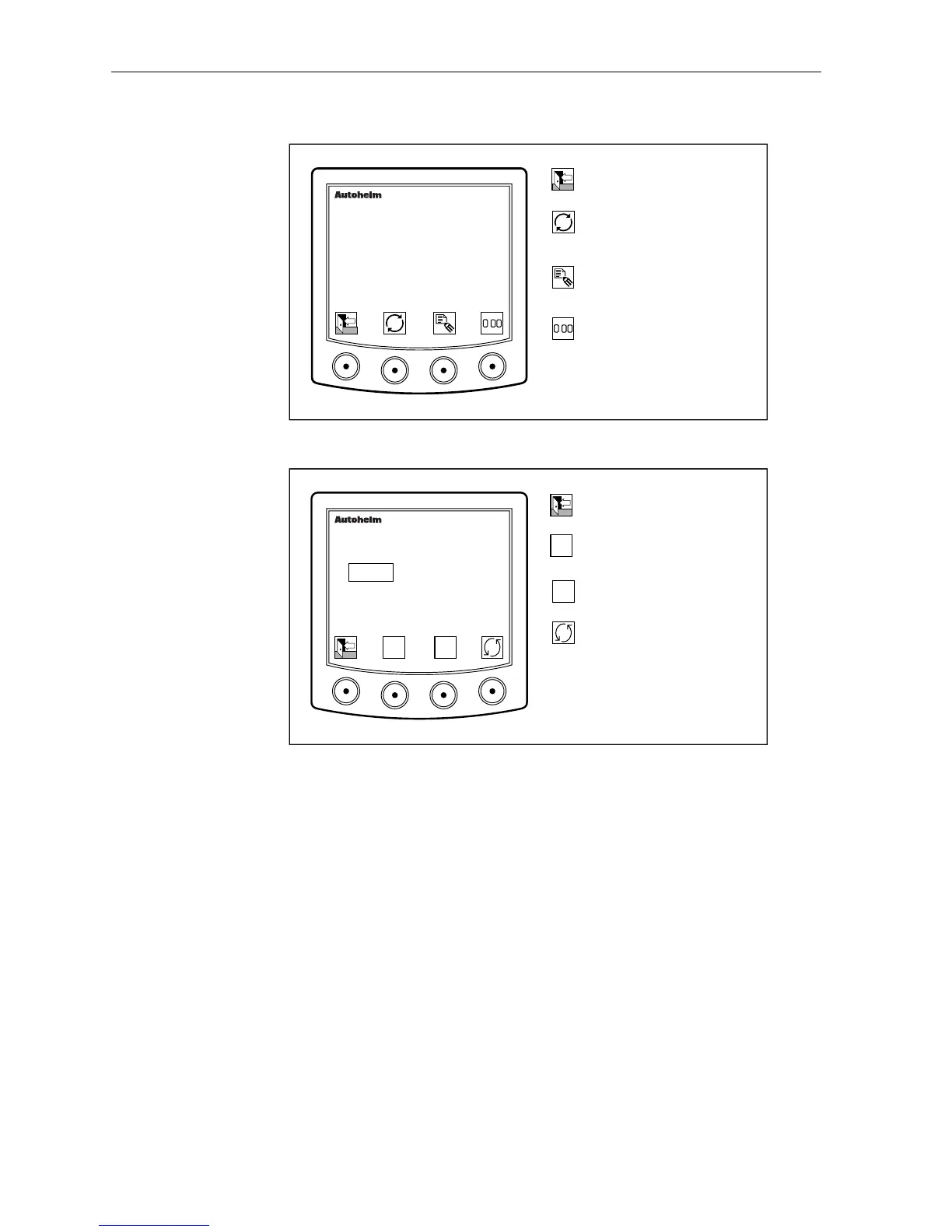
Select the edit icons to create a single destination waypoint.
D2261-1
Return to main single
waypoint display.
Switch between Lat/Lon and
Range/Bearing.
masterview
SINGLE WP
020o23.82 N
052o04.02 E
Display icons for editing
single waypoint data.
Press for 4 seconds to set
the Lat/Lon to current
position or reset
Range/Bearing to zero.
.
.
Selecting a Field to Edit
D2262-1
Return to the single waypoint
control page.
Reduce or change
highlighted field.
masterview
SINGLE WP
020o23.82 N
052o04.02 E
Increase or change
highlighted field.
Cycle fields (degrees,
minutes, seconds,
N/S/E/W).
▼
▼
▼
▼
• Bearings and ranges are edited in exactly the same way as Lat/Lon.
Note: A single destination waypoint can be imported from the waypoint
bank as desribed earlier in this chapter.



 To Next Page