ST80 Masterview Operation and Setup 81
Running Mode
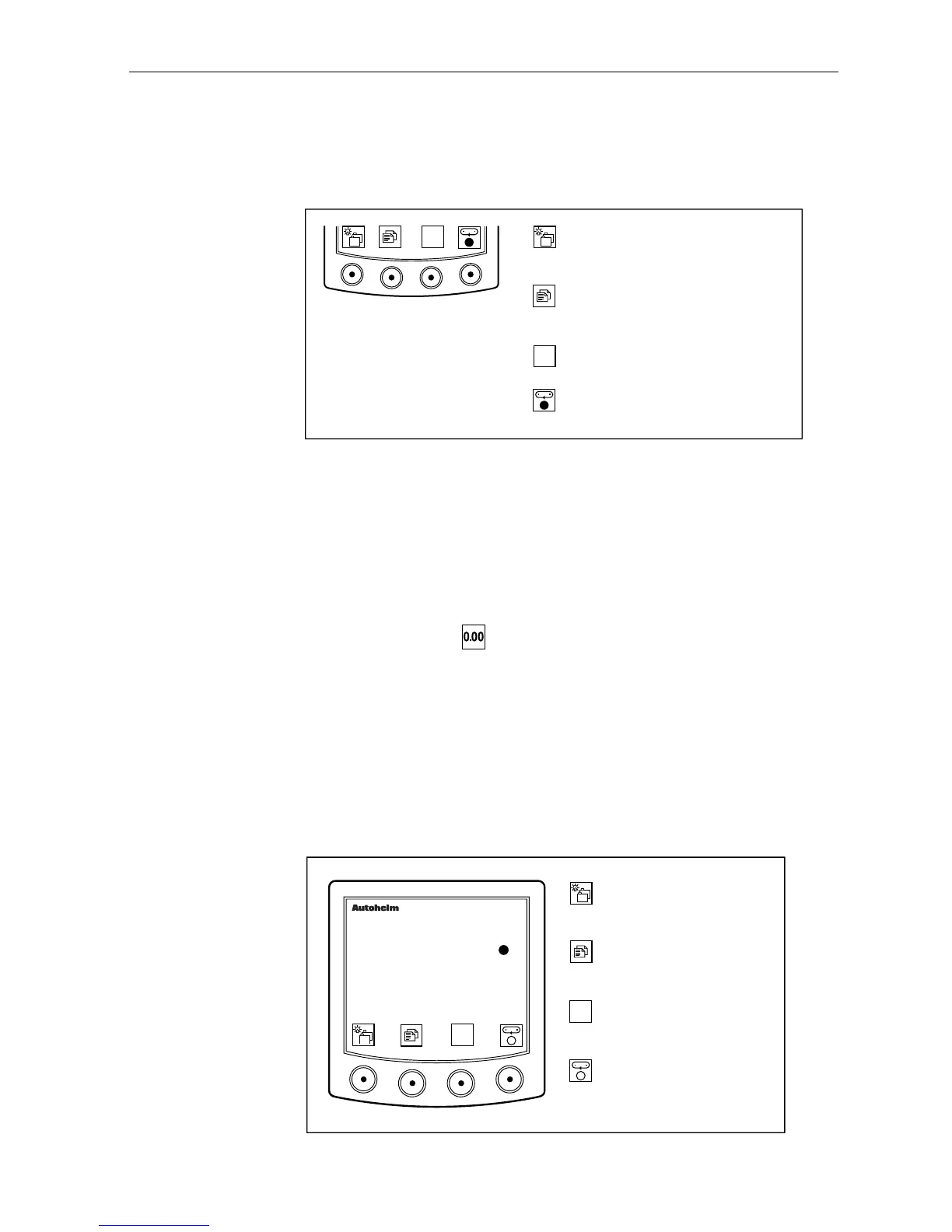
When the stopwatch is running, the following functions can be
accessed from the keypad.
D2170-1
●
●
Go to the next chapter
or press for 1 second to enter
illumination adjustment mode.
Advance to next page
or press for 1 second to return
to the previous page.
Stop the main timer and
enter stopwatch reset mode.
Start the lap timer.
Enter lap mode.
• The display shows hours, minutes and seconds (seconds are
displayed in small characters) above 59 minutes and 59 seconds.
• The display enters stopwatch reset mode when the stopwatch is
stopped.
Stopwatch Reset
When the stopwatch is stopped, the stopwatch may be reset by
simply pressing the key.
Lap Timer
The lap timer allows you to record the time taken to complete a lap.
• The stopwatch is displayed at the top of the screen and the lap timer
at the bottom.
• A flashing dot is displayed next to the stopwatch time if the main
timer is running.
D2283-1
Go to the next chapter or
press for 1 second to enter
illumination adjustment.
Next page or
press for 1 second to
display previous page.
masterview
Stop both timers.
Enter split time mode.
Stop lap timer.
Enter lap reset mode.
00:01
STOPWATCH
00:20:50
●
●



 To Next Page