20 ST80 Masterview Operation and Setup
Sail Mode
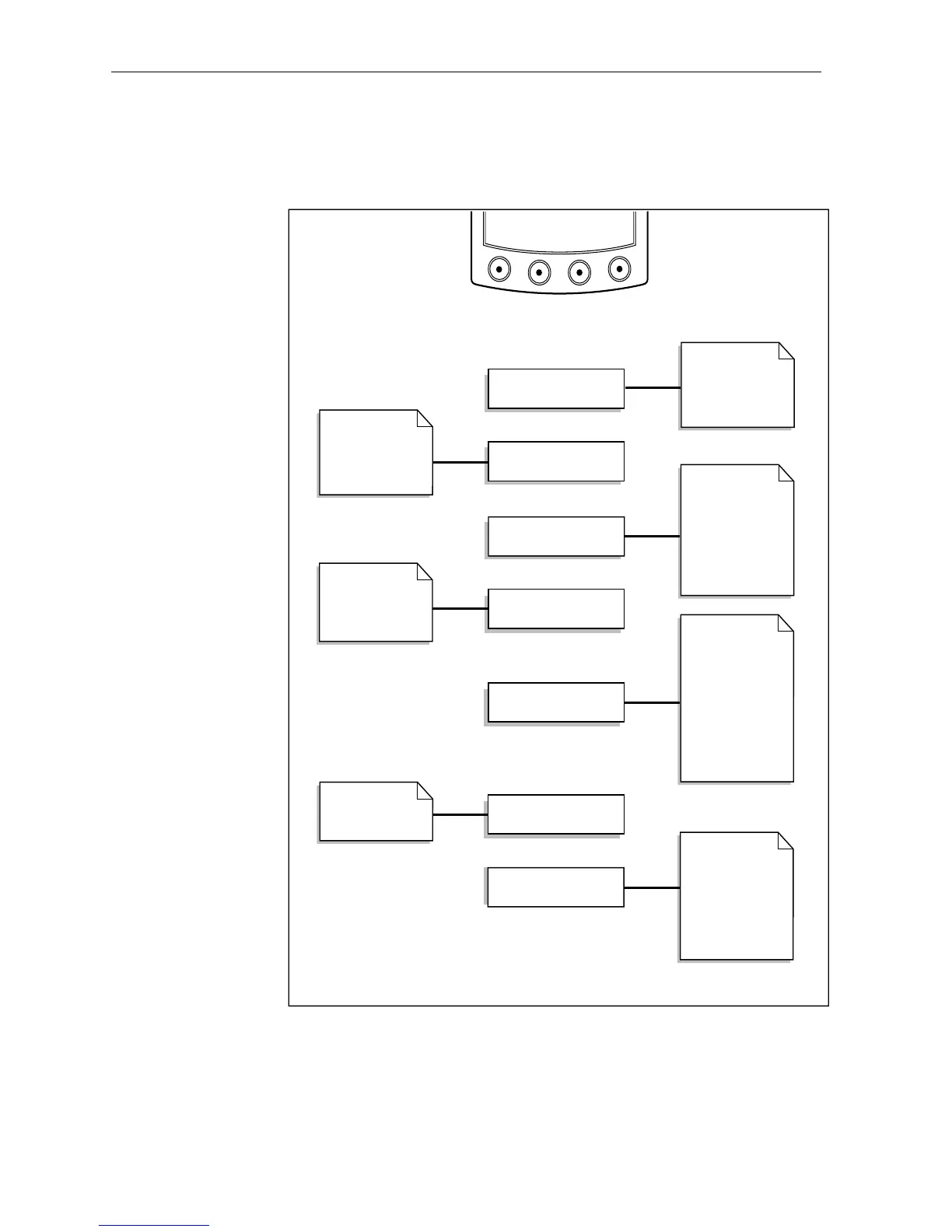
The following flow chart shows the “SAIL” chapter and page
configuration.
SPEED CHAPTER
D2042-1
DEPTH CHAPTER
WIND CHAPTER
HEADING CHAPTER
NAVIGATE CHAPTER
PILOT CHAPTER
Depth
Minimum depth
Depth offset
Histogram
Heading/COG
Tack course
Heading steer
Status
Wind
Speed
VMG to Wind
Trip/Log
Average/maximum
True wind
speed & direction
App wind speed &
direction
Beaufort &
magnetic wind
direction
Route track
Route List*
Waypoint List*
Current Leg
Navigate
Steering (XTE)
Position & log
Local Time
Fix
MULTILINE CHAPTER
SOG & COG
Depth & Speed
Speed & Heading
BTW & COG
VMG & Tack angle
DTW & ETA WPT
Chapters only appear if the associated transducer is transmitting
information onto the SeaTalk bus.
Note: Chapters are turned off (and replaced with a warning page) if related
SeaTalk data is lost for more than 2 seconds.
Pages identified by an asterisk (*) are only available if the
Masterview has been linked to a Navigator keypad.



 To Next Page