112 ST80 Masterview Operation and Setup
Selecting Depth Units
Refer to the speed chapter for selection details.
Trend Indicators Page
These indicators are used to show whether the trend is towards
increasing or decreasing depth. Please refer to the speed setup chapter
for adjustment details.
Note: The trend arrows are applicable to this display head only.
Depth Display Format
The format can be set to display the depth to one (X.X) or two (X.XX)
decimal places.
Note: The current units are identified by a ✓.
Depth Offset Page
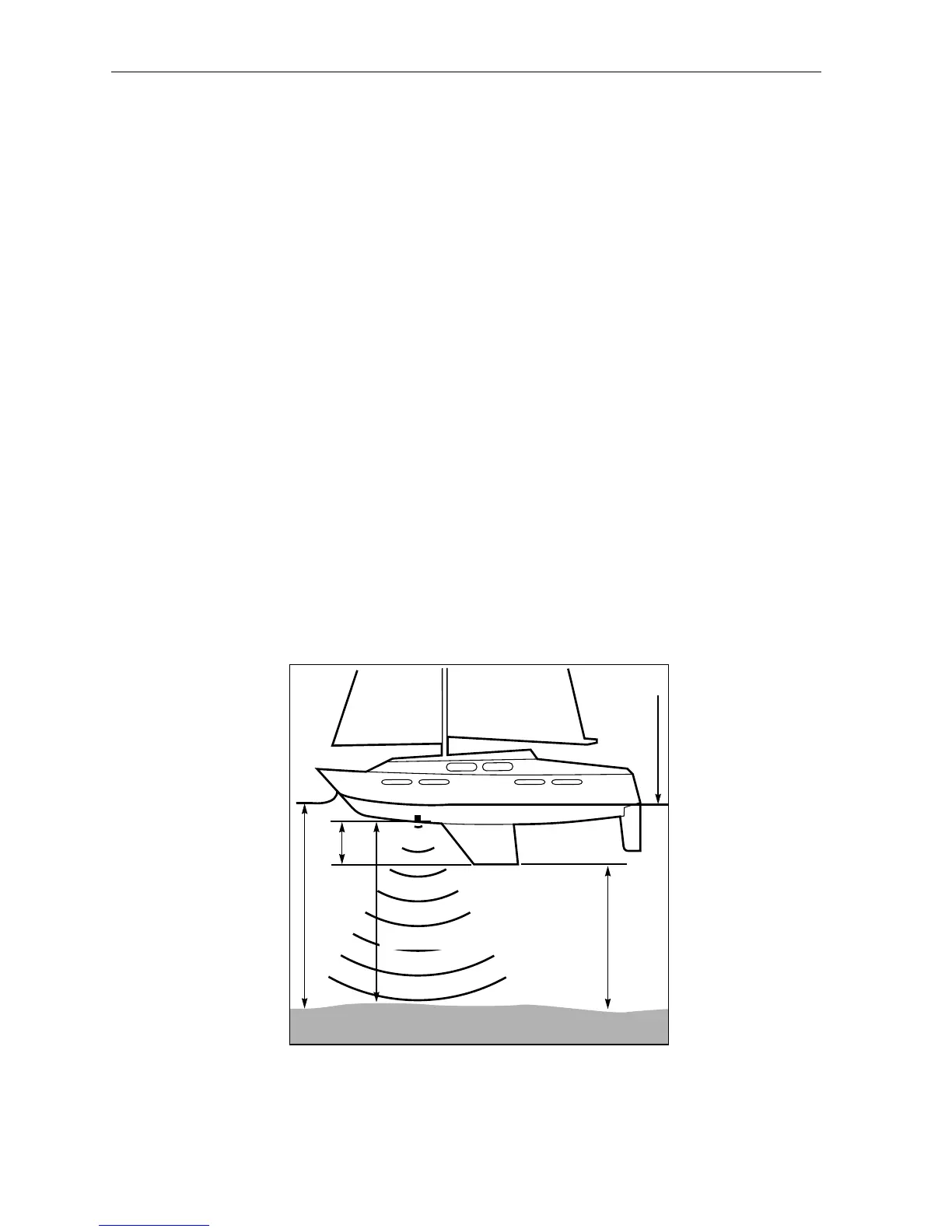
There are two settings for depth offset: keel or waterline.
• Keel offset is the distance from the transducer to the bottom of
the keel.
• A waterline offset is measured from the transducer to the surface of the
water.
Actual
Water
Depth
Depth Below Transducer
Waterline
Depth
Below
Keel
Keel
Offset
D2211-1



 To Next Page