66 ST80 Masterview Operation and Setup
Status Page
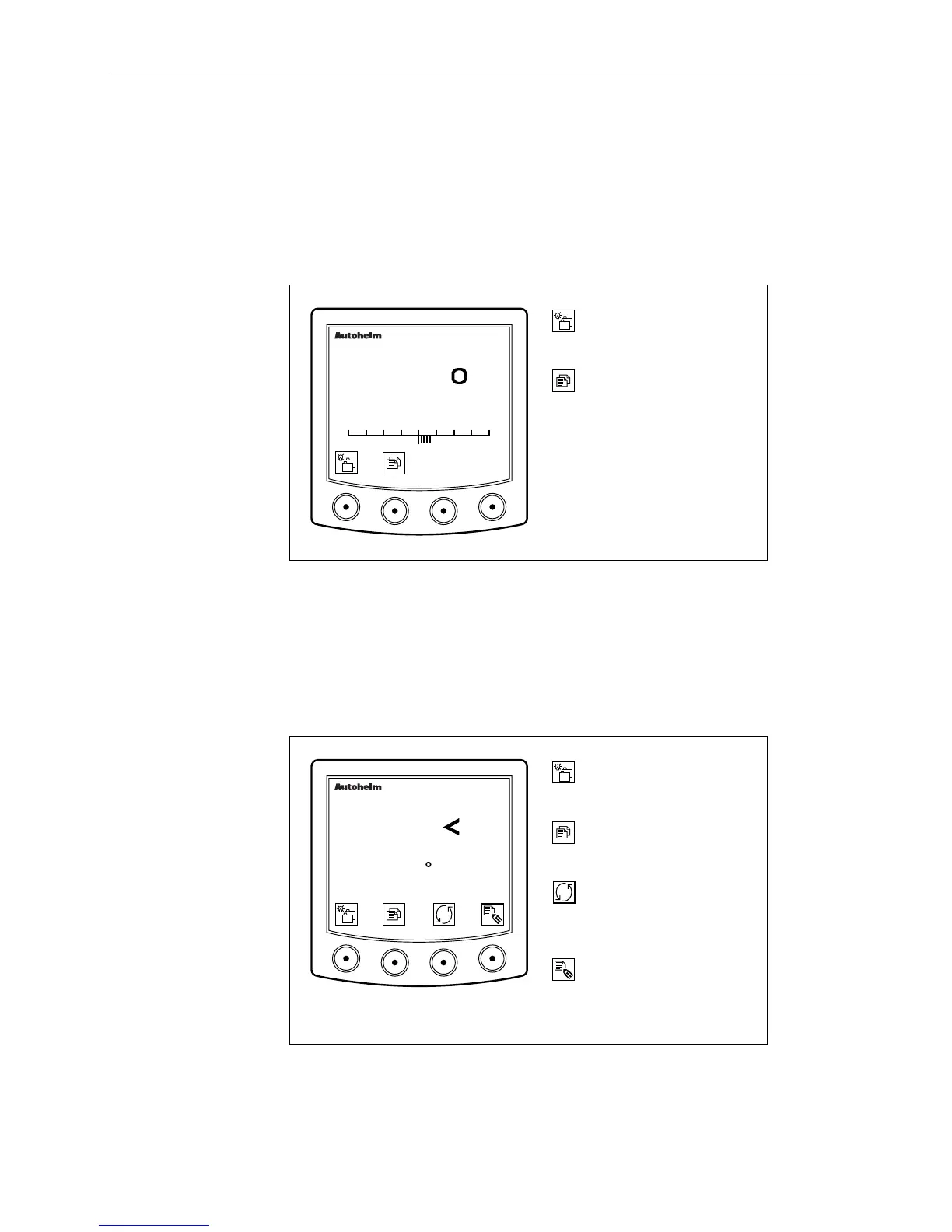
The status page displays the following information:
• current autopilot status (auto, standby, vane, or track)
• a rudder angle indicator (with a scale from +40° to – 40°)
• a heading indicator (true or magnetic).
D2629-1
Advance to next chapter or
press for 1 second to adjust
illumination.
Next page or
press for 1 second to return
to the previous page.
masterview
STANDBY
235
MAG
40 30 20 10 0 10 20 30 40
Navigate Page
This page displays information related to the current target
waypoint.
The navigate page, by default, displays: DTW, BTW and VMG.
Alternative lines can be selected as follows:
D2273-1
Go to the next chapter or
press for 1 second to enter
illumination adjustment.
Next page or press for 1
second to display previous
page.
masterview
Change contents of
highlighted line. Press for 1
second to return to the
previous line.
SINGLE WP
DTW 20.6 NM
BTW 110 30' M
VMG 15.4 KTS
0.5
First press highlights
previous line. Additional
presses moves the highlight
bar sequentially.
The navigate page also shows cross track error, a direction to steer
indicator and up to three lines from the following list:



 To Next Page