16 ST80 Masterview Operation and Setup
D2759-1
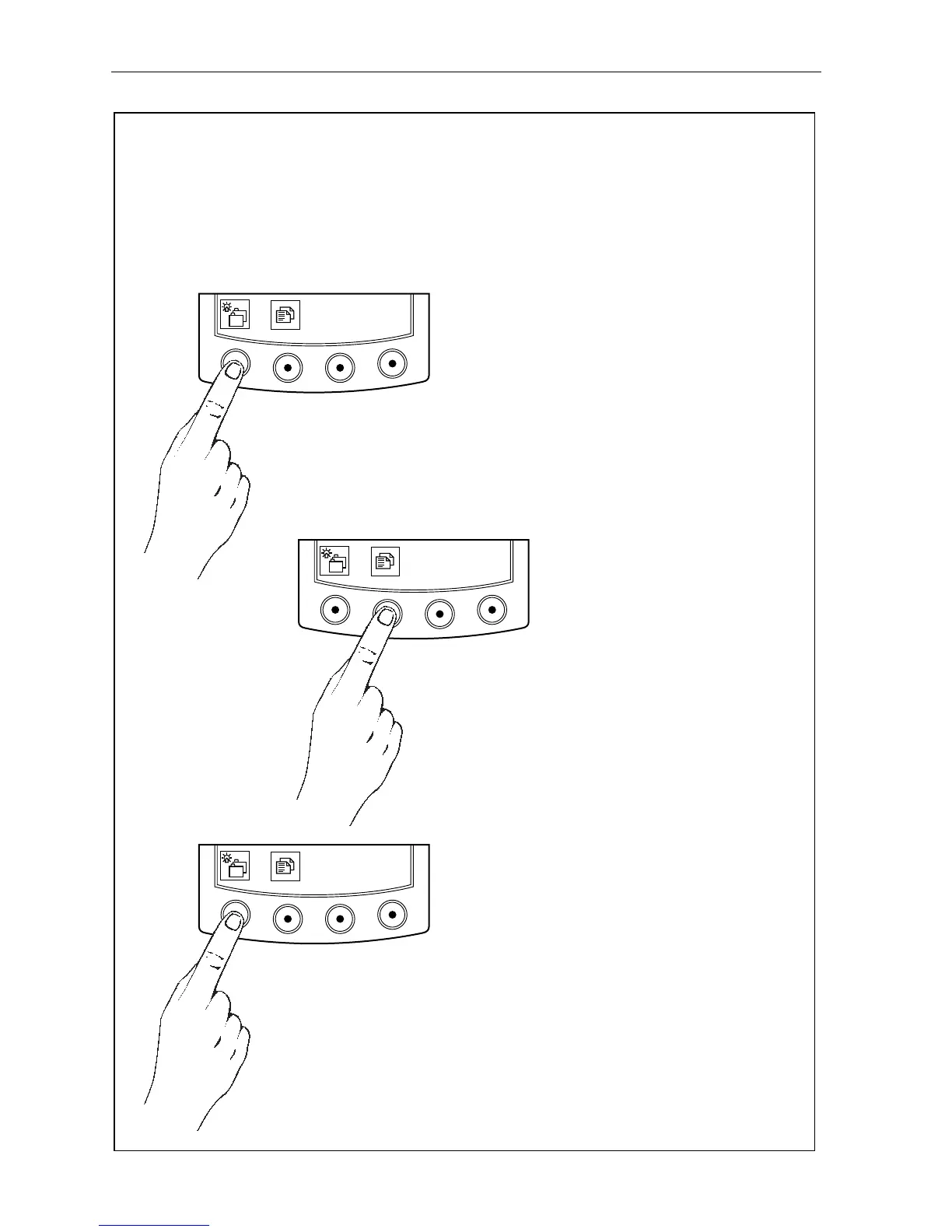
Use this key to cycle the available
chapters.
You can return to the previous
chapter pressing this key for 1
second - this action must be carried
within 2 seconds when entering a
new chapter.
Press this key for 1 second to
switch the LCD illumination on.
Once the illumination is on, press
this key momentarily to change the
illumination settings.
This chart shows the complete Masterview chapter and page configuration.
Chapters and pages can be switched off to reduce the total number of displays.
Use this key to cycle pages
within chapters.
Press this key for 1 second
to return to the previous
page.
Masterview Operation Guide
CHAPTERS
PAGES
ILLUMINATION



 To Next Page