Generation.
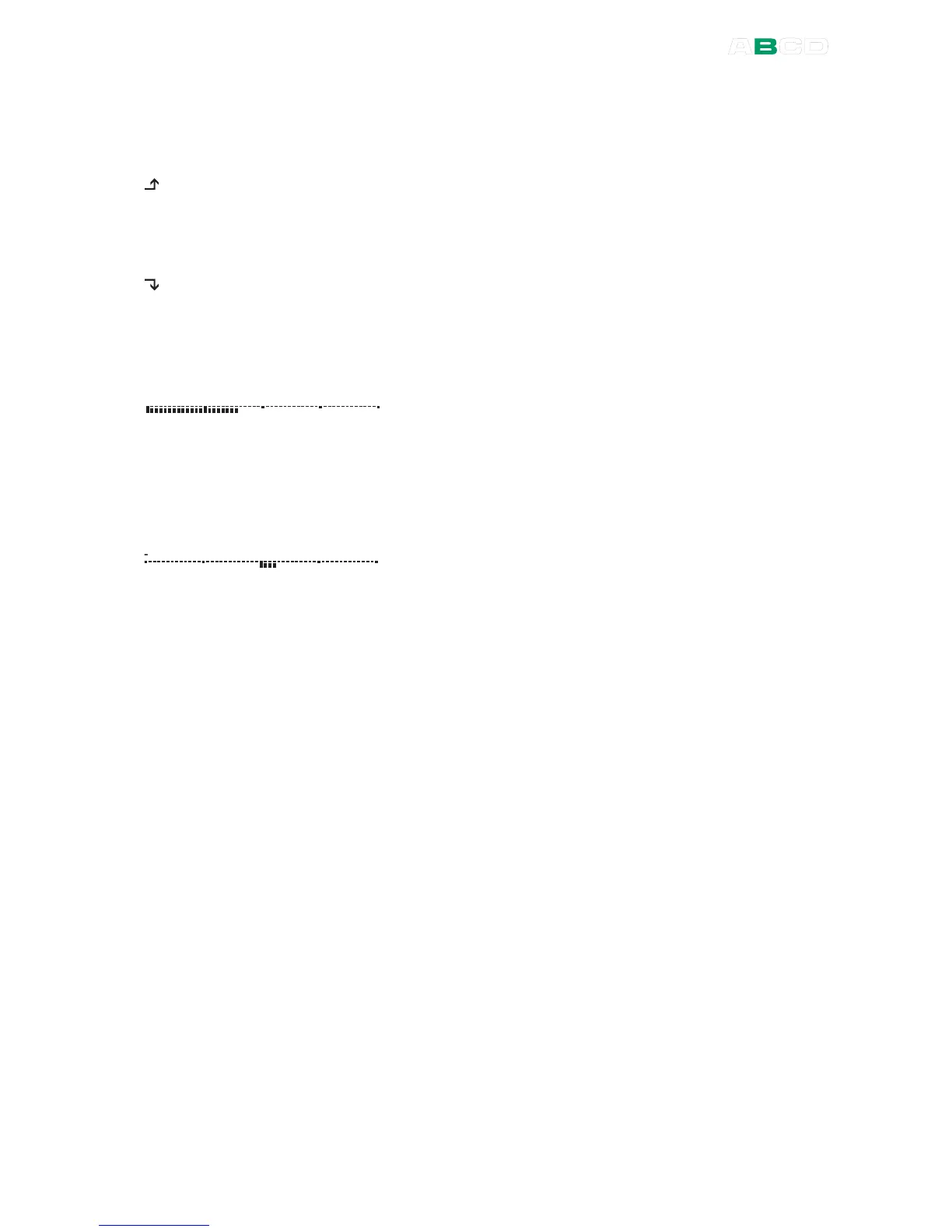
Bar Graph
0 2 0 4 01 0 3 0
A Bar Graph is always available in the list of
Additional Info row data, but the type of Bar Graph
depends on the Display Mode and Special
Measurement settings. The bar graph is always
related to the main value (big numbers) and its units,
so configure the Bar Graph's range accordingly.
If any of the Error Display Modes is active, the Bar
Graph displays a graphical presentation of the error
value. The middle of the graph represent zero error
and the symmetrical "width" of the graph is user
configurable
Resetting and Clearing Additional Info Row / Calculations
Active minimum, maximum, rate of change, maximum – minimum
and cumulative average calculations may be reset using the
additional option found in the window's Tools menu:
Reset Min /
Max / Rate
.
Changing the Function for a window sets all Additional Info data to
default values (usually nothing).
Activating a Display Mode or a Special Measurement often replaces
them with data related to the activated Display Mode or Special
Measurement. Any previously activated minimum, maximum or rate
of change calculations are still working, but are no longer shown
(until selected to be shown again).



 To Next Page