Tools Menu
84 MC4 User Guide
Error in Output Units
Error In Output Units display compares the measurements of the two
windows based on entered measurement range values. The window
the Error display was invoked from is considered the "output" of the
instrument and the other window the "input".
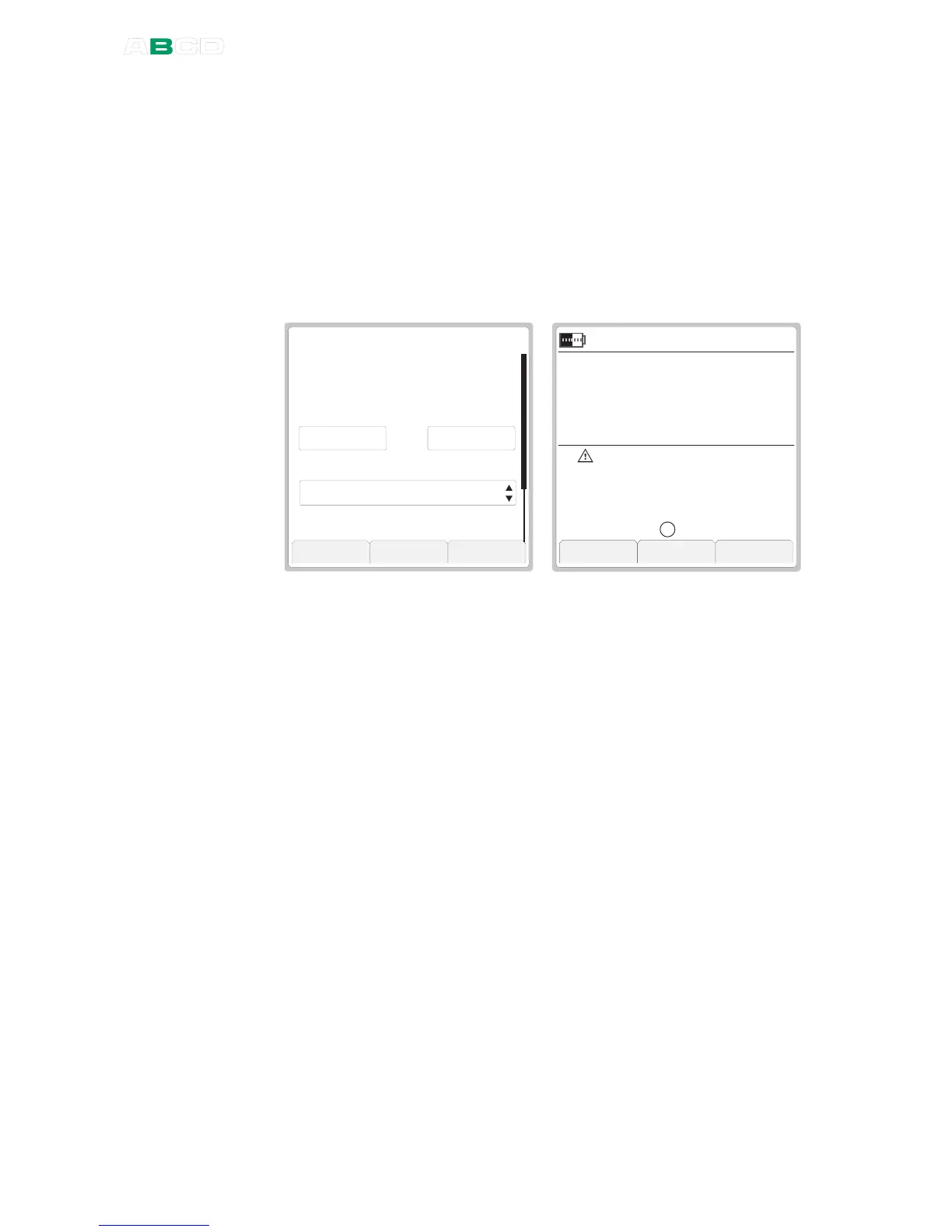
The Error In Output Units value is shown in the "output" window and
the actual "output" signal is shown on the additional info row as seen
in the rightmost picture.
5 . 9 6
O u t p u t
E R R O R I N O U T P U T U N I T S
T r a n s f e r F u n c t i o n
S t o p C a p t u r e O k
k P a
G a u g e
I N T
0 . 9 8
I n p u t R a n g e ( 0 % . . . 1 0 0 % )
L i n e a r
0 . 0 0 0 1 0 0 . 0 0 0
I n p u t
m A
S u p p l y : O n
S e t u p
S e t u p
M e n u
b a r
2 1 . 0 9 . 2 0 0 4 1 1 : 1 4 : 2 2
m A
G a u g e
E r r / O u t
I N T
0 . 4 4 8
- 0 . 3 1
1 0 . 8 6
A
When Error In Output Units display is active, the warning triangle is
shown together with the input unit and the text "
Err / Out
" is shown
above the Error value.
Error displayed in input units is in all other ways similar to error
displayed in error percentage. The only difference is in how the
calculated error is displayed.
For configuration details, refer to Error % on page 82.



 To Next Page