Maintaining MC4's Instrument Database
150 MC4 User Guide
Maintaining MC4's
Instrument Database
MC4 allows you to create a plant structure with instruments without
any limitations except the available memory. The plant structure and
its instruments are together saved MC4's instrument database.
When you move from Basic Mode to Instrument Calibration Mode
(Menu commands starting from Basic Mode: F3/
Menu
,
Instrument
Calibration
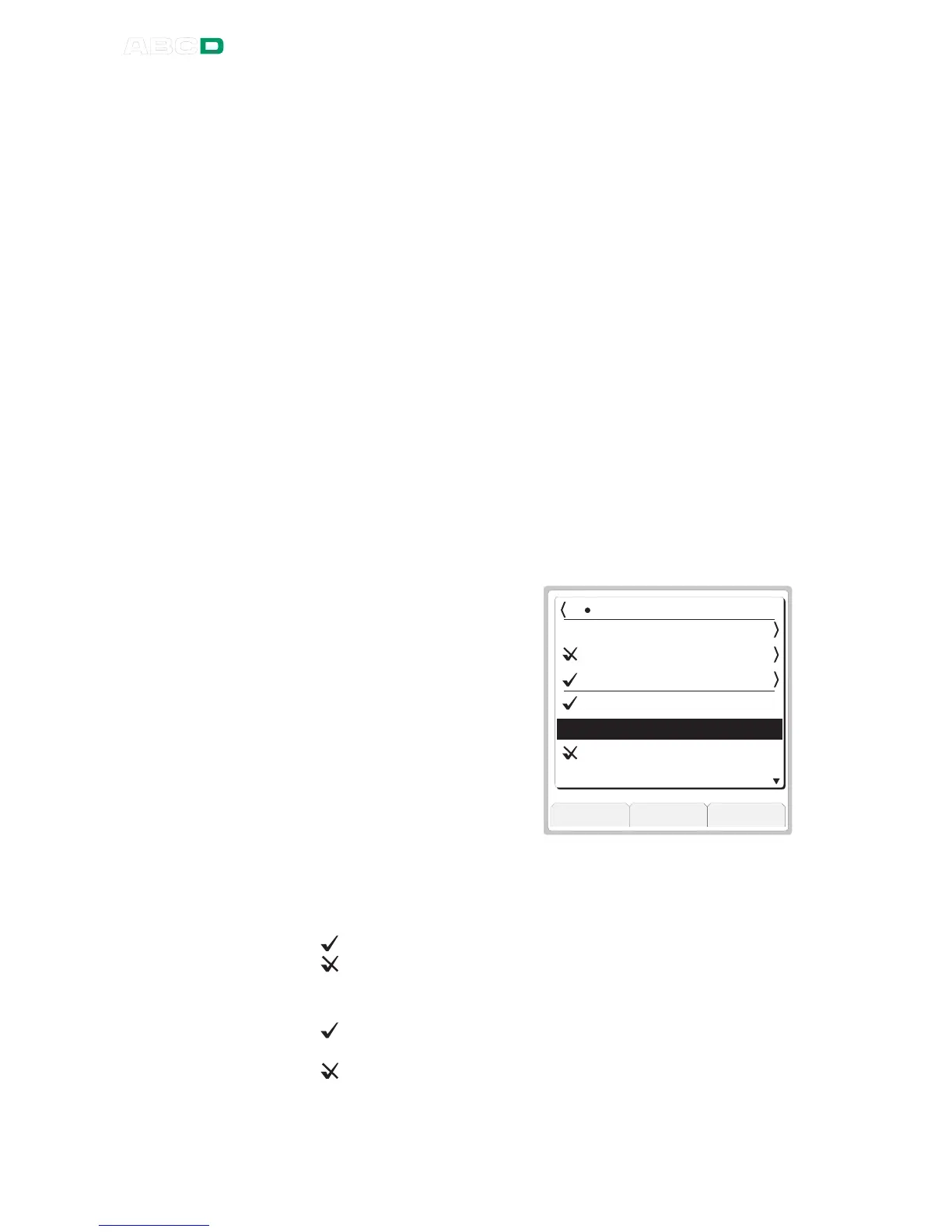
), the instrument list window opens allowing you view
the instrument database.
As explained in chapter
ing the Instrument to Be Cal-
ibrated on page 129, the in-
strument list window's upper-
most row displays the name of
the current plant structure level.
Following rows have names of
plant structure sub levels (if
there are any), and then in-
struments (positions/devices)
belonging to the current plant
structure level.
5 . 9 6
O u t p u t
C l o s e B o t t o m M e n u
8 C u r r e n t L e v e l
S u b L e v e l 1
S u b L e v e l 2
S u b L e v e l 3
I n s t r u m e n t 1
I n s t r u m e n t 2
I n s t r u m e n t 3
I n s t r u m e n t 4
The meaning of check symbols preceding plant structure level
names and instrument names are as follows:
For instruments:
if a calibration is done and it passed.
if a calibration is done and it failed.
For plant structure levels:
if all instruments at that particular level (and possible sub
levels) are calibrated and passed the calibration.
if one of the instruments at that particular level (and possi-
ble sub levels) has a failed calibration. Others may have
passed calibration or may not have yet been calibrated.



 To Next Page