Editing Instrument Data
MC4 User Guide 173
Saving an Edited Instrument
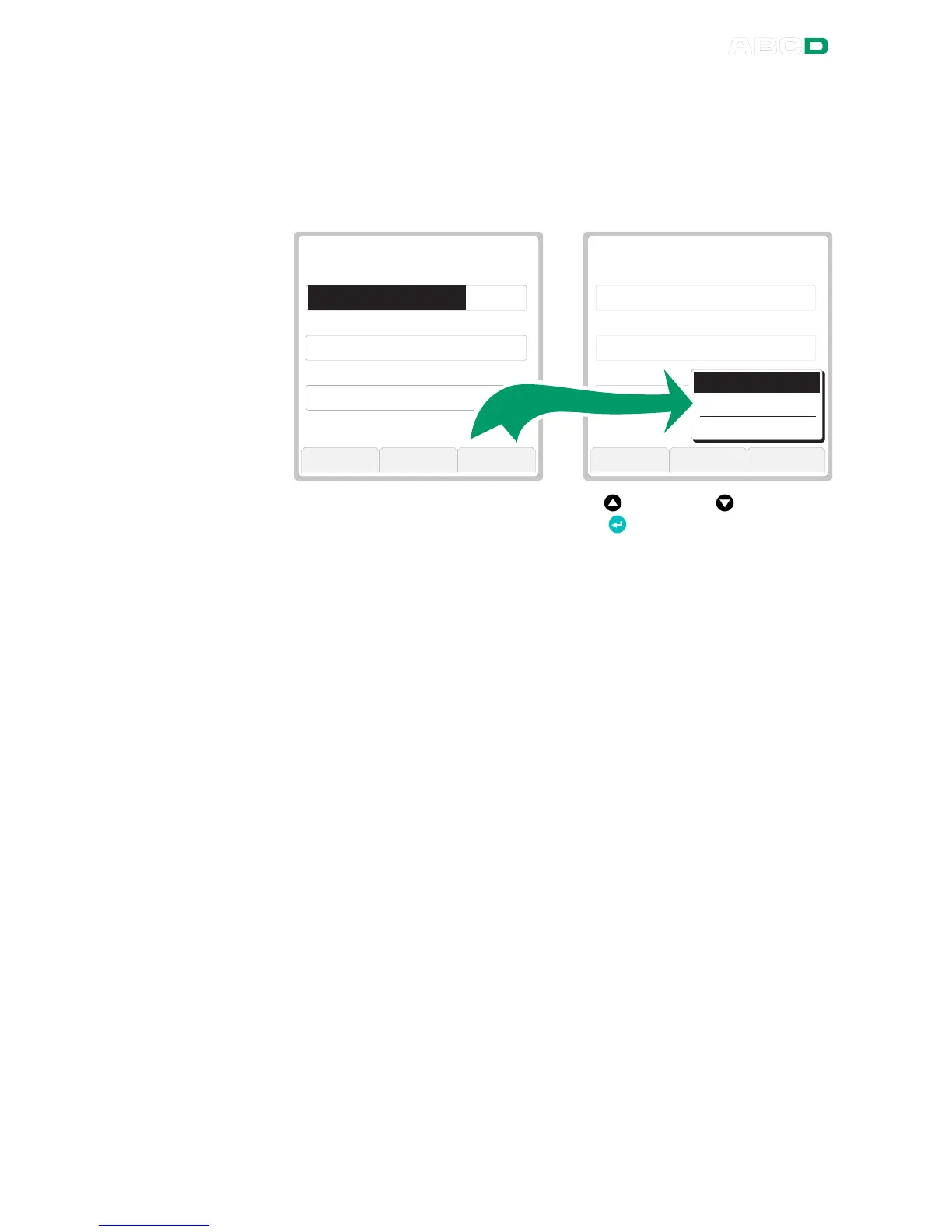
When you are ready with editing the instrument press the F3/
Close
Function Key available on all instrument data pages. A menu like the
opens shown in the rightmost picture below. Saving
P o s i t i o n I D
P o s i t i o n N a m e
P o s i t i o n L o c a t i o n
P O S I T I O N
W A T e m p e r a t u r e T r a n s m i t t e r
L e v e l 1 9 , a r e a V 6 7
1 / 8
T T A P M T S U W A 1 1 1 . 1
C a n c e l B o t t o m S e l e c t
P o s i t i o n I D
P o s i t i o n N a m e
P o s i t i o n L o c a t i o n
P O S I T I O N
W A T e m p e r a t u r e T r a n s m i t t e r
L e v e l 1 9 , a r e a V 6 7
1 / 8
T T A P M T S U W A 1 1 1 . 1
V i e w M o r e C l o s e
S a v e
S a v e a C o p y
C a n c e l C h a n g e s
Scroll through the menu using the up and down arrow keys
and select an option with the Enter Key ( ).
Note.
When you choose
Save a Copy
, the original instrument (source) is
left unchanged and a new instrument is created based on the edited
instrument data. Possible calibration result data is not copied, but
stays linked to the original instrument.



 To Next Page