Temperature Measurement (Thermocouple)
MC4 User Guide 51
Temperature Measurement (Thermocouple)
Function:
T/C Sensor Measurement
Make sure a temperature unit is selected from the Unit list.
Otherwise the measurement displays voltages, not temperatures.
Check the
Sensor
setting. Make sure you select the same sensor
type than what is connected to MC4. Otherwise your measurement
results are unreliable.
Also select a suitable Reference Junction compensation method
from the RJ Mode list. Wrong reference junction setting results in
useless measurement results.
Additional information about
Reference Junction compensation
methods can be found in chapters
Internal Reference Junction on
page 113 and
External Reference Junction on
page 114.
M e a s u r e
M a x 6 0 V , 3 0 V , 1 0 0 m A
T / C
m V
s e n s e
R , R T D R m e a s
V , I
,
V , I
,
T e m p e r a t u r e / G e n e r a t e
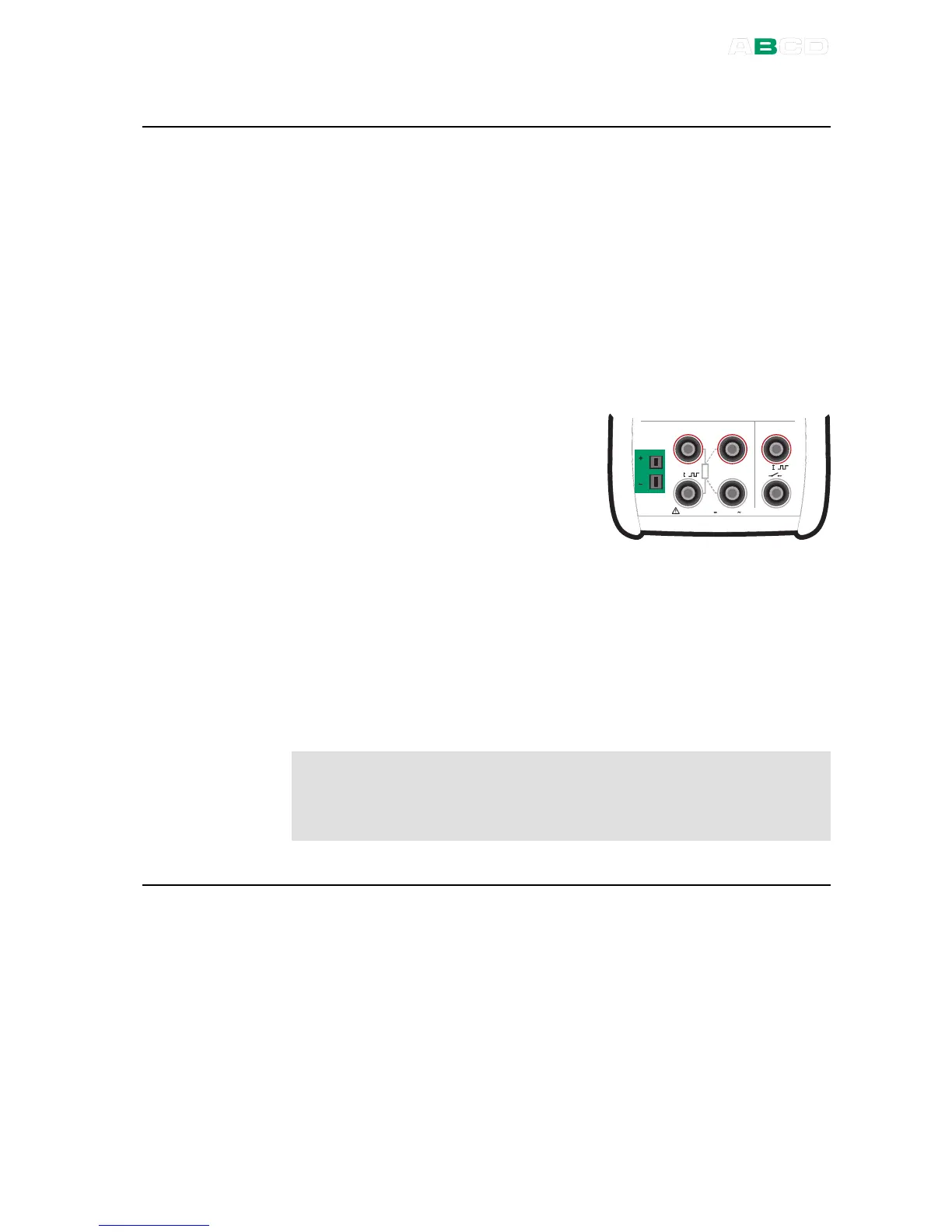
The picture above displays the active terminals.
By default the additional info row at the bottom of the window
displays either the thermovoltage corresponding to Reference
Junction temperature 0°C (when Unit field is set to temperature) or
the thermovoltage with Reference Junction compensation taken into
account (when Unit field is set to "Voltage + RJ"). In both cases also
the Reference Junction temperature is shown. More of additional
info row on page 90.
Warning!
If you connect an RTD sensor to the RTD connectors, there is
no galvanic isolation between the thermocouple and the RTD
sensor.
Next
Thermocouple Simulation on page 63
Temperature Measurement (RTD) on page 50
Voltage Measurement on page 52
Tools Menu on page 67
Alarms on page 69
Calibration, see Part D.
Problems with thermovoltage measurement? See Error situations on page 117.



 To Next Page