Measuring
46 MC4 User Guide
Pulse Counting
Function:
Pulse Counting
Check the
Trigger Level
setting to specify the trigger level and
whether to use a test voltage during the pulse counting. Also check
the
Trigger Edge
(
Rising
or
Falling
) setting so it suits your need.
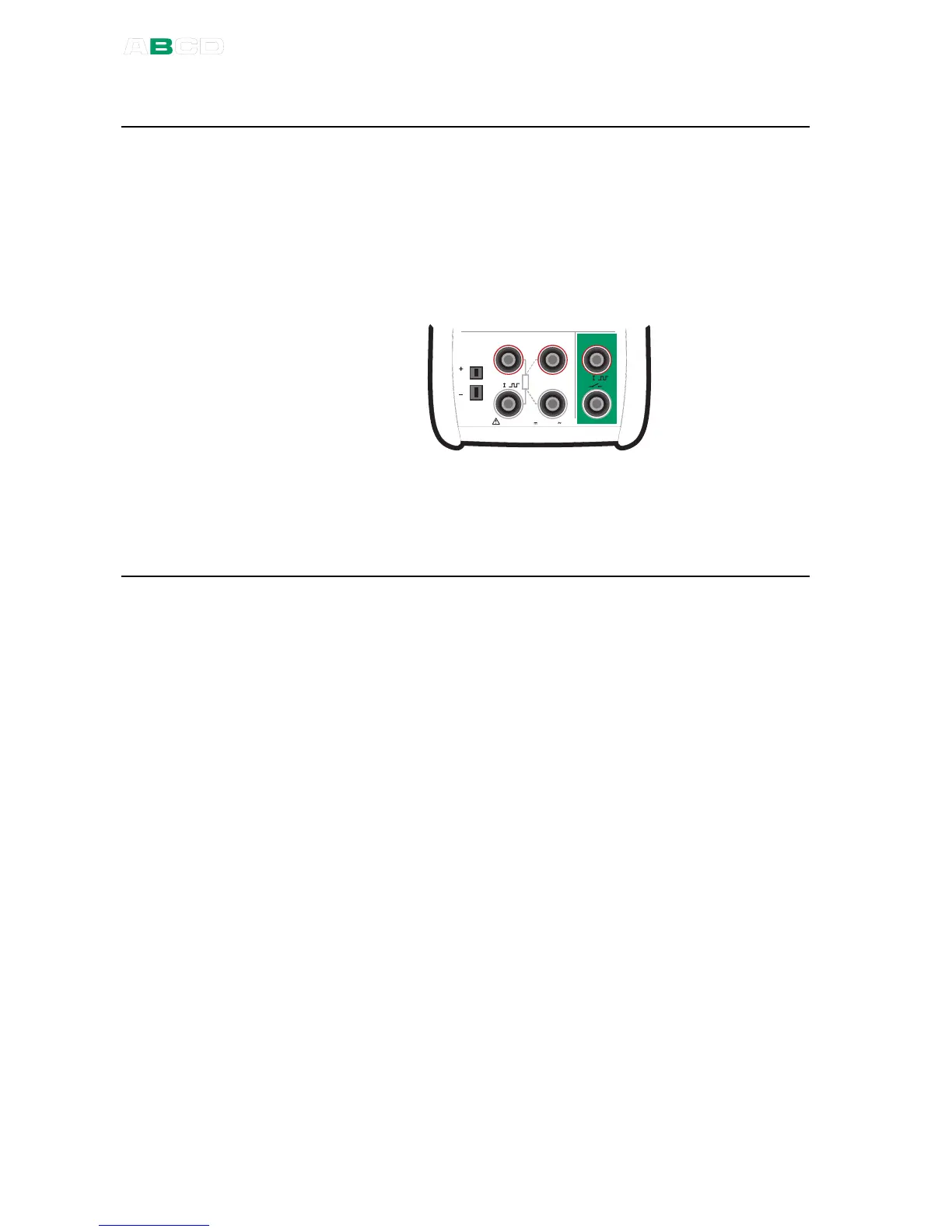
The following picture displays the active terminals:
M e a s u r e
M a x 6 0 V , 3 0 V , 1 0 0 m A
T / C
m V
s e n s e
R , R T D R m e a s
V , I
,
V , I
,
T e m p e r a t u r e / G e n e r a t e
The counter may be cleared (zeroed) by selecting F1/
Setup
or
F2/
Setup
(depending on which window is used for pulse counting)
and F1/
Clear Pulses
.
Next
Pulse Generation on page 59
Frequency Generation on page 58
Frequency Measurement on page 42
Switch State Sensing on page 48
Calibration, see Part D.



 To Next Page