EasyManua.ls Logo

BEAMEX MC4 - Configuration Windows

BEAMEX MC4
224 pages
Print Icon
To Next Page IconTo Next Page
To Previous Page IconTo Previous Page
Loading...
Configuration Windows
MC4 User Guide 19
Configuration Windows
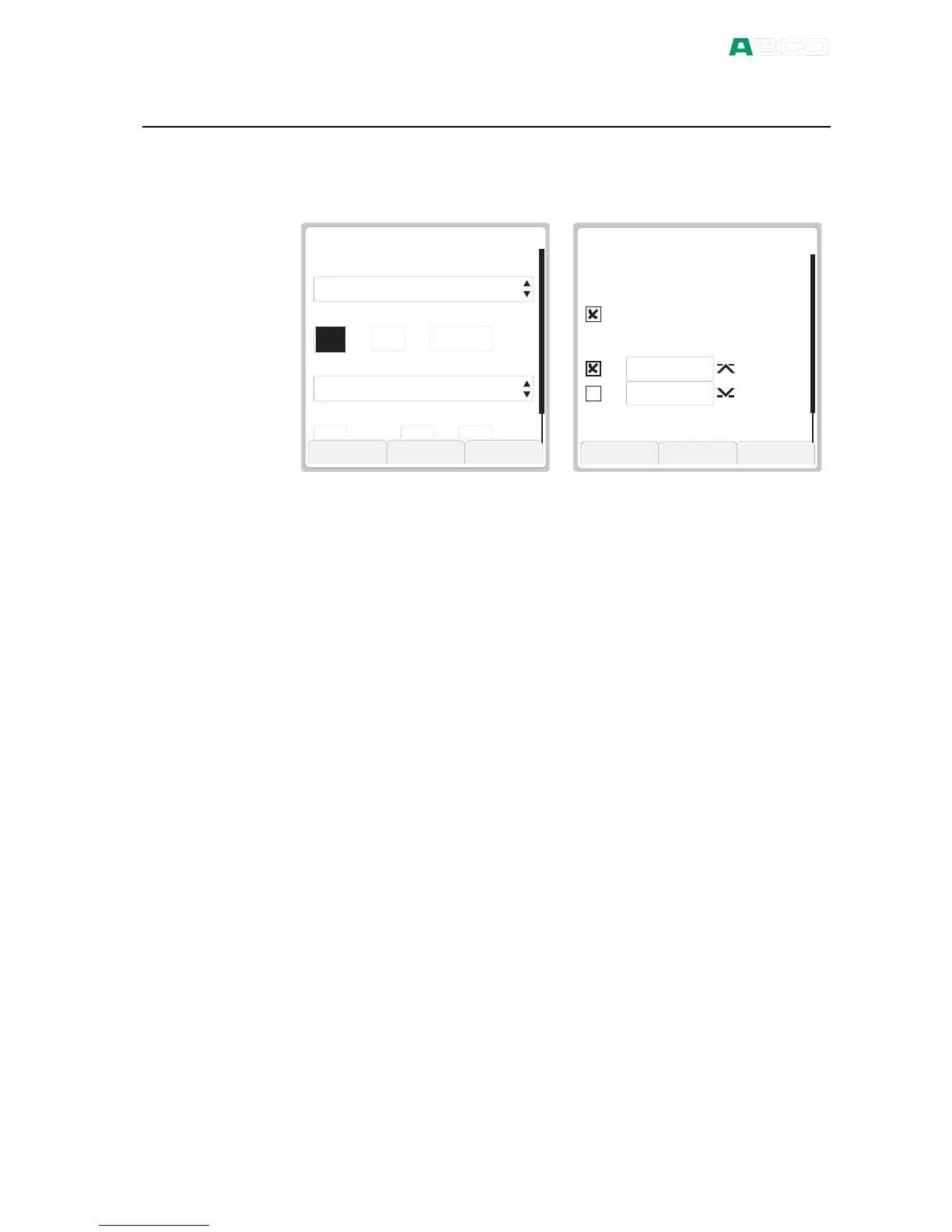
There are several types of configuration windows. The examples
below contain a selection of user editable fields.
4 5 2 21 3
h o u r ( 2 4 h )
O k
D a t e F o r m a t
d a y
T i m e F o r m a t
D A T E / T I M E
d d . m m . y y y y
h h . m m . s s 2 4 h
m o n t h y e a r
8 2 0 0 4
m i n s e c
1 0
A L A R M S
A l e r t w h e n t h e m e a s u r e m e n t
S t o p
O k
k P a
G a u g e I P M
0 . 0 6
A l a r m s A c t i v e
1 . 5 0 0
0 . 1 0 0
A l e r t w h e n t h e r a t e o f c h a n g e
>
<
C a p t u r e
The view of the date/time configuration window contains selection
lists and numeric fields.
The view of the alarms configuration window contains check boxes
and numeric fields.
Descriptions of all field types are presented in the subsequent
chapters.

Table of Contents

Related product manuals