Examples of Instrument Calibration
136 MC4 User Guide
Temperature Indicators and Recorders
This procedure suits temperature indicators/recorders no matter if
the sensor is an RTD or a thermocouple. The instrument's input sig-
nal is simulated using MC4. The instrument's output (reading) is
manually entered into MC4.
Preparations
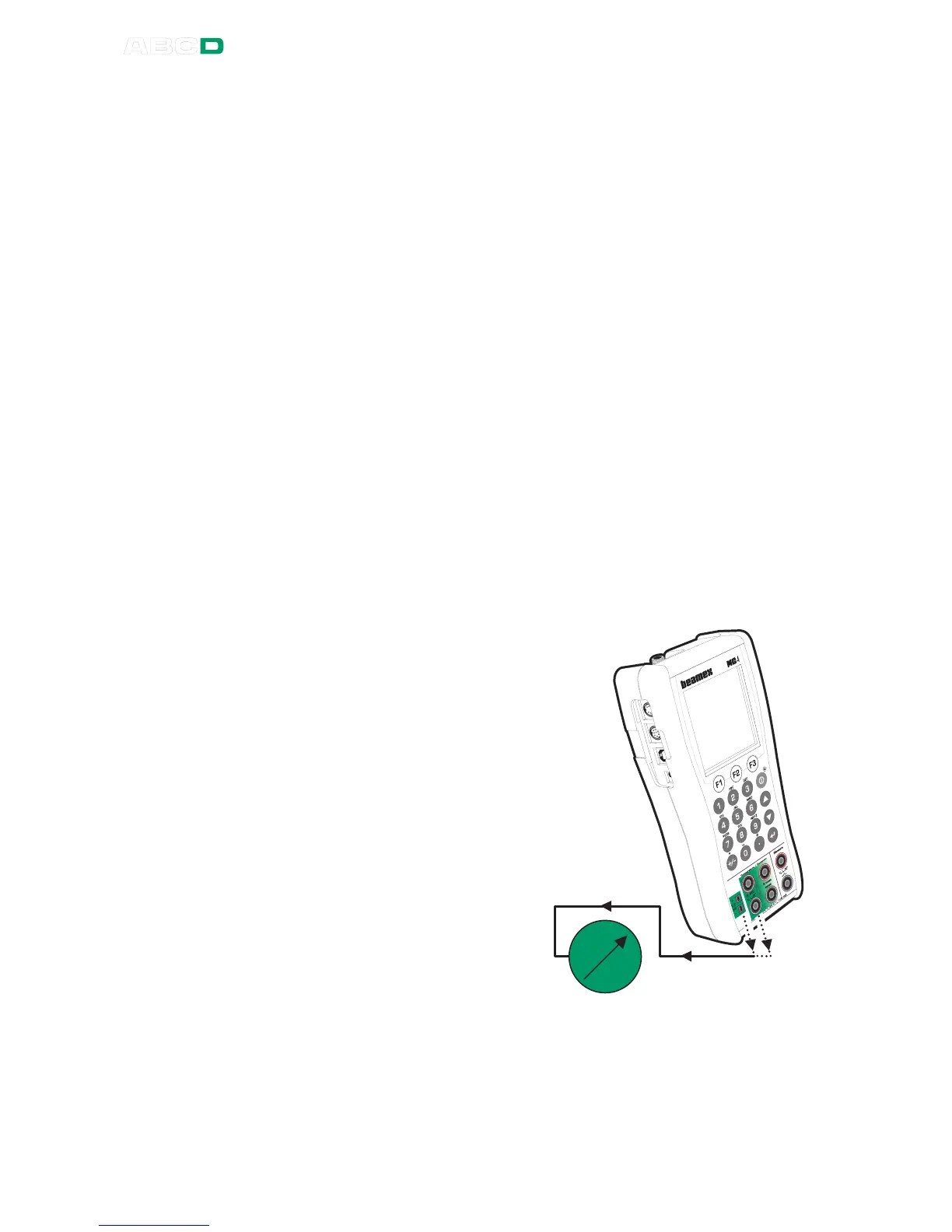
1. Connect suitable terminals in MC4 to the input connectors of
the indicator/recorder.
2. If the sensor to be simulated is a thermocouple, select one of
the following reference junction methods:
• MC4's internal reference junction is used.
• The reference junction temperature is measured exter-
nally using an RTD connected to the RTD terminals.
• The reference junction temperature is fixed to 0°C.
• The reference junction temperature is manually en-
tered.
Additional information about Reference Junction com-
pensation methods can be found in chapters
Internal Reference Junction on page 113 and
External Reference Junction on page 114.
3. If the sensor to be simu-
lated is an RTD, the used
wiring system depends on
the instrument to be cali-
brated. Remember to only
use the two leftmost RTD
terminals in MC4.
4. Select the instrument in
MC4 as presented in
chapter Selecting the In-
strument to Be Calibrat-
ed on page 129 or create
a new instrument as de-
scribed in chapter In-
strument List Window
Menu on page 152.
6. Test the connections be-
fore starting calibration,
i.e. see if the input and
output signal are "live" in
MC4.



 To Next Page