Basic Mode, Defined
MC4 User Guide 37
Basic Mode, Defined
All non-calibration related measurements and generations are per-
formed in the Basic Mode. Briefly: in Basic Mode MC4 works like a
high quality multimeter. When returning from MC4’s higher level
operations (calibration, viewing of calibration results, calibrator and
user configurations), you always return to the Basic Mode.
In Basic Mode, the two available measurement/generation/sim-
ulation windows have default settings based either on factory
settings or settings defined when MC4 was previously used.
The Function Keys at the bottom of the window allow you to change
the settings of the two windows or open a menu for higher level
operations etc.
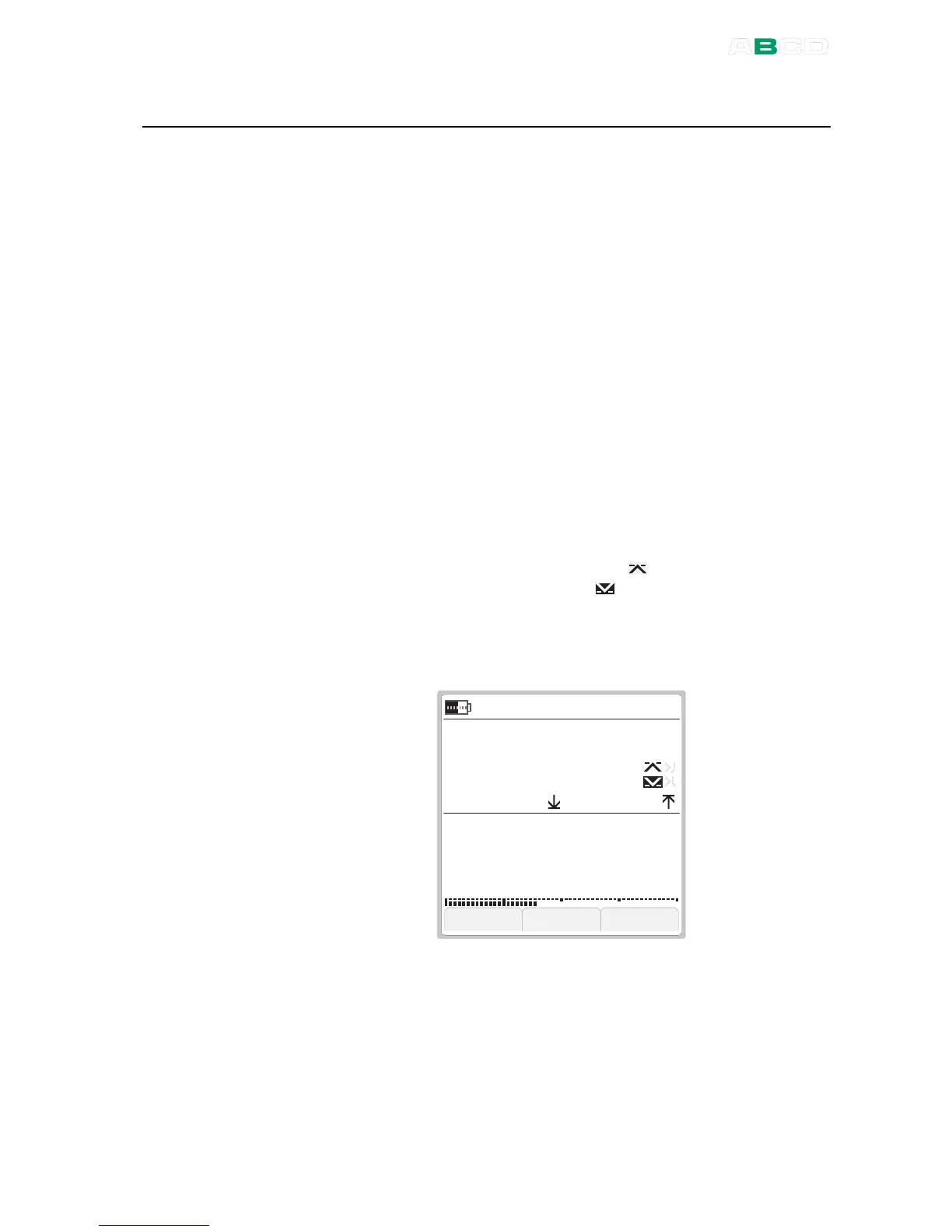
Below is an example picture of a Basic Mode screen with the
following settings.
Window :
Pressure measurement using an external pressure module.
Minimum and maximum value display on the additional info row.
High limit alarm in use, but not active ( ).
Low limit alarm in use and active ( ).
Window :
Current measurement using MC4's 24 V power supply .
Bar graph active on the on the additional info row.



 To Next Page