Tools Menu
78 MC4 User Guide
Manual Stepping
Manual stepping differs from the other two tools allowing you to
create varying generation/simulation signals in that the signal does
not automatically change. Instead it advances according to the
defined steps when you press the up or down arrow keys ( ), one
step at a time.
Other similar tools:
Stepping on page 73
Ramping on page 76
To open the manual stepping configuration window, enter the
following menu commands: F1/
Setup
or F2/
Setup
(depending
on which window you want to configure the stepping to), F2/
Tools
and
Manual Stepping
from the opened menu. Note that manual
stepping is available for generation/simulation Functions only.
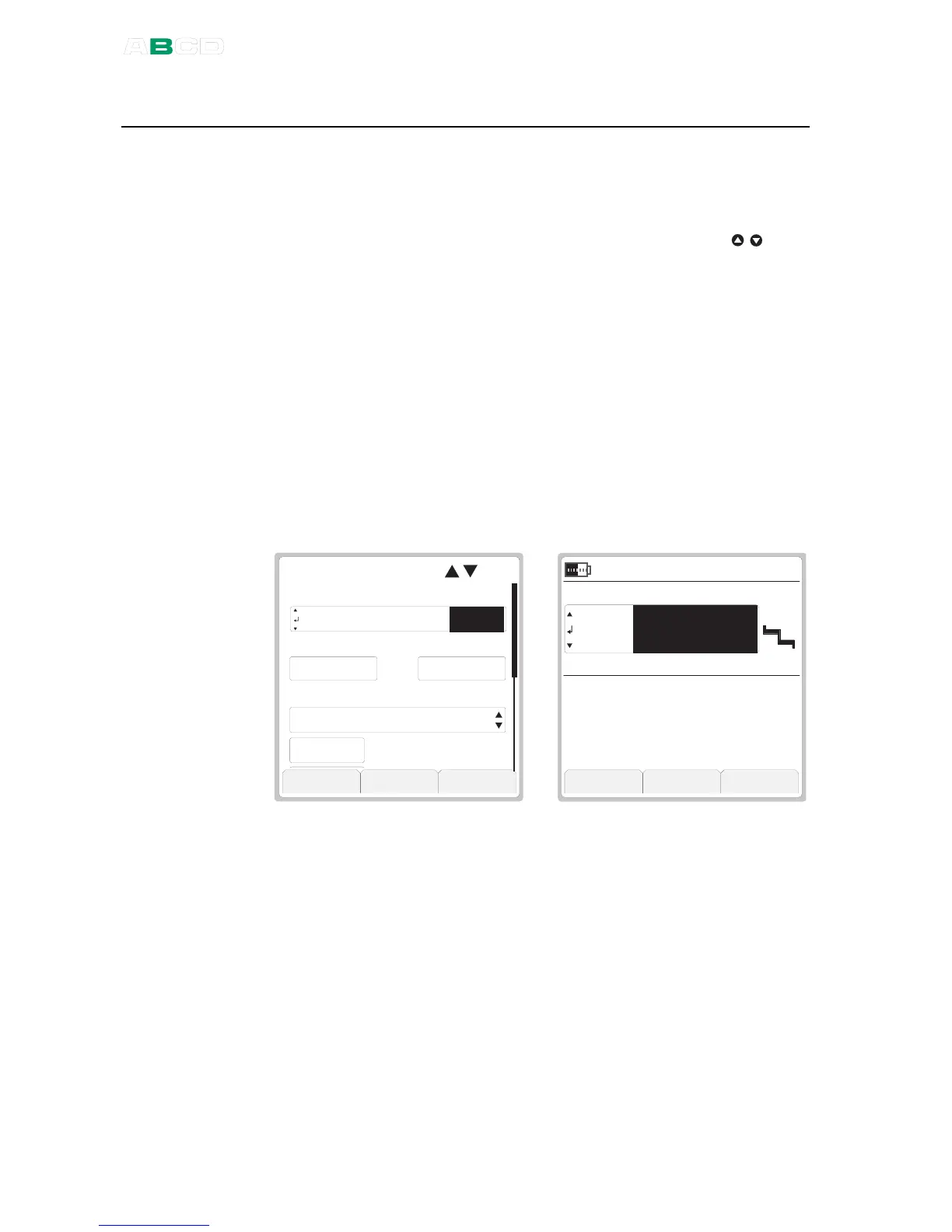
The leftmost picture below shows the configuration window and the
rightmost picture the stepping utility in use.
O u t p u t
M A N U A L S T E P ( )
S t e p S i z e
C l o s e C a p t u r e S t a r t
V
I N T
R a n g e ( 0 % . . . 1 0 0 % )
0 . 0 0 0 0 1 2 . 0 0 0 0. . .
3 . 0 0 0 0
3 . 0 0 0 0
S t e p D e f i n i t i o n
B y " N u m b e r o f S t e p s "
Start manual stepping by selecting the F3/
Start
Function Key in the
configuration window. To stop it, press F1/
Close
Function Key (in
Basic Mode).



 To Next Page