Examples of Instrument Calibration
140 MC4 User Guide
Pneumatic Pressure Transmitters and Converters
This procedure suits all instruments with both a pressure input and a
pressure output signal. Both the input and output signal range
should be measurable with MC4.
To be able to perform the calibration, an internal pressure module
need to be installed and an external pressure module need also be
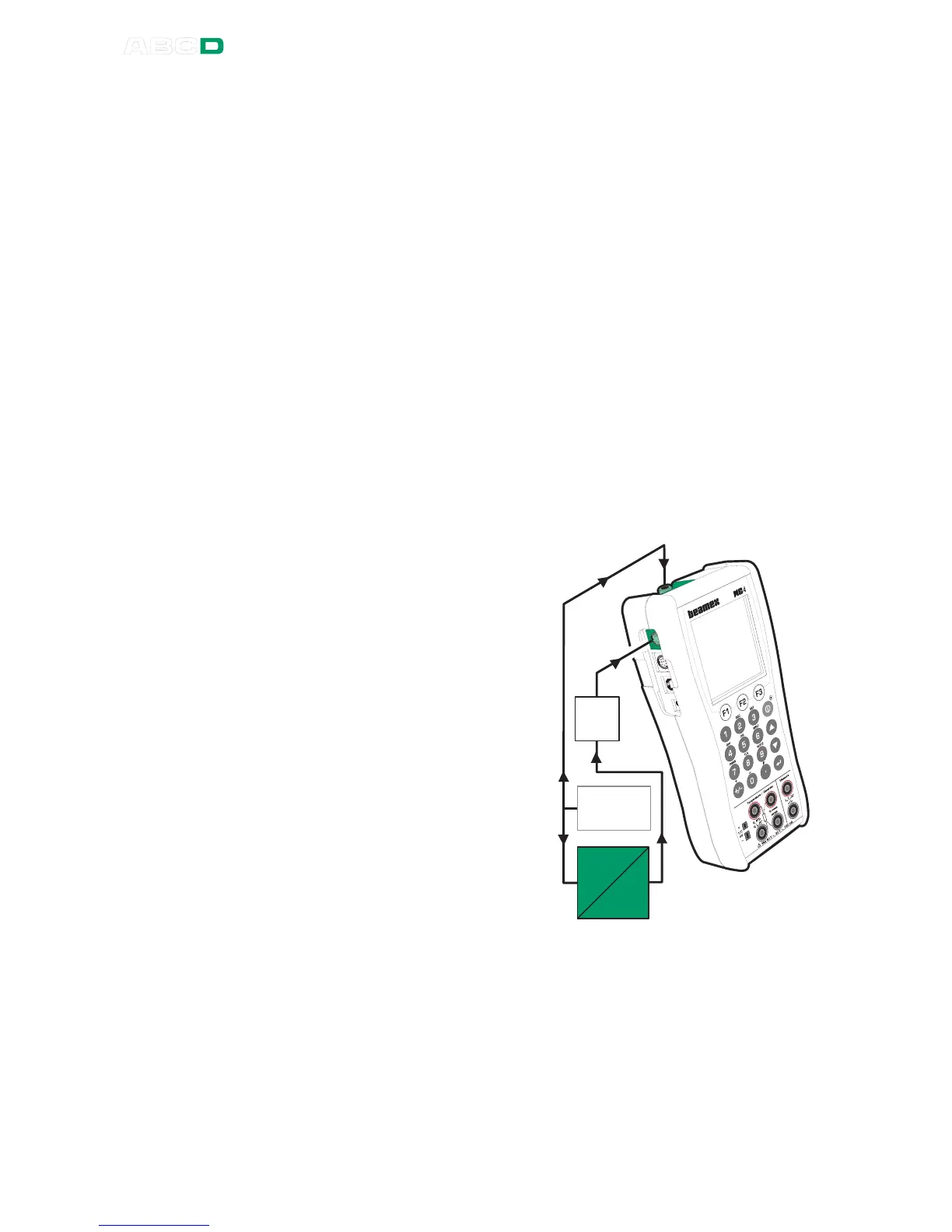
connected to MC4. The example picture below has the instrument's
input connected to the internal pressure module and the instrument's
output connected to the external pressure module. The pressure
modules may also be used the other way. All that matters is that the
pressure module's span and accuracy suits the pressure signal.
Preparations
1. Connect the instrument's input to the selected pressure mod-
ule (internal or external).
2. Connect a pressure source both to the instrument's input and
to the pressure module.
3. Connect the instrument's
output to the selected
pressure module (internal
or external).
4. Select the instrument in
MC4 as presented in
chapter Selecting the In-
strument to Be Calibrat-
ed on page 129 or create
a new instrument as de-
scribed in chapter In-
strument List Window
Menu on page 152.
5. Test the connections be-
fore starting calibration,
i.e. see if the input and
output signal are "live" in
MC4.



 To Next Page