About Instrument Calibration
MC4 User Guide 129
Note.
See Part C, Advanced Operation and Configurations, chapter
Parallel Functions in MC4 for additional info on what kind of simul-
taneous tasks MC4 is able to do.
About Instrument Calibration
This chapter and its subchapters present a basic approach on how
to perform a calibration with existing instrument data. By reading this
you will have general overview of a calibration procedure using MC4.
For more detailed information of certain aspects, refer to the follow-
ing chapters:
• Examples of Instrument Calibration on page 135,
• Instrument List Window Menu on page 152,
• Calibration Window Menu on page 145,
• Maintaining MC4's Instrument Database on page 150,
• How to Create Instruments and Plant Structure Levels on
page 151,
• Editing Instrument Data on page 156
• Viewing Calibration Results on page 174 and
• Additional Calibration Related Information on page 177.
Selecting the Instrument to Be Calibrated
To move from Basic Mode to
Instrument Calibration Mode,
press F3/
Menu
and select
In-
strument Calibration
from
the opened menu.
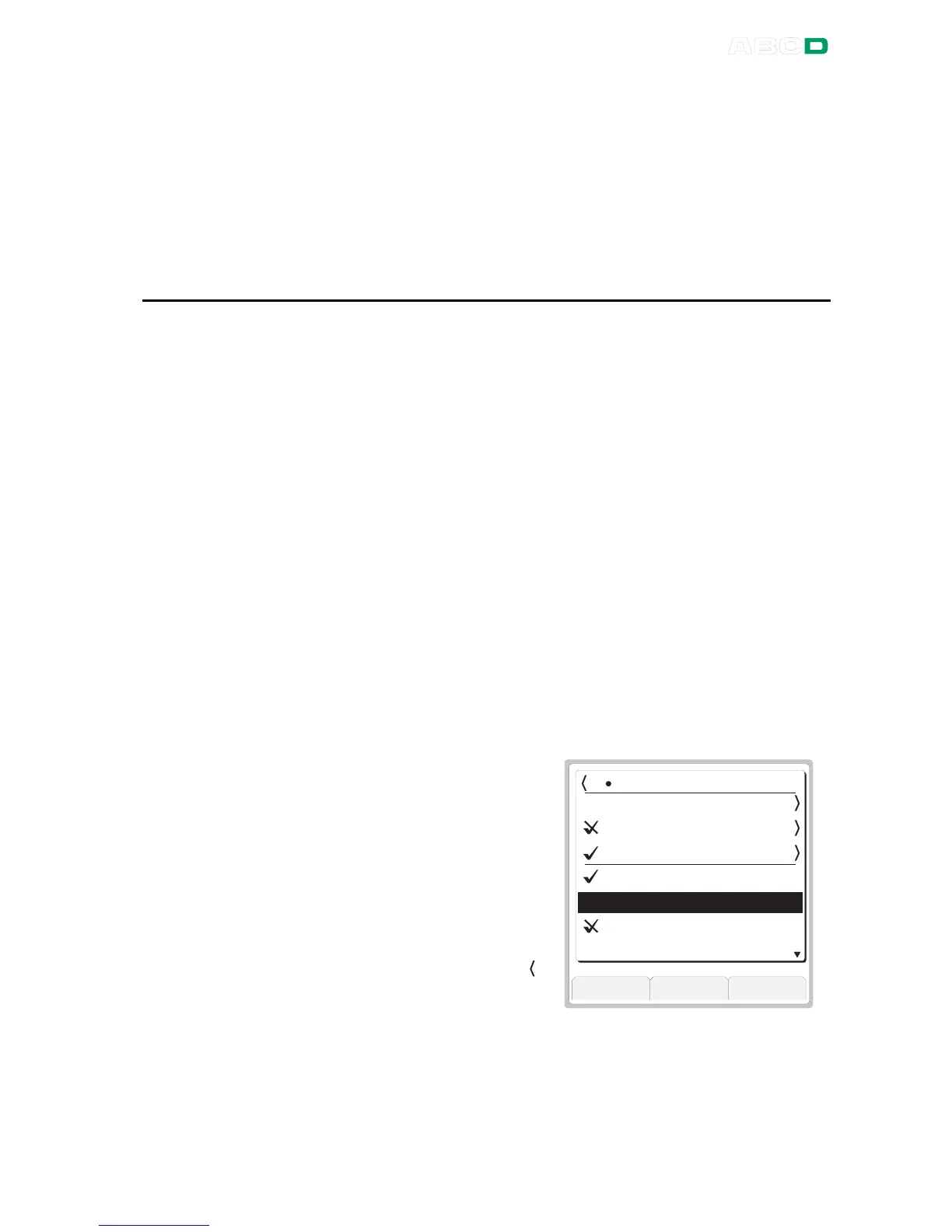
The uppermost row in the
opened Instrument List dis-
plays the name of the current
plant structure level. To the left
of the name is a chevron " "
and a number (8 in the adja-
cent example).



 To Next Page