Viewing Calibration Results
174 MC4 User Guide
Viewing Calibration
Results
Calibration Result Windows
You can open the calibration result windows from two places:
• When viewing the instrument list, press
F3/
Menu
,
Result History
.
• When the calibration window is open, press
F1/
Menu
,
Result History
.
Note that the
Result History
menu option is available only if there
are saved calibrations for the selected instrument.
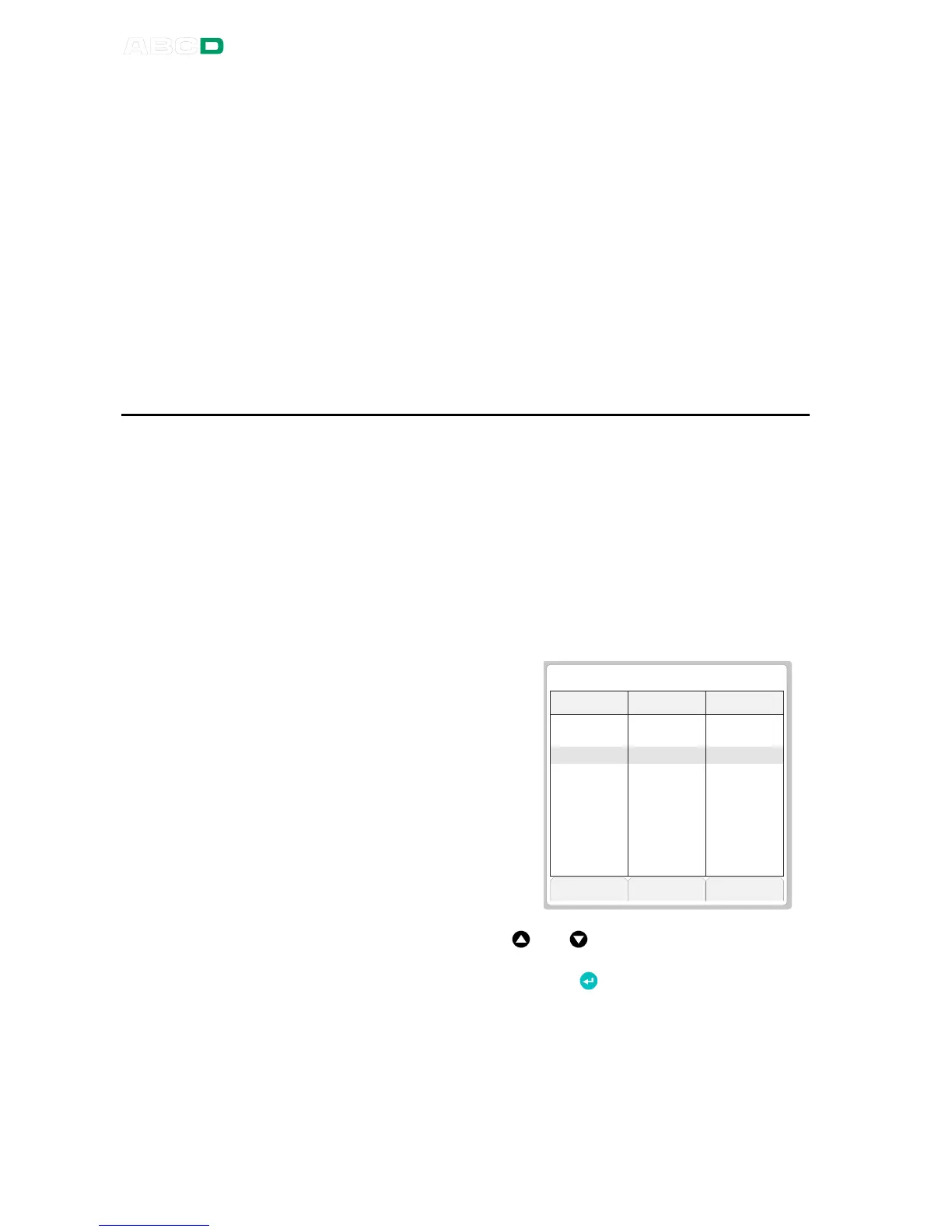
The result window always
opens displaying the latest re-
sults in numeric format. The er-
ror presented in the third col-
umn is based on the selected
error calculation method.
For more information of error
limits and error calculation, see
chapter Error Limits Data
Page on page 170 and chapter
Error Calculation Formulas
on page 181.
Use up and down arrow keys ( and ) to highlight a row in the re-
sult grid (and see more results if there are more results that can be
seen on the display). Press Enter key ( ) to see more data of high-
lighted row. See also chapter Extra Information Saved With Cali-
bration Point Data on page 177.



 To Next Page