Examples of Instrument Calibration
142 MC4 User Guide
Electrical Limit Switches
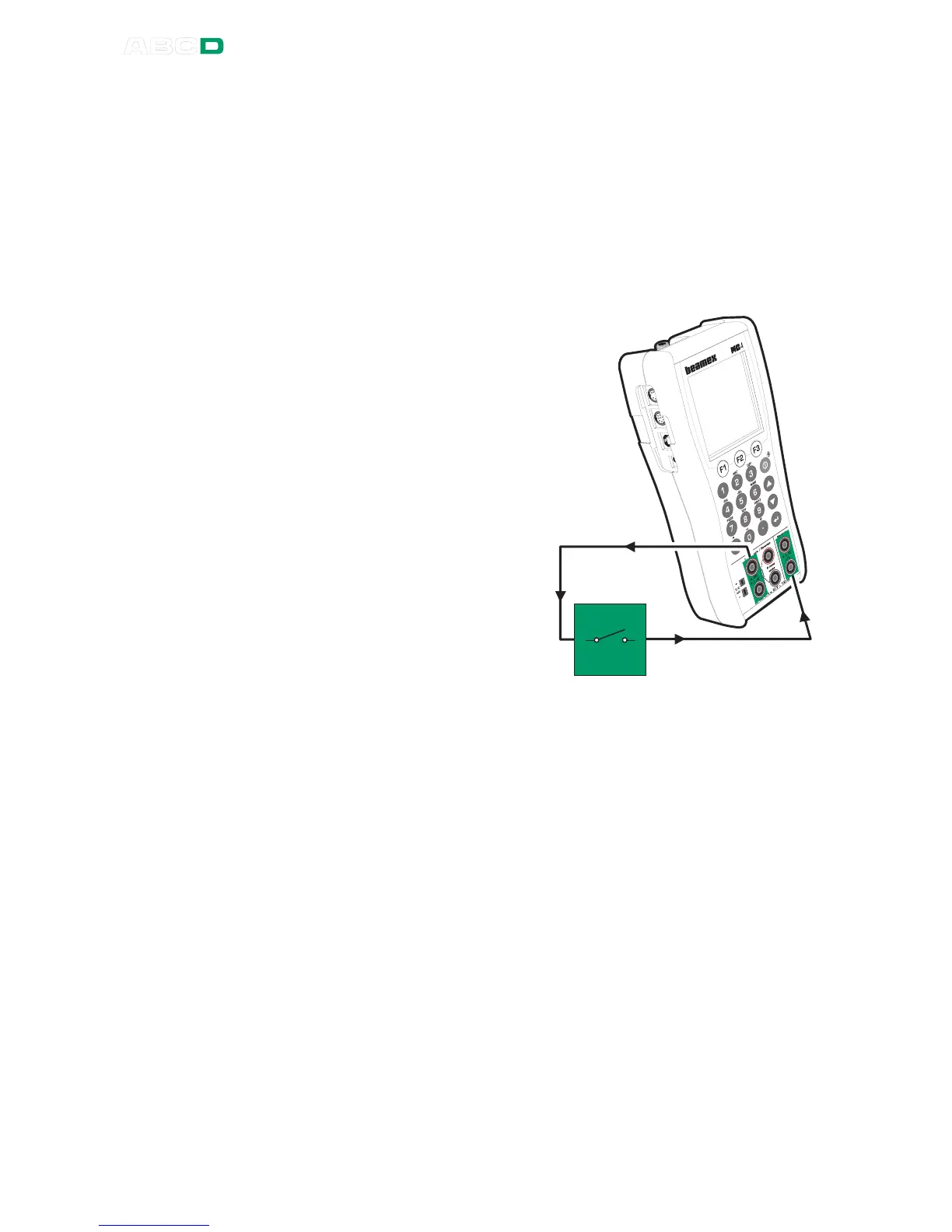
This procedure suits limit switches with an electrical input. MC4 gen-
erates the switch's input signal and measures the switch's state.
Preparations
1. Connect the instrument's input to MC4's output terminals (see
picture).
2. Connect the switch's out-
put to the measuring ter-
minals in MC4.
3. Select the instrument in
MC4 as presented in
chapter Selecting the In-
strument to Be Calibrat-
ed on page 129 or create
a new instrument as de-
scribed in chapter In-
strument List Window
Menu on page 152.
4. Test the connections be-
fore starting calibration,
i.e. see if the input and
output signal are "live" in
MC4.
Calibration
1. In the calibration window: press F3/
Start
.
2. MC4 does a Prescan if it is enabled. During the prescan,
MC4 searches for approximate values for actuating and deac-
tuating point. This speeds up the final test without sacrificing
accuracy. The defined scan range is used during prescan. Af-
ter a successful prescan MC4 may be set to use a narrower
scan range based on acquired approximate values for actuat-
ing and deactuating point. The prescan test is done only once
in a calibration.
• By default, the Prescan is set to on. If you do not want
MC4 to perform a prescan, disable it by editing the in-
strument's Procedure data (uncheck
Use Prescan
field). When Prescan is set to off, MC4 uses the whole
scan range also during the actual test. See also notes
further on.



 To Next Page