Batteries
MC4 User Guide 13
Removing/Replacing the Batteries
To remove or replace the batteries, perform the following procedure:
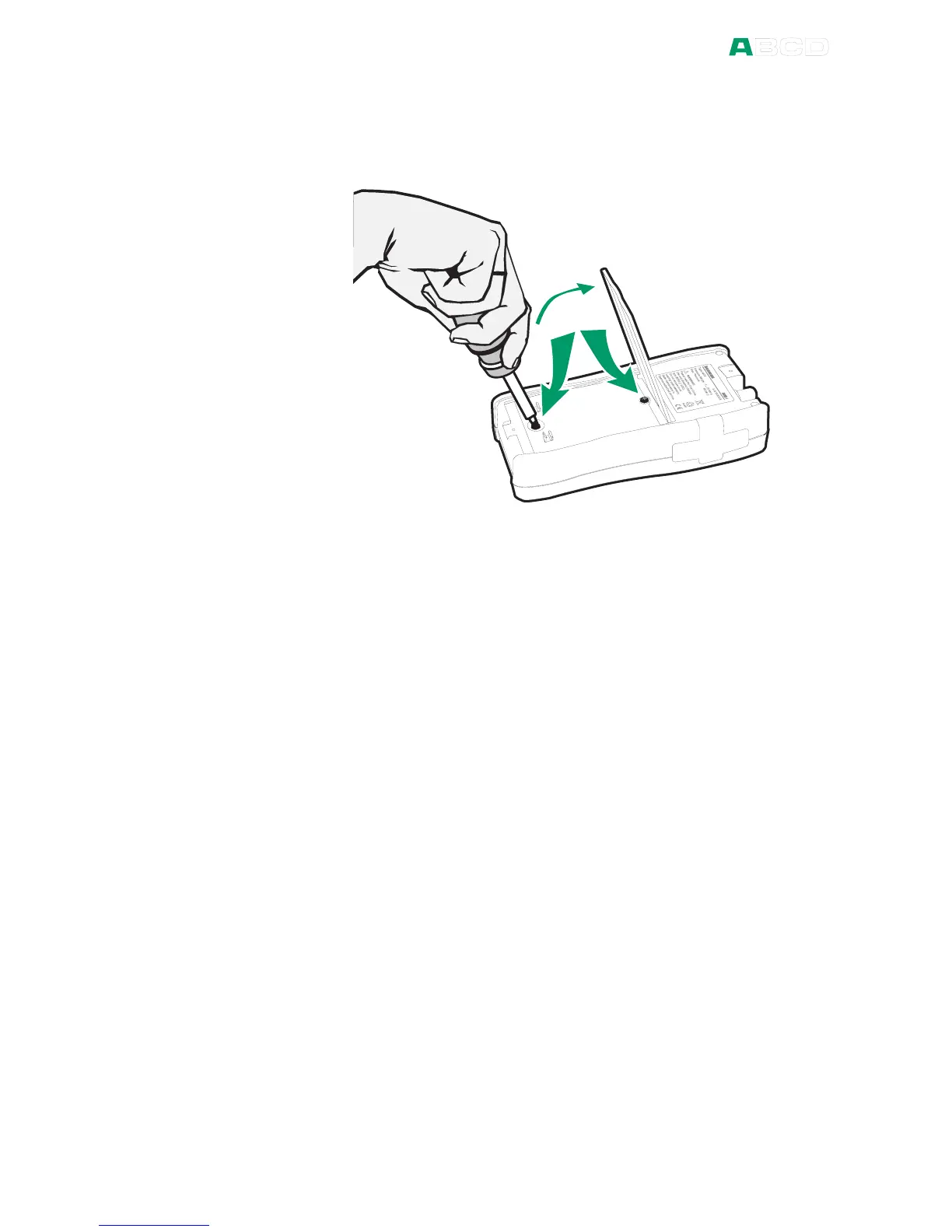
1. Turn MC4 upside down (the display facing the table top) and
lift the support.
2. Unscrew the two screws holding the cover (see the picture
above).
3. Bend the clip holding the battery pack connector and gently
pull the connector out.
4. To replace the battery pack, click the connector of the new
battery pack on its place (noting the polarity) and put the
battery pack in its slot.
Note.
See also chapter Capacity Indication on page 14.



 To Next Page