Resistance Measurement
MC4 User Guide 47
Resistance Measurement
Function:
Resistance Measurement
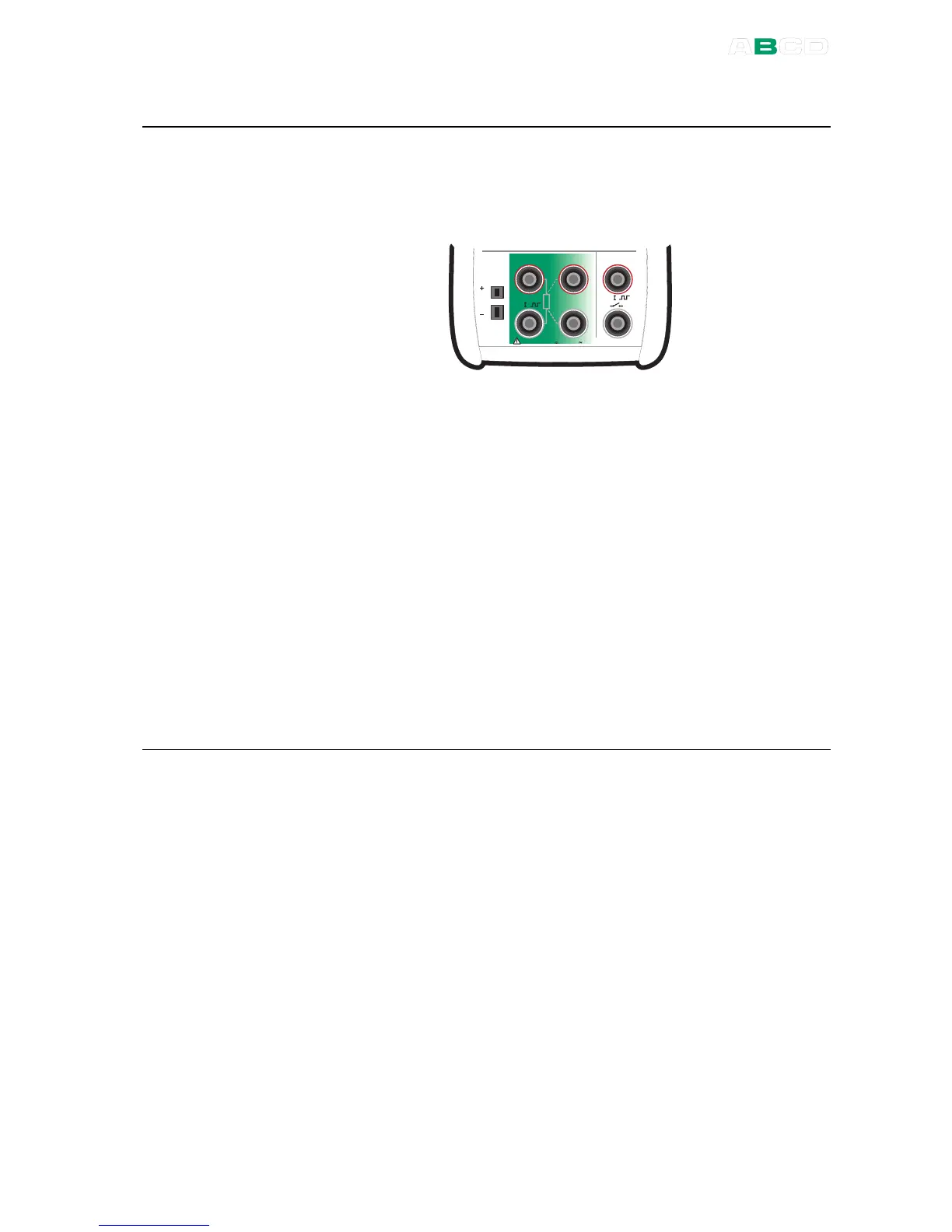
The following picture displays the active terminals:
M e a s u r e
M a x 6 0 V , 3 0 V , 1 0 0 m A
T / C
m V
s e n s e
R , R T D R m e a s
V , I
,
V , I
,
T e m p e r a t u r e / G e n e r a t e
The two leftmost terminals are used in 2-wire systems. MC4
automatically checks the connection and displays the found wiring
system (2-wire, 3-wire or 4-wire) in the upper right corner of the
measuring window. For more information concerning wiring options,
see Resistance and RTD Measurement, Connections on page
118.
Note.
If the measured resistance value is infinite or very high (> 4000
ohm), the text "+OVER" is displayed in the measuring window. This
means that the circuit is broken or the connection is wrong. Wrong
connection may also cause erroneous reading, typically too low. If
necessary, use the 2-wire ohm measurement to check the wiring
before final connection.
Next
Resistance Simulation on page 60
Temperature Measurement (RTD) on page 50
Tools Menu on page 67
Alarms on page 69
Calibration, see Part D.



 To Next Page