Custom Pressure Units
108 MC4 User Guide
Custom Pressure Units
MC4 has a comprehensive set of pre-entered pressure units. If
however they are not suited for your needs, you can create up to
four custom pressure units.
To define custom pressure units, configure one of the Basic State's
windows (select F1/
Setup
or F2/
Setup
) for pressure
measurement. While configuring, open the Unit combo and select
one of the "User" units. They can be found at the bottom of the list of
pressure units (as long as they are not in use and not selected to the
"favorites" list).
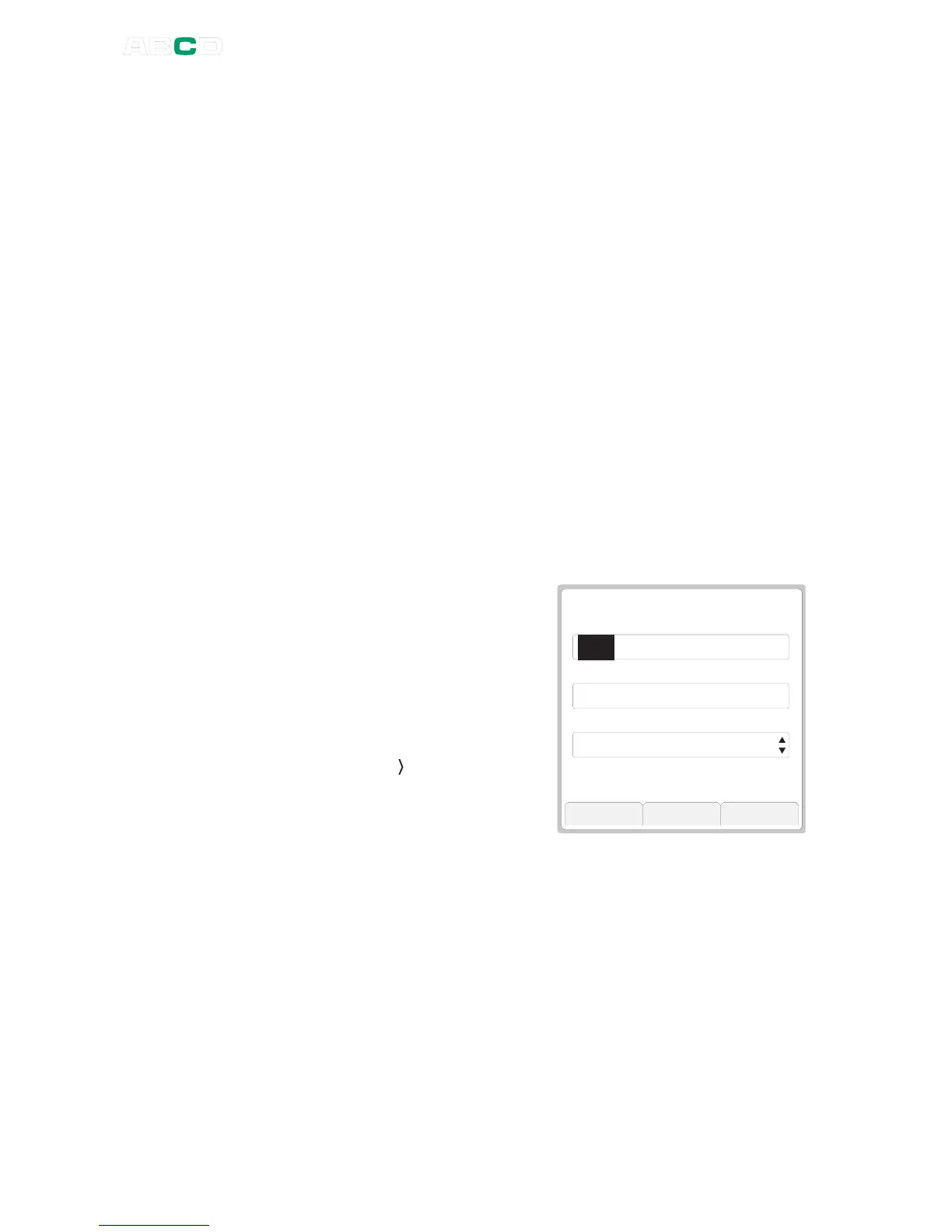
When selecting a user configur-
able unit, a window opens for
configuring the unit.
Saved custom pressure units can
be seen in the pressure unit list.
To separate them from pre
entered units, they are prefixed
"User:" and the row with a custom
pressure unit ends with a chevron
pointing right " ". This indicates
that the unit may be edited.
Notes.
Make sure you do not run any tasks found in the Tools menu (e.g
Scaling) while editing a user defined unit. All Tools menu tasks
utilize the user defined unit as it was when starting the task.
See also Part B, chapter Scaling.



 To Next Page