MC4 Hardware
10 MC4 User Guide
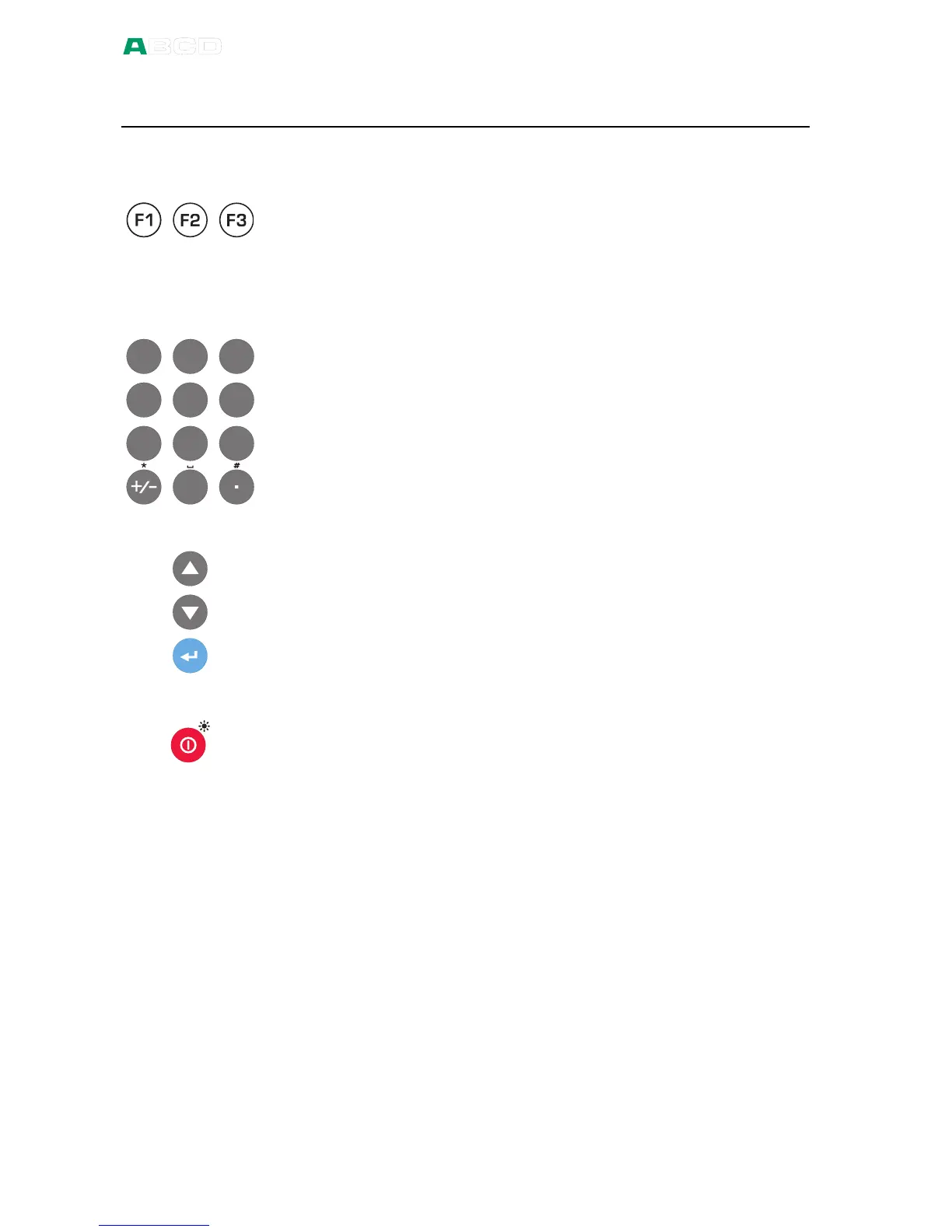
Keyboard
Function Keys
The Function Keys are located below the display. The meaning of
each Function Key varies depending on the situation. The lower
part of the display indicates what the Function Key stands for at the
moment.
Numeric Keys
1 2 3
A B C D E F
4 5 6
7 8 9
P Q R S T U V W X Y Z
G H I J K L M N O
0
The Number keys are used when entering numbers in numeric
fields and letters in text fields (as in cellular phones).
Pressing the +/- key toggles the sign of the entered numeric value.
In text fields, this key contains a set of symbols and Greek letters.
The Decimal key adds the decimal point to the numeric value that is
currently edited. In text fields, this key contains additional symbols
such as punctuation marks as well as super and subscript numbers.
Arrow Keys and Enter Key
The arrow keys are used when moving the cursor on the screen.
They also have several special functions in certain situations, e.g.
when tuning the contrast of the display.
The Enter key both starts and finishes the editing of all types of
fields.
On/Off and Backlight Key
The On/Off key switches MC4 on and off. Press the On/Off key for
about half-a-second to switch on/off. This delayed function prevents
accidental on/off switching of MC4.
When pressing the On/Off key briefly, it toggles the display back
light on and off.



 To Next Page