Utilities Menu
98 MC4 User Guide
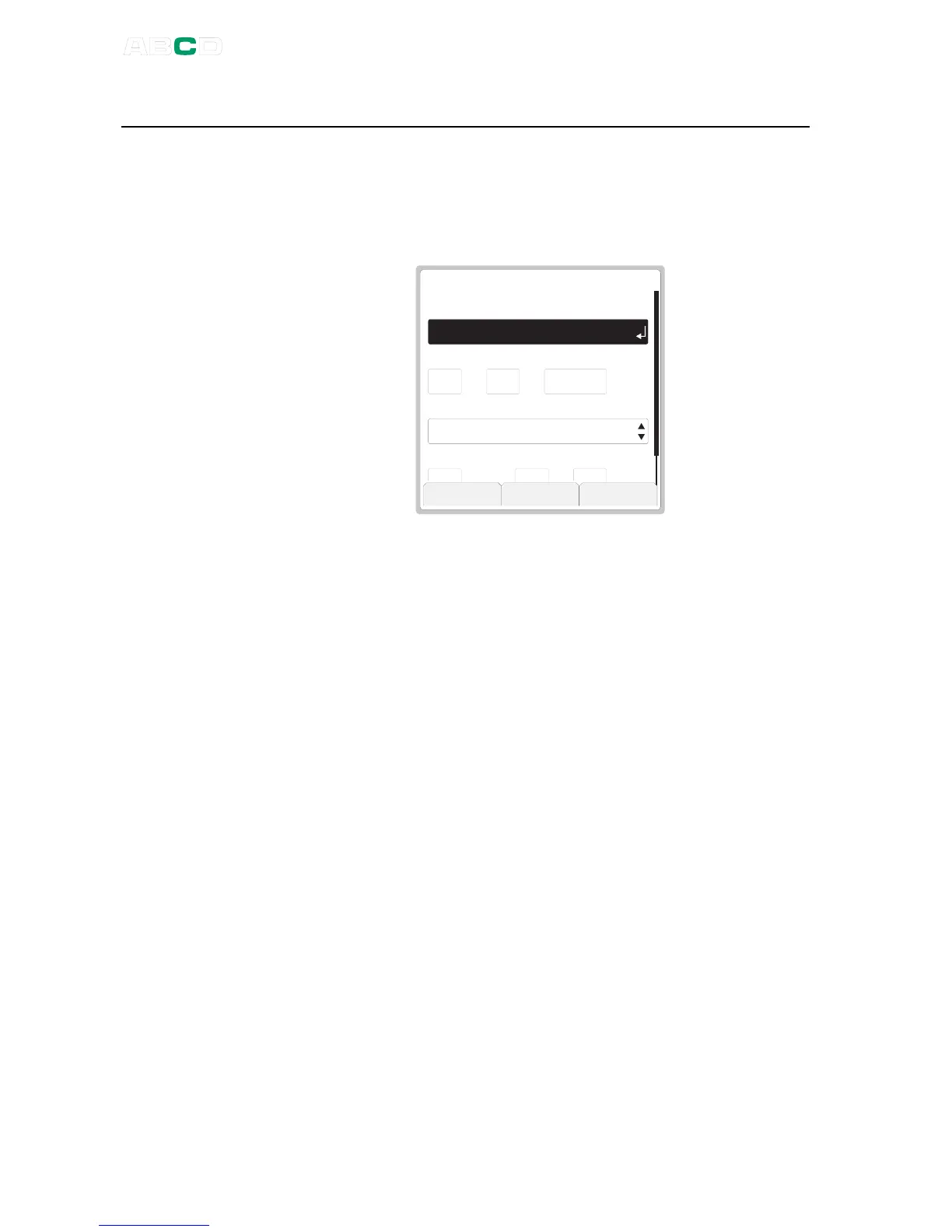
Date/Time
Allows you to select the displayed date and time formats according
to your needs. This window is also used to set date and time. Use
the
day
,
month
,
year
and
hour (24)
,
min
,
sec
fields to set the
date/time.
4 5 2 21 3
h o u r ( 2 4 h )
C l o s e
D a t e F o r m a t
d a y
T i m e F o r m a t
D A T E / T I M E
d d . m m . y y y y
1 0
h h . m m . s s 2 4 h
m o n t h y e a r
8 2 0 0 4
m i n s e c
Notes.
The time must always be given in the 24 hour format no matter what
the configured time format is.
Date and time will be immediately updated when you change the
value of any of the time related fields.



 To Next Page