Display Mode and Special Measurements
MC4 User Guide 85
Percentage
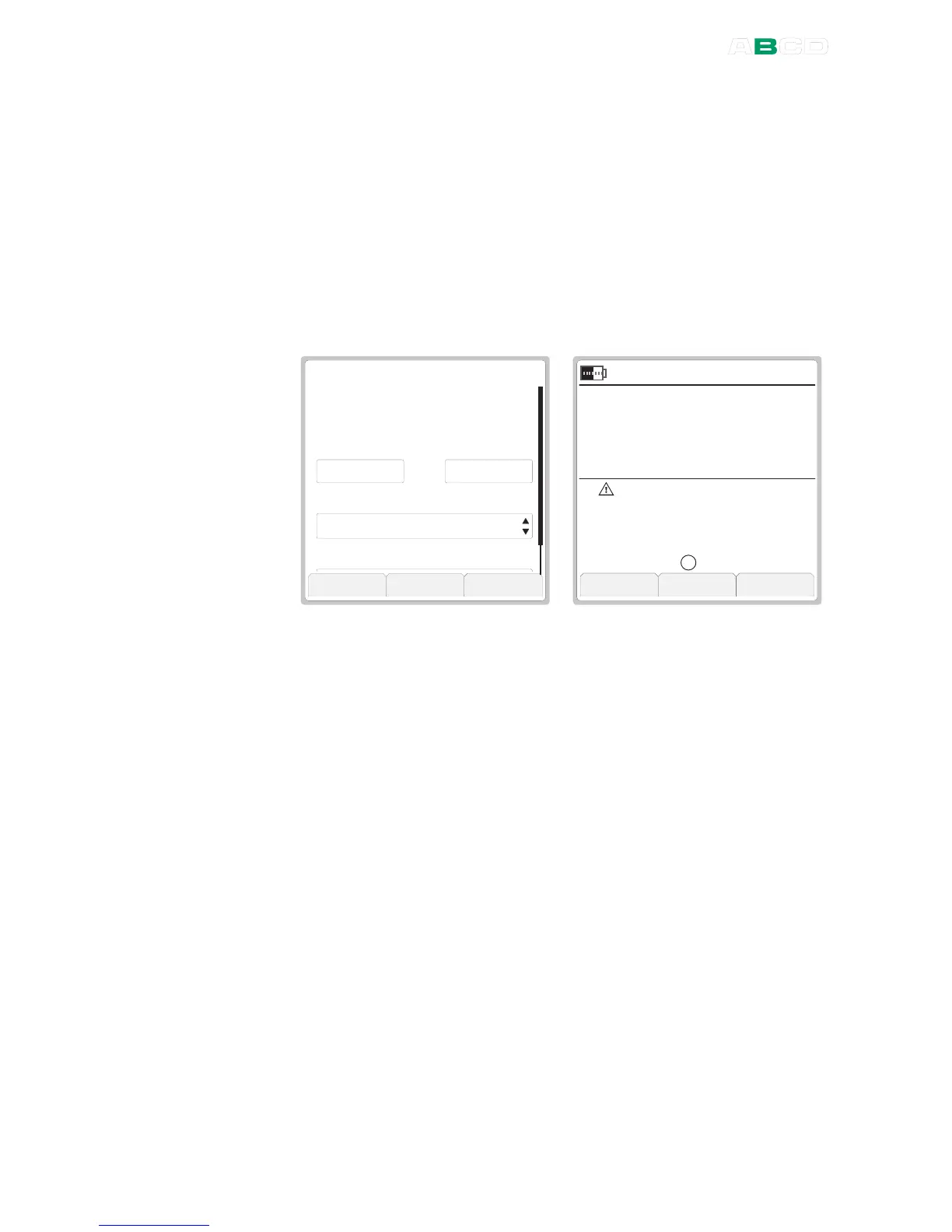
Percentage display compares the measured/generated/simulated
value against an entered range (0 % and 100 %).
When measuring, the measured value is replaced by the Percentage
value. The measurement value in engineering units is shown on the
additional info row as seen in the rightmost picture.
When generating/simulating, the Percentage is the editable value
and the generated/simulated value in engineering units is shown on
the additional info row.
P E R C E N T D I S P L A Y
T r a n s f e r F u n c t i o n
S t o p C a p t u r e O k
m A
G a u g e I N T
1 0 . 8 6
I n p u t R a n g e ( 0 % . . . 1 0 0 % )
D i s p l a y R e s o l u t i o n
L i n e a r
4 . 0 0 0 2 0 . 0 0 0
S e t u p
S e t u p
M e n u
N o n e
2 1 . 0 9 . 2 0 0 4 1 1 : 1 5 : 2 2
%
G a u g e
S c a l e d
I N T
0 . 4 4 8
4 2 . 8 8
1 0 . 8 6
A
When Percentage display is active, the letter "
%
" is displayed after
the warning triangle and the text "
Scaled
" is shown above the
Percentage value.
To configure the percentage display, enter input range values for the
selected quantity.
In addition to the range you may also set the
Transfer Function
(Input/Output relationship). The display resolution may also be
edited, if needed.
Notes.
If anything else was selected for display on the additional info row,
the main measurement of the window with percentage display
replaces the previous additional info data.
Also: if you select two other items to be displayed on the additional
info row while Percentage display is active, the second item replaces
the windows' main measurement data. Beware of the problems
that may result in not seeing the true measurement value.
For help on making Custom Transfer Functions, see Part C,
chapter Custom Transfer Functions on page 103.



 To Next Page