Voltage Generation
MC4 User Guide 67
Tools Menu
MC4's Basic Mode windows have utilities that add extra features to
your measurements/generation/simulations. They are available in a
window's
Tools
menu. The contents of the
Tools
menu varies
depending on which Function is selected. This is because
measurement Functions require different tools than generation/sim-
ulation Functions.
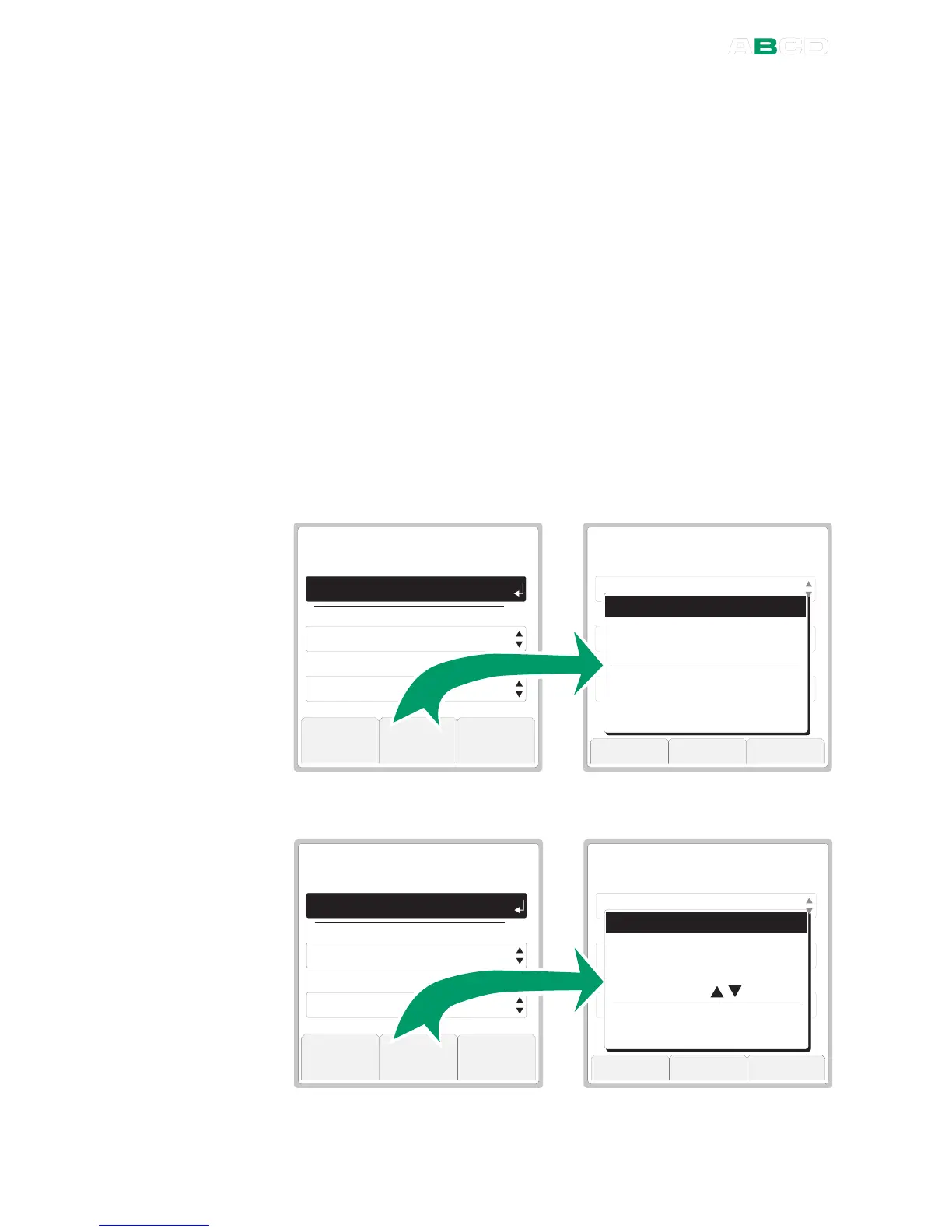
Tools menu for a measurement Function:
F u n c t i o n
Z e r o
P r e s s u r e
O kT o o l s
U n i t
P r e s s u r e T y p e
W I N D O W S E T U P
P r e s s u r e I n t e r n a l
k P a
A b s o l u t e
F u n c t i o n
Z e r o
P r e s s u r e
O kT o o l s
U n i t
P r e s s u r e T y p e
W I N D O W S E T U P
P r e s s u r e I n t e r n a l
k P a
A b s o l u t e
C a n c e l B o t t o m S e l e c t
F u n c t i o n I n f o . . .
A l a r m s . . .
D a m p i n g . . .
L e a k / S t a b i i t y T e s t . . .
D i s p l a y M o d e / S p e c i a l s . . .
S h o w A d d i t i o n a l I n f o . . .
Tools menu for a generation/simulation Function:
F u n c t i o n
Z e r o
P r e s s u r e
O kT o o l s
U n i t
P r e s s u r e T y p e
W I N D O W S E T U P
R T D S e n s o r S i m u l a t i o n
k P a
A b s o l u t e
F u n c t i o n
O kT o o l s
U n i t
W a v e f o r m
W I N D O W S E T U P
R T D S e n s o r S i m u l a t i o n
° C
P t 1 0 0
a
3 8 5
C a n c e l B o t t o m S e l e c t
F u n c t i o n I n f o . . .
S t e p . . .
R a m p . . .
M a n u a l S t e p ( ) . . .
D i s p l a y M o d e / S p e c i a l s . . .
S h o w A d d i t i o n a l I n f o . . .



 To Next Page