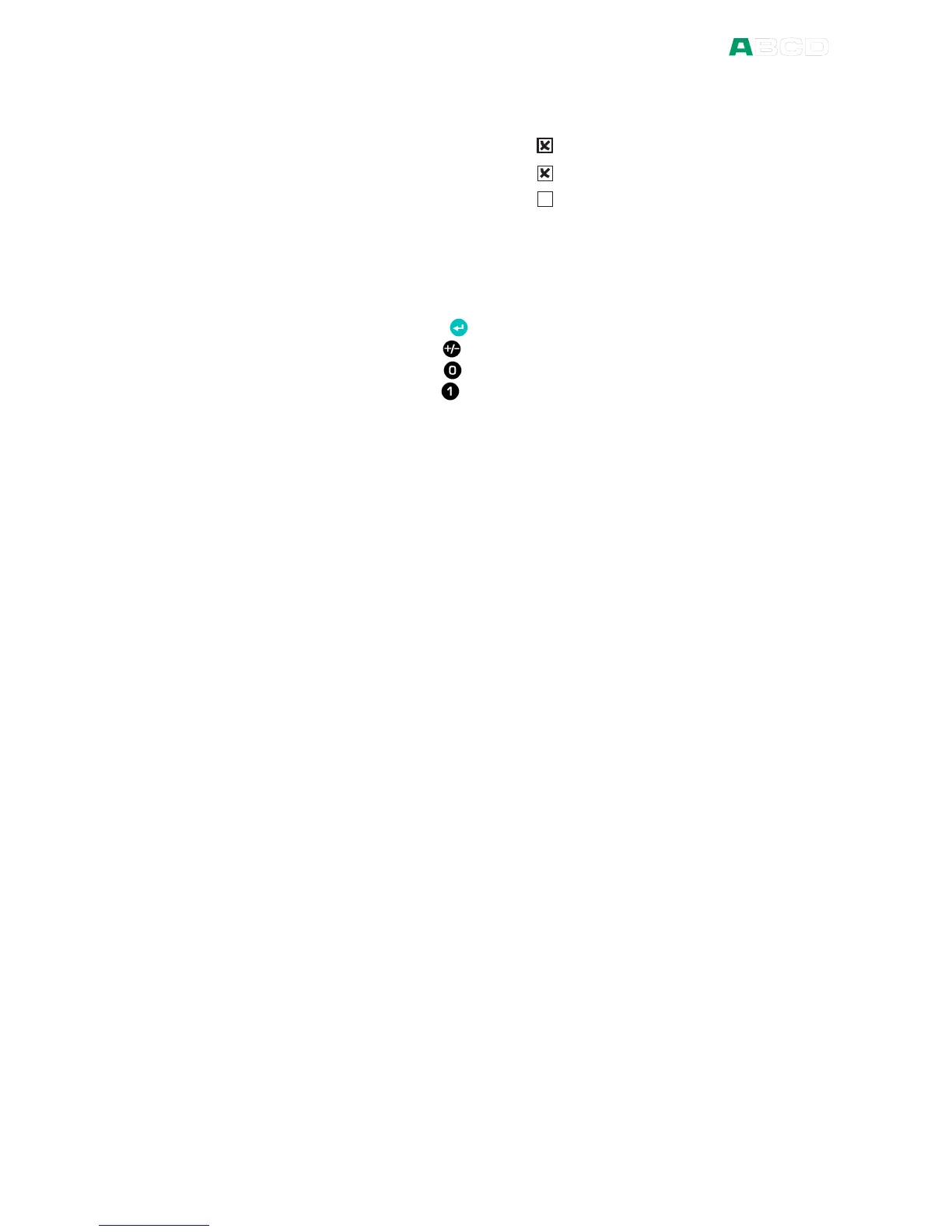
A check box has no edit mode. Once it is highlighted (thicker
borders), the value of the check box can be altered using one of the
following possibilities:
The Enter key ( ) toggles the value of the check box.
The Sign key ( ) also toggles the value of the check box.
The Zero key ( ) clears the check box.
The One key ( ) sets the check box.



 To Next Page