10 Sync Overhead Monitors
(7)
NAME
(5)
CONFIGURE
(1)
DEVICE
LIST
(2)
IP
ADDRESS
(3)
REBOOT
(4)
BROADCAST
(8)
IDENTIFY
(6)
LOGS
1
2
()9
DVR
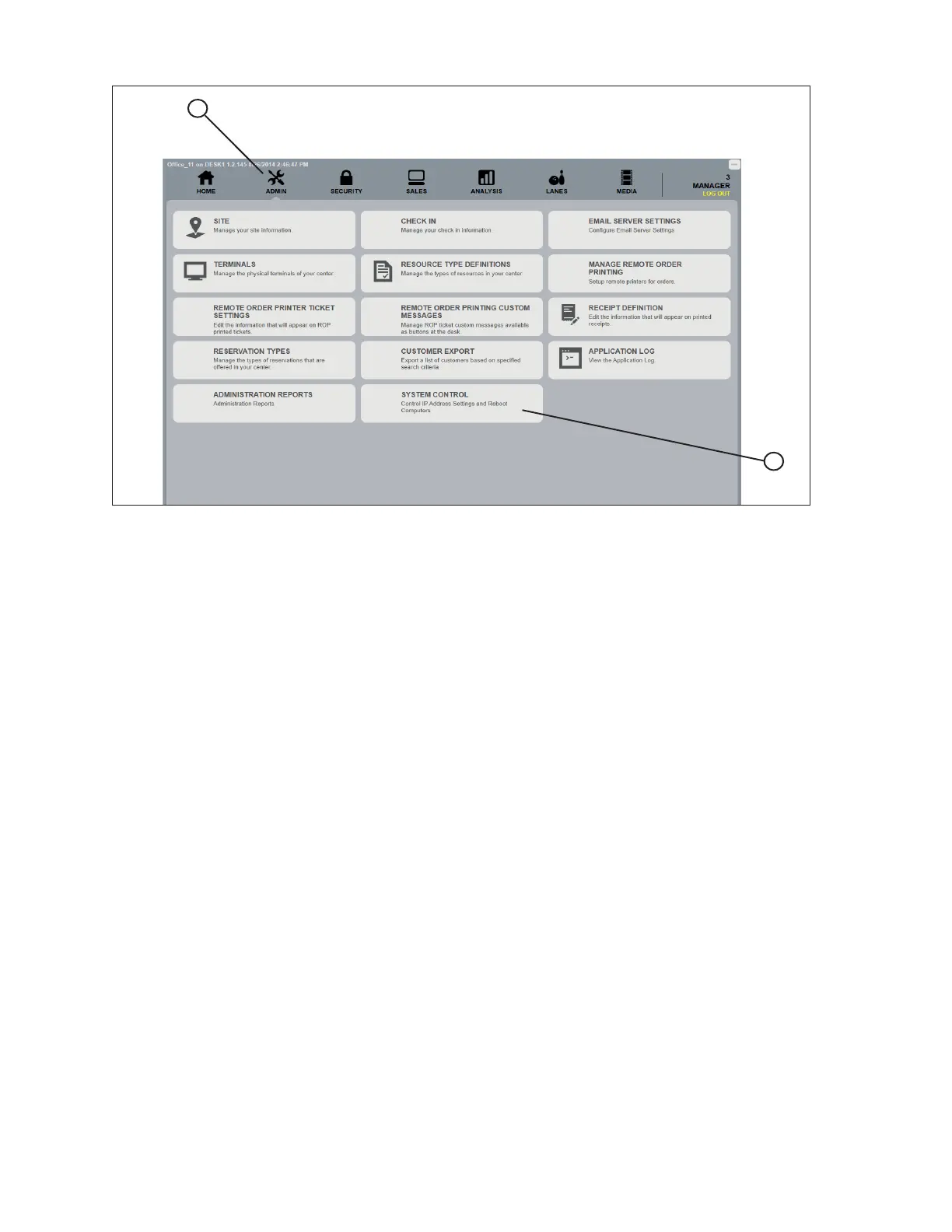
System Control - Display Controller Setup
(1) Device List - A list of all devices on the Sync network.
(2) IP Address- The network IP address assigned to the selected device.
(3) Reboot - Master system reboot. This selection causes all devices on the network to reboot.
(4) BroadcastCong-
(5) CongureDevice - Sends the conguration information to the selected device.
(6) Upload Log Files -
(7) Rename Device - Allows the user to change the description of the selected device.
(8) Identify Device - Forces the selected device to display its conguration settings on its display
monitor.



 To Next Page