Sync Control System 37
Netgear ProSAFE - GS116
(4)
POWER
CONNECTOR
(1)
POWER
LED
(3)
RJ-45
CONNECTOR
(2)
STATUS LEDS
NETGEAR
ProSafe GS116E
1 86
5
43
2
7
Both=1000M
100M 10M
On = Link,
Blink= ACT
9
16
14
12
11
10
15
13
(5)
RESET
BUTTON
Factory
Defaults
Power
Netgear GS116
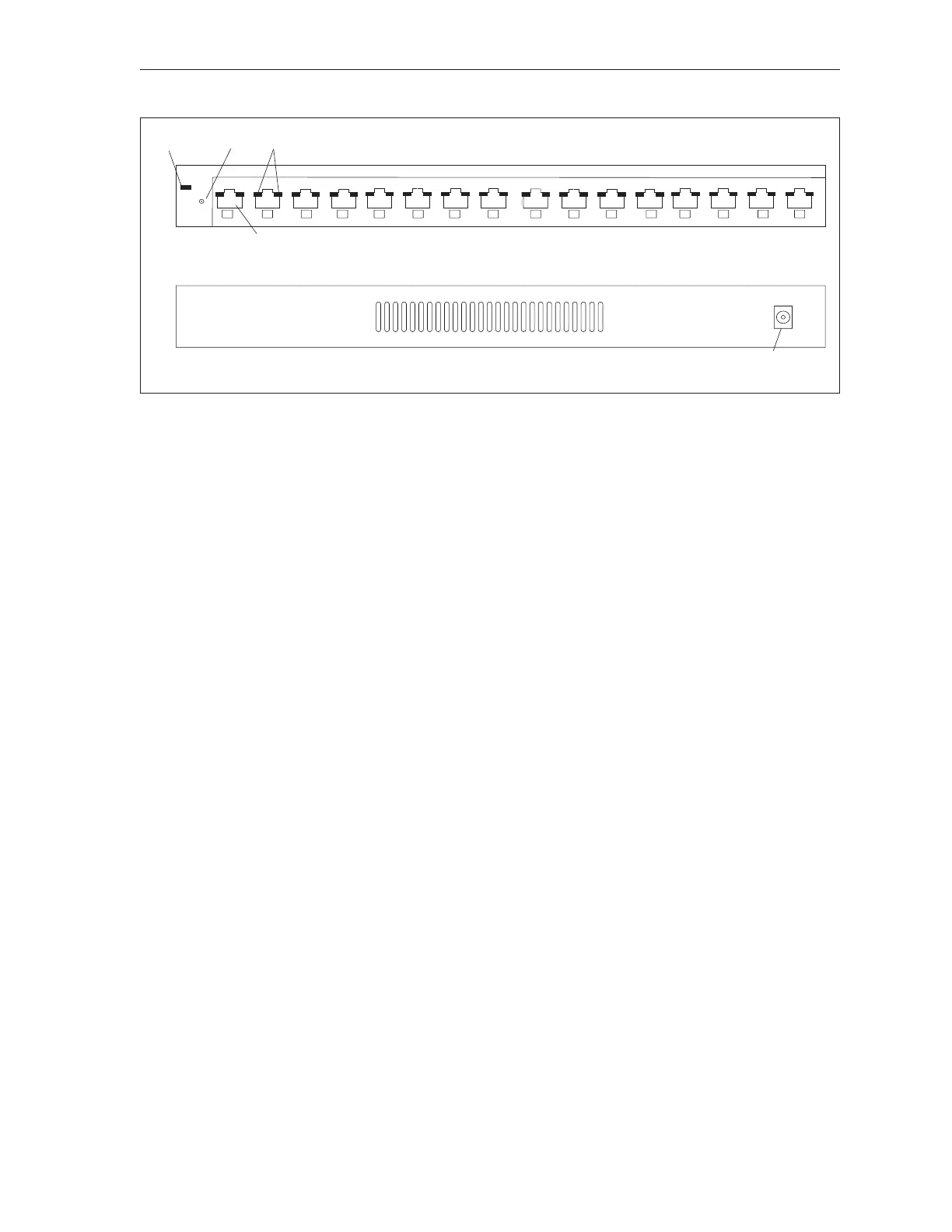
The functions of the components and connectors on the Netgear GS116 16 Port switch are:
(1) Power LED - This LED indicates when the Ethernet switch is powered on.
(2) Port Status LEDs - These LEDs indicate the status of each RJ-45 connector. When the left
LED is green , a link with a communication rate of 100M is established between the port and a
computer or second switch. If the right LED is lit a 10M link is established. Both LEDs light to
indicate a 1000M link. Flashing LED to indicate activity is occurring through the port.
(3) RJ-45 Connector - Connection (port) for the Cat5 ethernet cables attached to each scorer
computers and/or ethernet switch located at the control desk. Each port is capable of auto
sensing for 10Mbps, 100Mbps or 1000Mbps operation.
(4) Power Connector - Input for power coming from the A/C power adaptor. Only use the power
adapter that is supplied with the switch
(5) Reset Button - Press and hold this button to reset switch setting to factory defaults.



 To Next Page