EasyManua.ls Logo

Brunswick Sync - The TV Picture on Multiple Monitors is Bad

Brunswick Sync
278 pages
Print Icon
To Next Page IconTo Next Page
To Previous Page IconTo Previous Page
Loading...
18 Troubleshooting
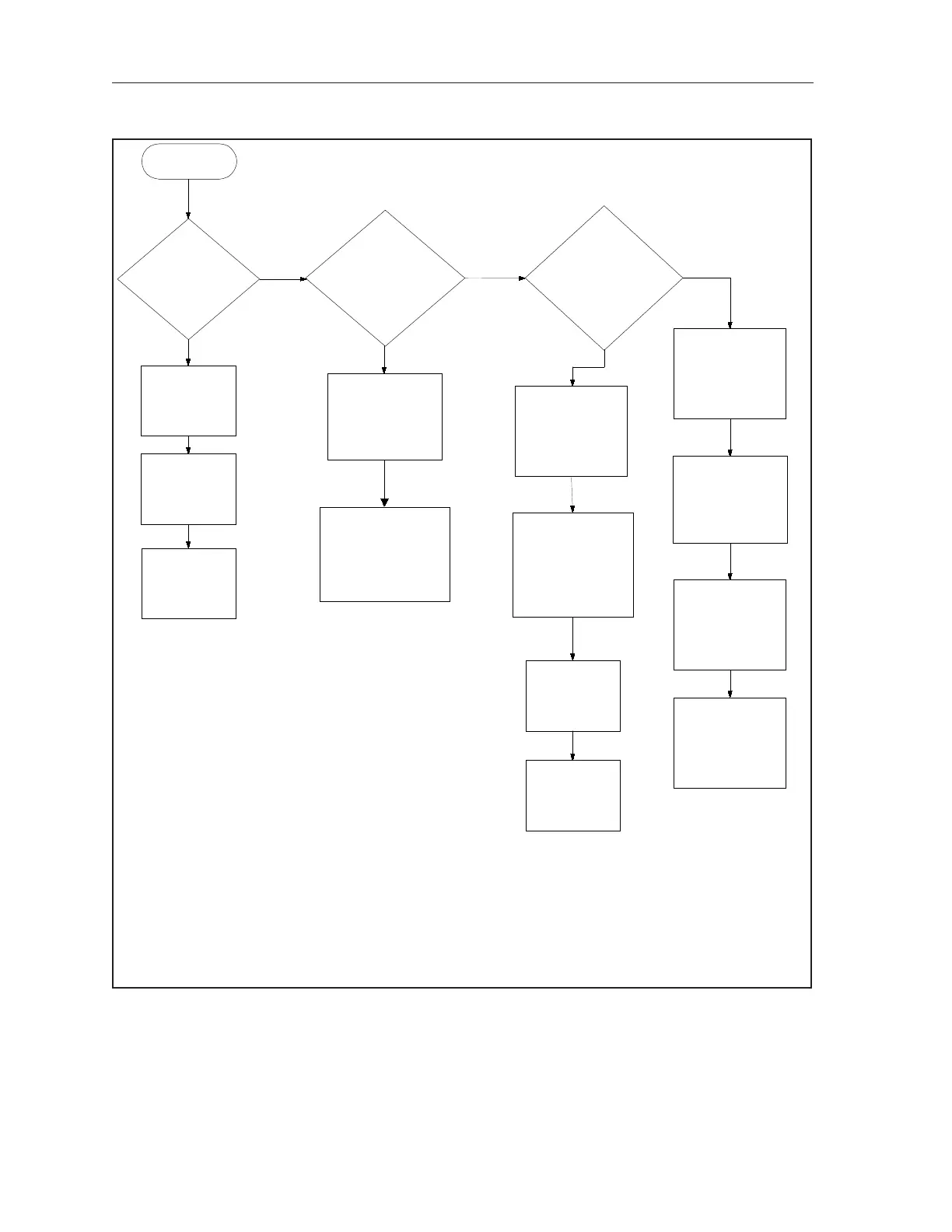
The TV Picture on Multiple Monitors is Bad
Start Here
Check the cable "Taps"
between the last
working monitor and
the 1st non working
monitor
Check the
coaxial cable at
the back of the
monitor
Replace the
Modulator
Check the coaxial cable
connections between the
last working monitor and
the 1st non working
monitor
Reset power to
the modulator
YES
NO YES
NO
Verify the setting
on the appropriate
TV Distribution
center modulator
Does the
problem occur
on every
monitor?
Check the coaxial
cable connection at
the splitter for that
overhead
Verify the video
source connected to
the modulator is
functioning and is set
to an acceptable
output resolution
Is the
problem on
only one
monitor?
Verify the
monitor is set to
the proper
channel?
Does the
problem occur
on every
channel?
YES
NO
Reset power to the
TV Distribution
center
Check the "Tap" at
the 1st Monitor
Check the coaxial
cable connections
between the TV
Distribution center
and the monitors
Replace the TV
Distribution center

Table of Contents

Other manuals for Brunswick Sync

Related product manuals