Sync Control System 49
RECOMMENDED REBOOT PROCEDURES
A regular reboot of the system components will cause all software and related computer processes to be
closed and restarted, freeing up used resources and allowing the system to operate at peak efciency.
It is suggested that the center perform the following reboot sequence each morning prior to the start of
business.
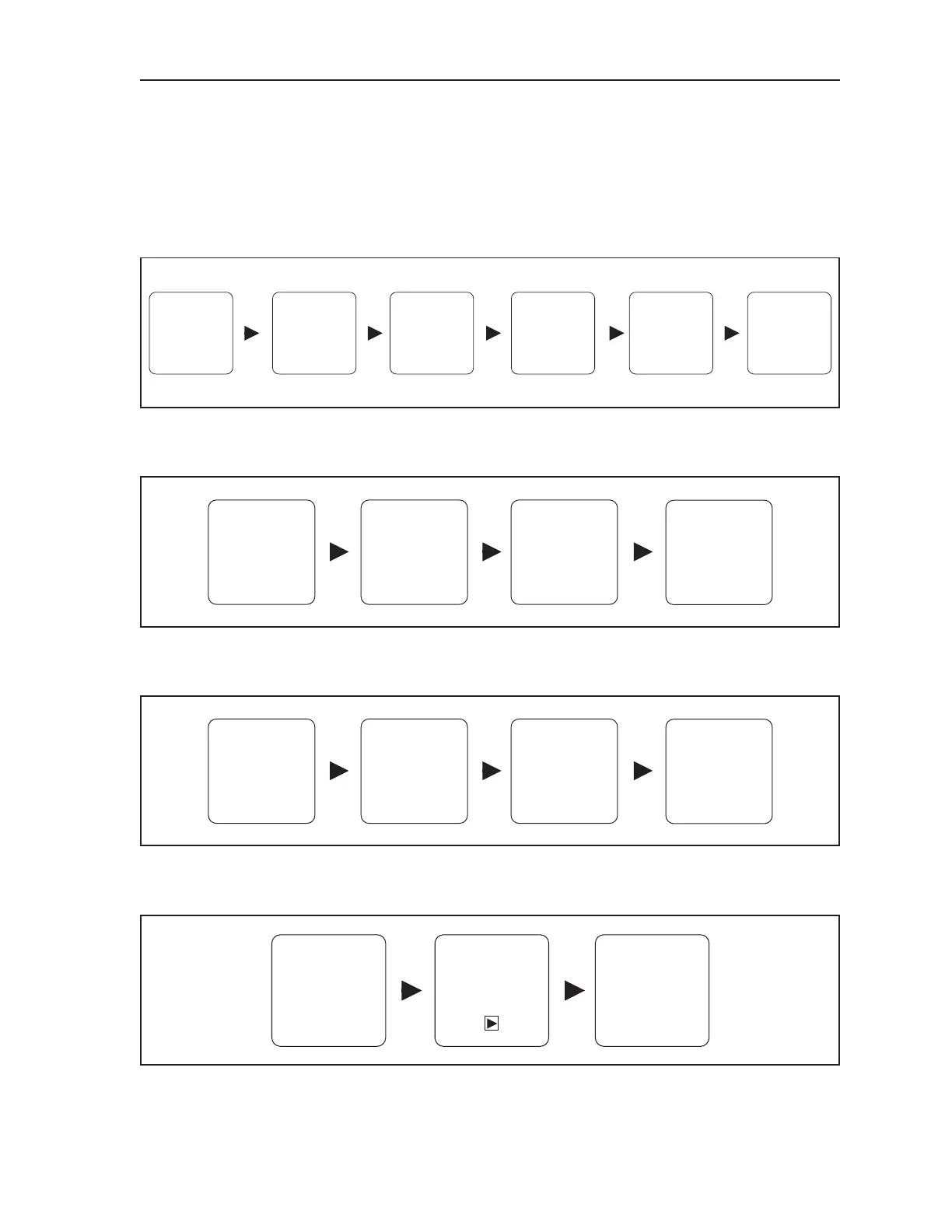
1. Turn on all overhead monitors.
Select
MORE
Select
MONITOR
CONTROL
Select
ALL
Select
LANE SALES
PANEL
Select
TURN ON
Select
EXIT
2. Reboot Peripheral Controller’s Distribution Board using the Sync Desk Program.
Select
MORE
Select
PINSETTER
CONTROL
SELECT
REBOOT
DISTRIBUTION
BOARD
Select
LANE
3. Reboot the Display Controllers, Sync Tablets (If installed), and Client Computers.
Select
SYSTEM CONTROL
Select
REBOOT
Select
OK
Select
ADMIN TAB
It is also recommended that the center reboot the Sync Server computer at least once per week.
Select
SHUT DOWN or
LOG OFF
MENU ARROW
Select
RESTART
Select
Windows
buttonSTART



 To Next Page