Sync Overhead Monitors 7
Display Controller Conguration Settings
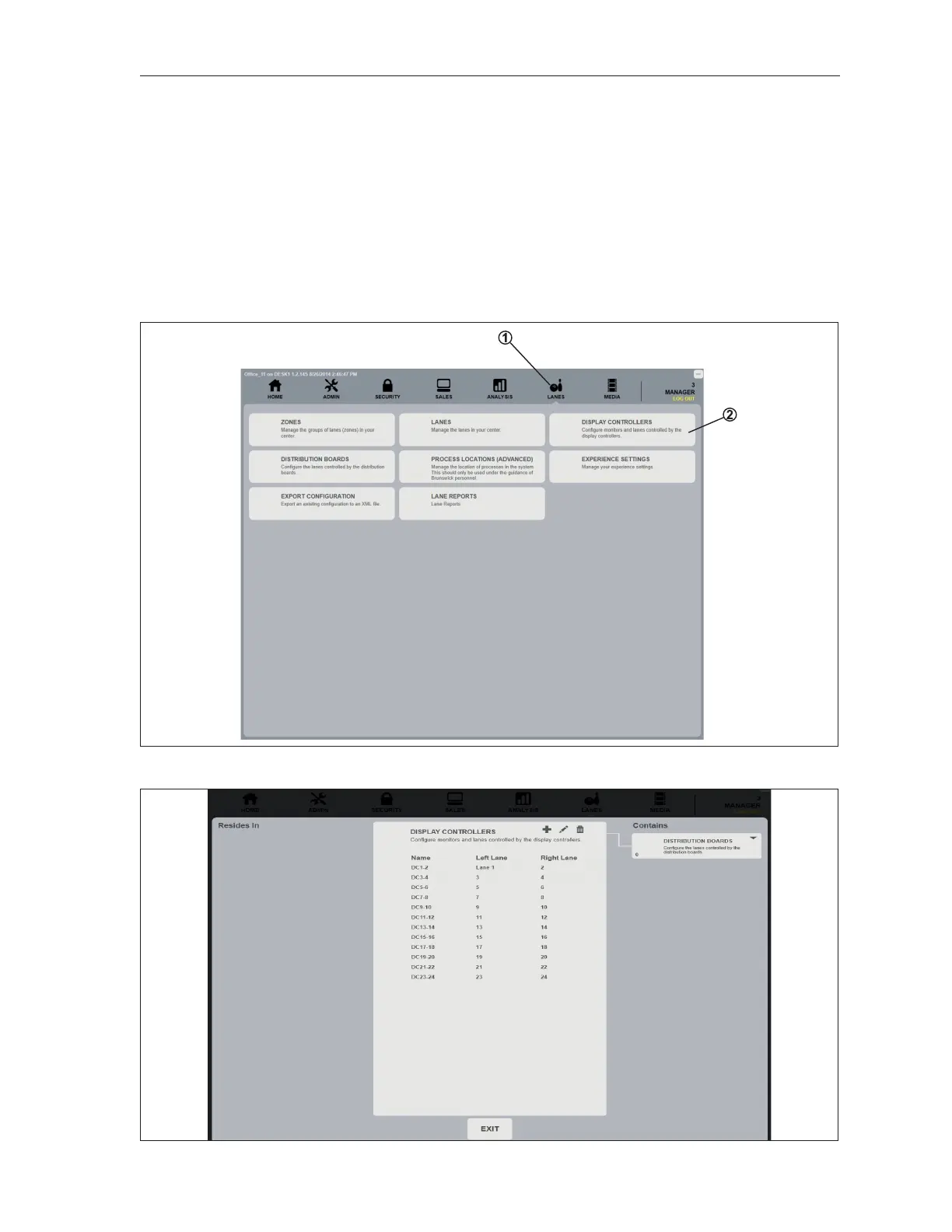
Settings and assignments for the Display Controller can be found in the Sync ofce program under
the Lanes tab, Display Controller selection and under the Administrator tab, System Control selection.
These setting located under the Lane tab are congured at installation and typically do not need to be
altered when replacing the Display Controller. They are provided here as reference only. The Display
Controller settings located under the Administrator / System Control are also congured at installation
but should be veried whenever the Display Controller is replaced. Refer to gures titled Lane Tab
- Display Controller Setup 1, Lane Tab - Display Controller Setup 2, Lane Tab - Display Controller
Properties, Administrator Tab - System Control and System Control - Display Controller Setup.
Lane Tab - Display Controller
Lane Tab - Display Controller Setup 1
Lane Tab - Display Controller Setup 2



 To Next Page