Sync Overhead Monitors 15
ECO Settings
The ECO Sensor function automatically adjusts the backlight in the overhead to compensate for
changes in the ambient light levels near the monitor. Because lighting level is not consistent throughout
a bowling center, this automatic adjustment can cause some monitors to appear brighter when compared
to other monitors.
The Energy Saving function automatically adjusts the backlight based on the image being displayed
on the screen. Because the images change throughout the day, this can cause issues when comparing
screen brightness.
To ensure a uniformed brightness level for all monitors, the ECO Sensor and Energy Saving functions
should be disabled.
IMPORTANT!: Any time the monitor is reset to factory defaults, the ECO Sensor and Energy
Saving functions are ENABLED.
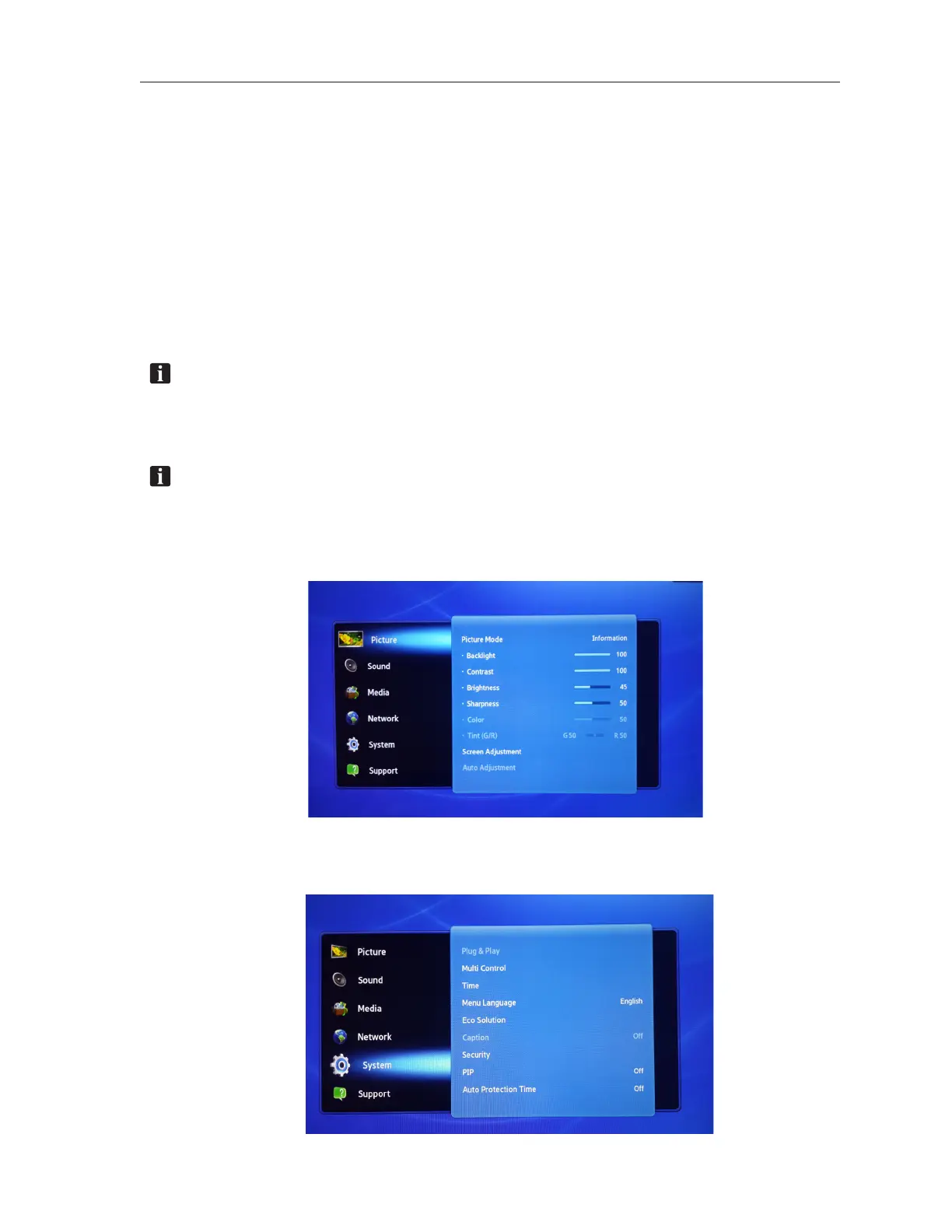
Use the Samsung remote control as described below to disable these functions:
NOTE: The following screens are for reference only. Actual screens may be different based on
the Samsung model installed in the center.
1. Press the MENU button on the remote control. “Picture” will be selected by default.
2. Use the DOWN ARROW button to navigate to “System”, then press ENTER.



 To Next Page