12
Sync Camera Assembly
Adjustments
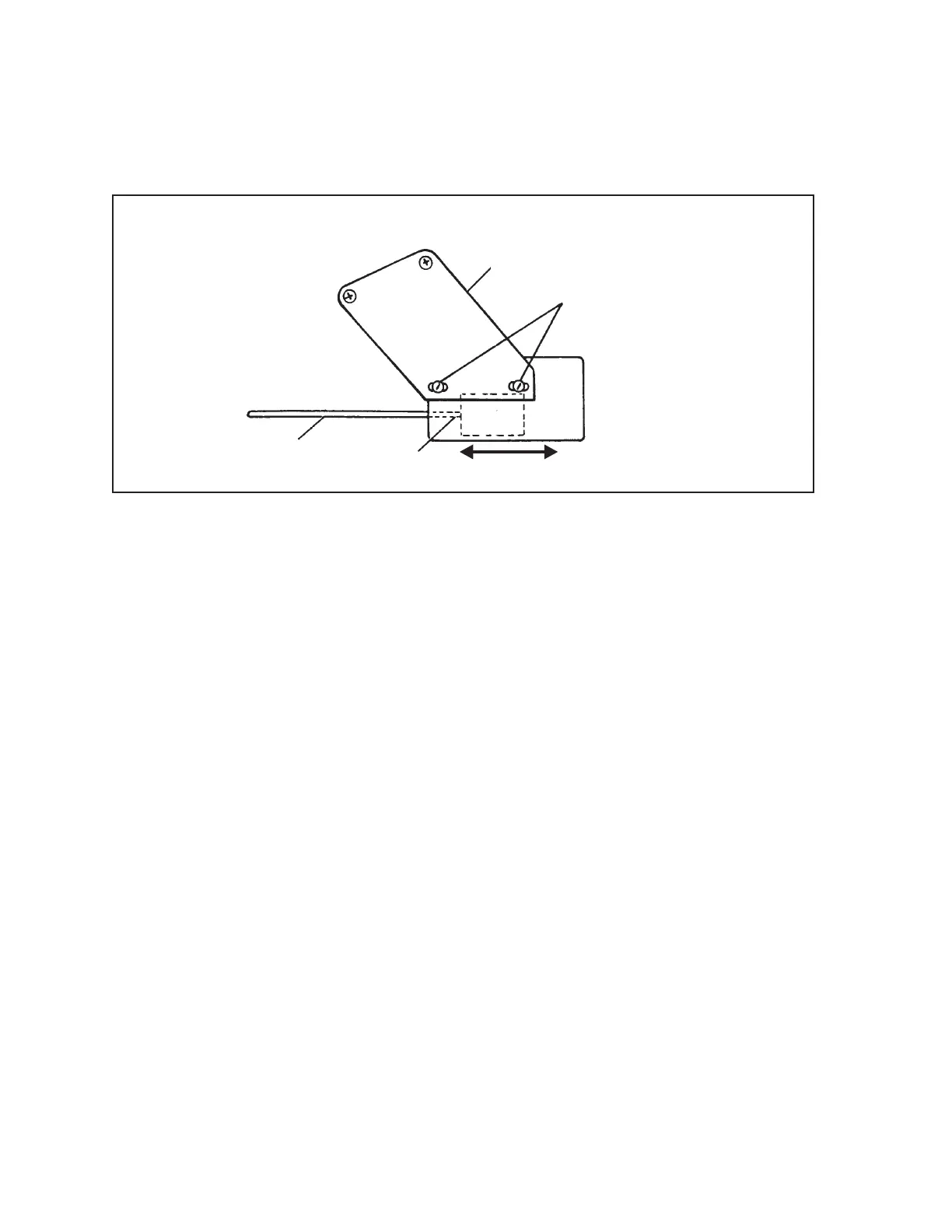
The New Pins Solenoid (NPS) is adjusted by moving the NPS box toward or away from the pinsetter
detector. This is made possible by two elongated holes drilled into the mounting bracket to which the
box is attached. Refer to the gure titled New Pins Solenoid Mounting Bracket.
(4)
ADJUSTMENT
SCREWS
(3)
BRACKET
(2)
SOLENOID
PLUNGER
(1)
CYCLE
LINK
New Pins Solenoid Mounting Bracket
(1) CYCLE LINK (2) SOLENOID PLUNGER (3) BRACKET
(4) ADJUSTMENT SCREWS
1. Cycle the pinsetter to rst ball.
2. Loosen the screws that mount the NPS box to the bracket.
3. Hold in the plunger solenoid and move the NPS box away from the pinsetter until the pinsetter
switches to second ball.
4. Tighten the NPS box mounting screws.
5. Cycle the pinsetter back to rst ball.
6. Verify the cycle link is free of any binds and has plenty of “play.”
7. Verify the New Pins Solenoid operation by creating a rst ball foul, third ball tenth frame, or
No Tap situation.



 To Next Page