14 Sync Overhead Monitors
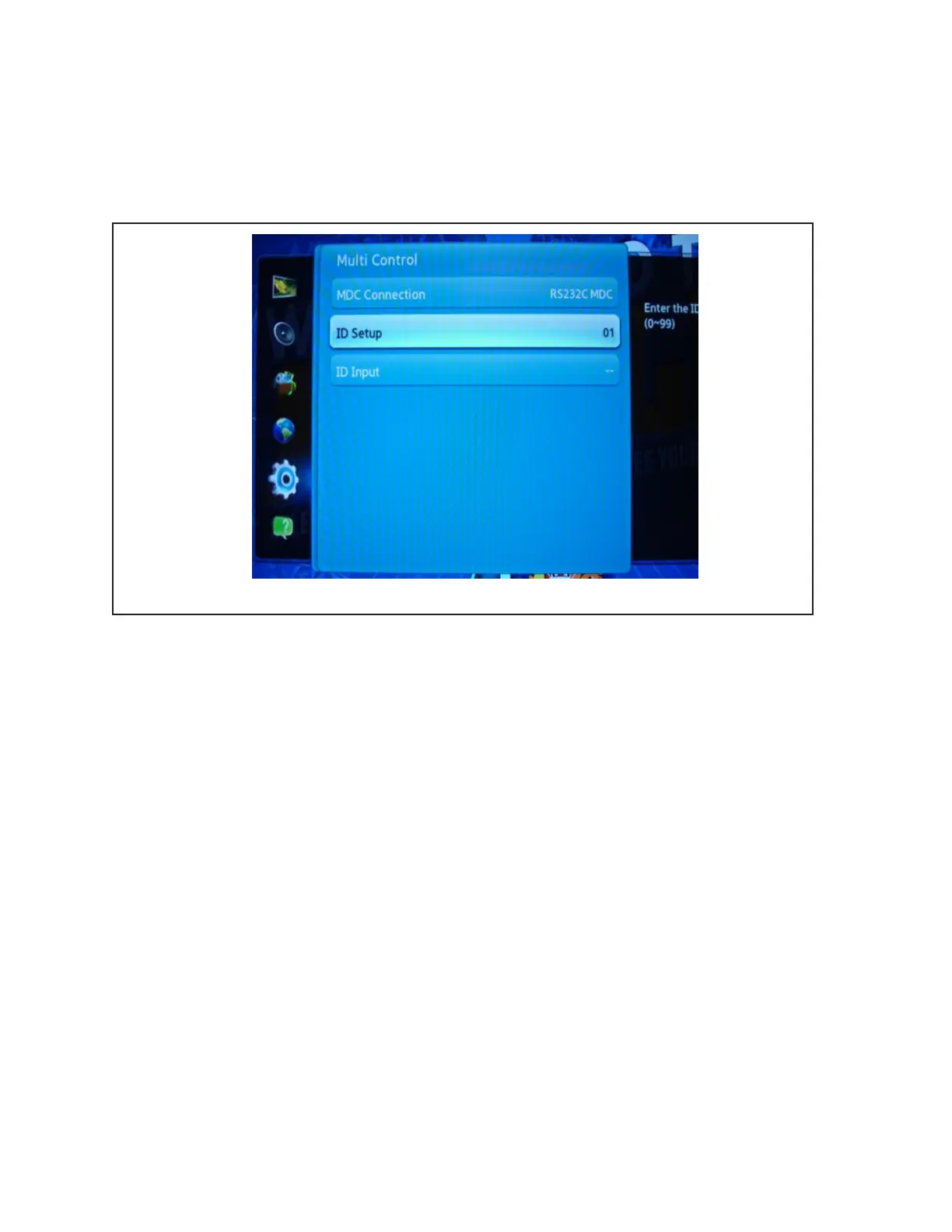
Scoresheet Monitors - Set the ID Setup as follows:
Odd Lane (Left Lane) - 01
Even Lane (Right Lane) - 02
TV-Only monitors - Set the ID for TV-only monitors to 03
5. Press “Exit” on the remote control to exit the “Setup” menu.



 To Next Page