[SMTP RX]
Select the check box to enable E-Mail Print by using the SMTP protocol. You can also specify this setting by
using <SMTP RX> in the setting menu of the operation panel (
SMTP RX(P. 394) ).
[SMTP Server Port Number]
Specify the port number of the SMTP server for receiving e-mails.
6
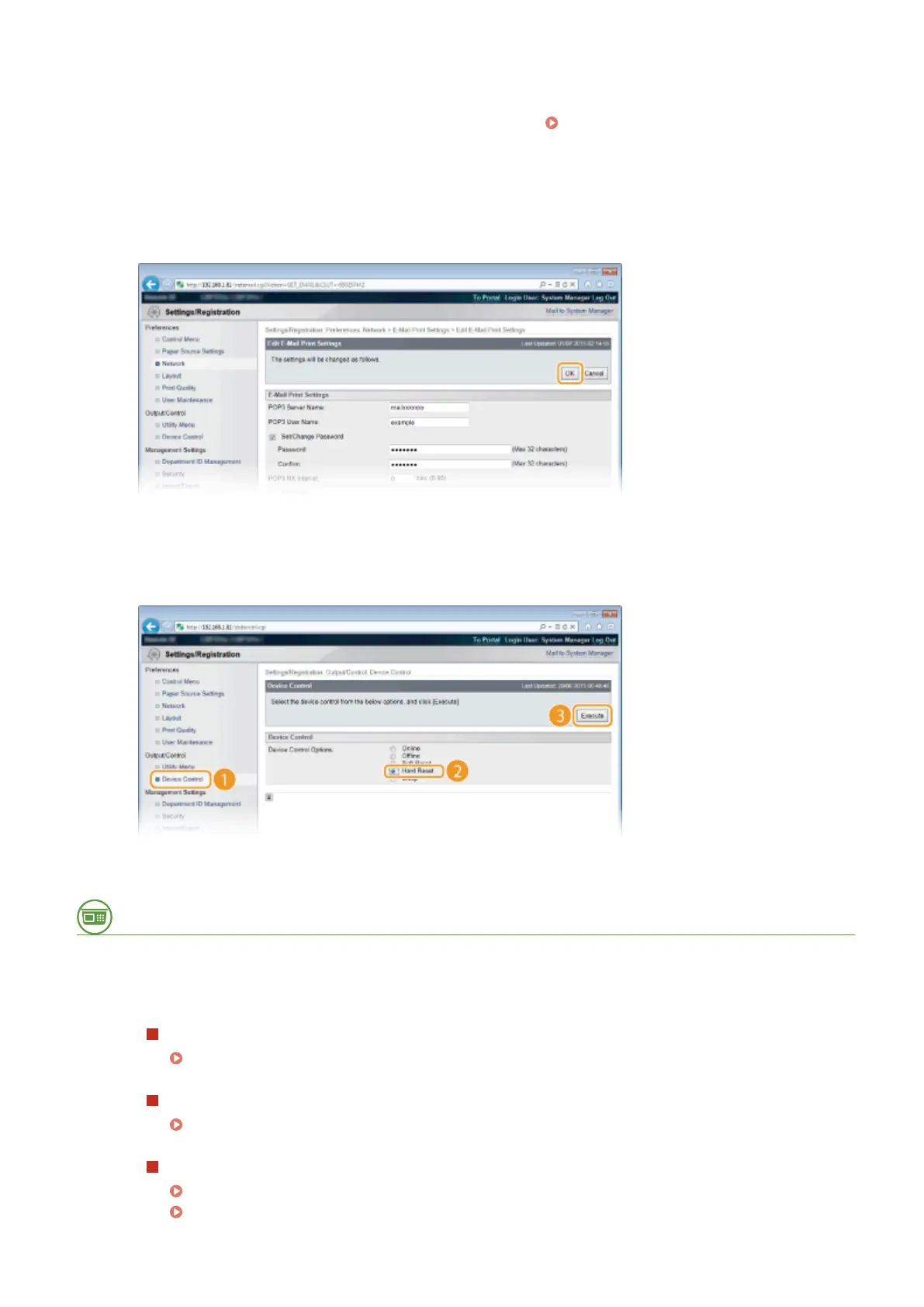
Click [OK].
7
Perform a hard reset.
● Click [Device Control], select [Hard Reset], and then click [Execute].
➠
The settings are enabled after the hard reset is performed.
From the Operation Panel
8
Specify other settings for E-Mail Print as necessary.
Specify whether or not to print the e-mail message.
Print E-Mail Text(P. 428)
You can limit the number of pages to print the e-mail message.
Limit E-Mail Print(P. 428)
You can specify the settings for printing attached image les.
Image Orientation(P. 425)
Zoom(P. 426)
Printing a Document
161



 To Next Page