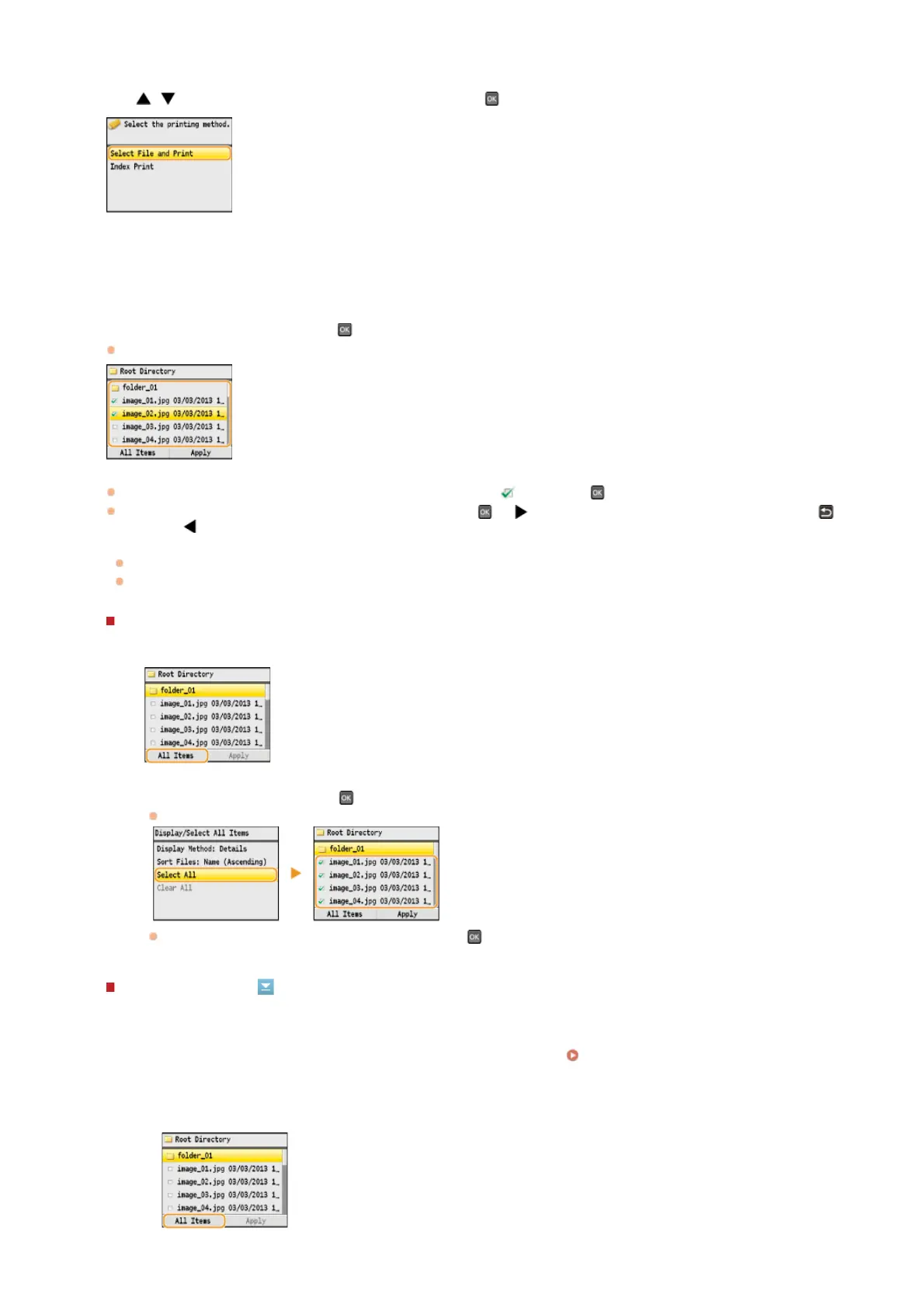
Use / to select <Select File and Print>, and press .
NOTE:
Index Print
You can print thumbnails of the image files (JPEG only) stored in a USB memory device. To print the images in thumbnails, select
<Index Print> on the screen, and proceed to the next step.
Select the file to print, and press .
You can select multiple files.
To clear a selection, select the file you have selected (marked as ), and press .
To display the contents of a folder, select a folder, and press
or . To return to the folder in the upper level, press
(Back) or .
NOTE:
Folders and files lower than the third directory are not displayed.
When you move to another folder, the previous file selections will be cleared.
To select all files
1
Press <All Items>.
2
Select <Select All>, and press .
All the displayed files are selected.
To clear all selections, select <Clear All>, and press .
To display previews
You can change the display method from <Details> (for file names and modification dates) to <Images> (for previews). By
previewing images, you can check the file content before you select a file to print.
NOTE:
You can specify either <Details> or <Images> as the default display method.
Default Display Settings
1
Press <All Items>.
2
3
4
㻞㻟㻞㻌㻛㻌㻢㻣㻢











 To Next Page