To change the file sort order
You can change the sort order of the files in a USB memory device.
NOTE:
You can specify a sort setting such as <Name (Ascending)> or <Date/Time (Ascending)> as the default setting for the file sort
order.
File Sort Default Settings
2
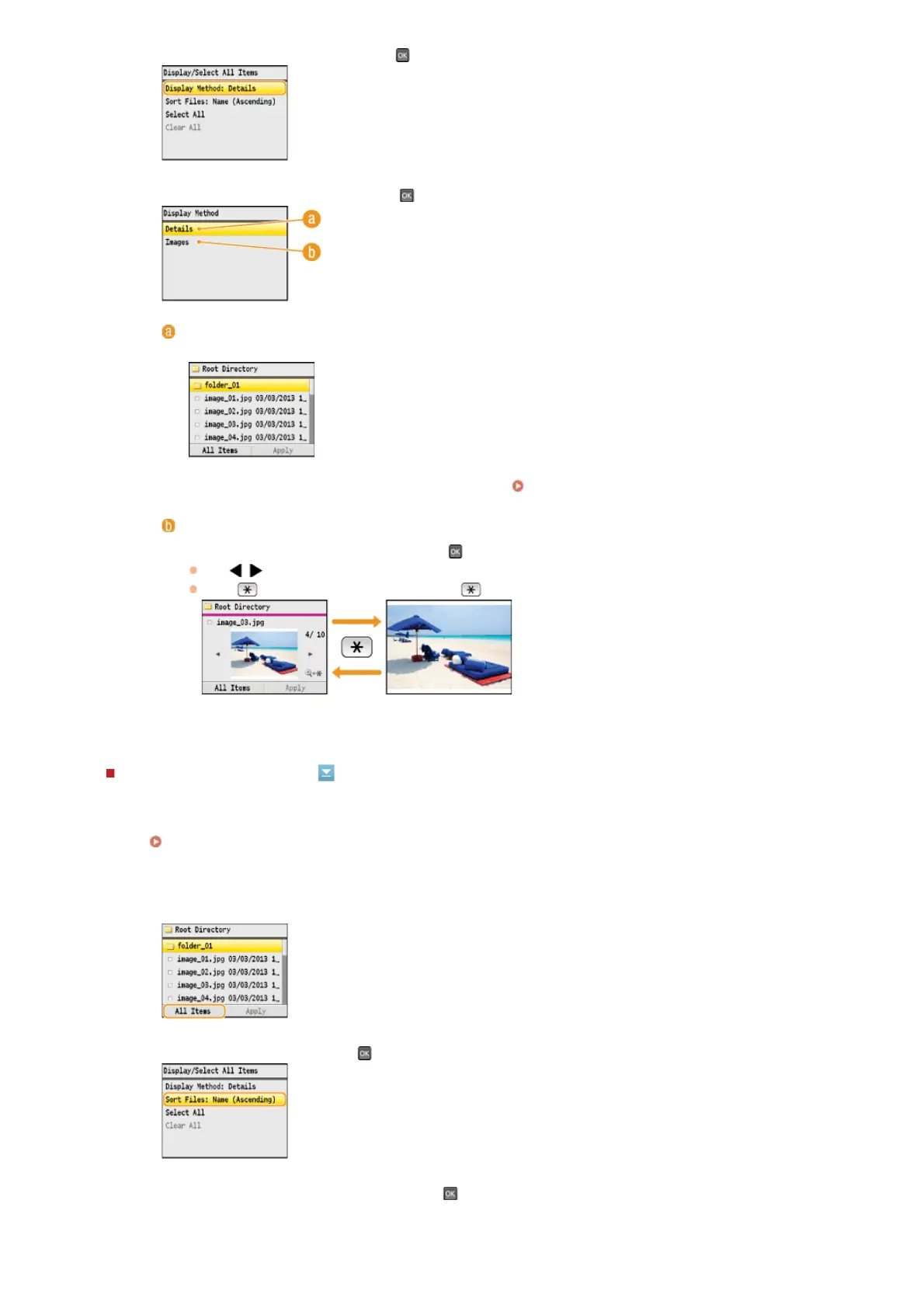
Select <Display Method>, and press .
3
Select the display method, and press .
<Details>
Displays file names and dates.
NOTE:
You can set whether to display abbreviated file names.
File Name Display Format
<Images>
Displays previews. To select a file, press
.
Use
/ to switch the preview.
Press
to display a larger preview. Press again to return to the original preview size.
1
Press <All Items>.
2
Select <Sort Files>, and press .
3
Select the criteria for file sorting, and press .
㻞㻟㻟㻌㻛㻌㻢㻣㻢











 To Next Page