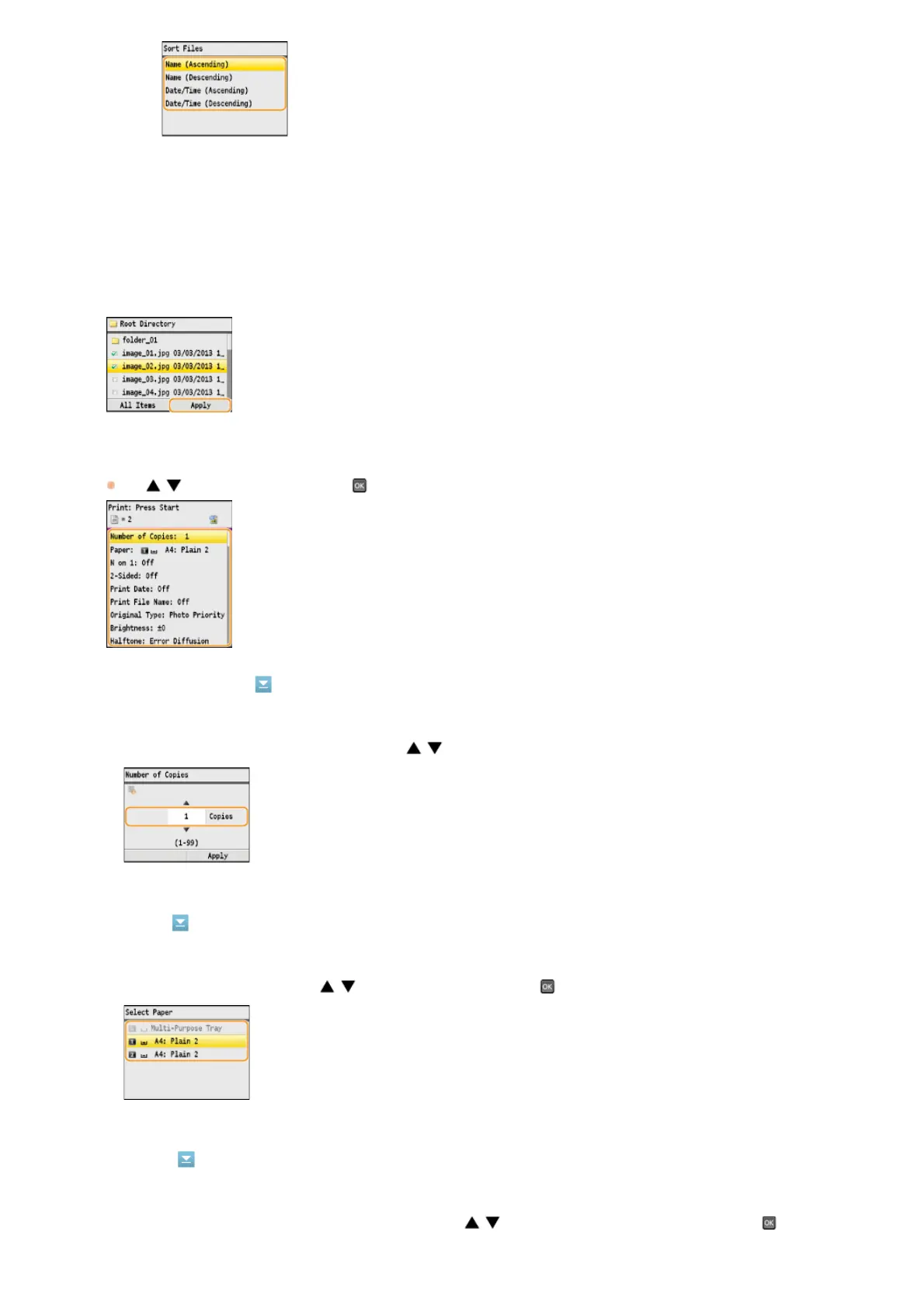
Press <Apply>.
Specify the print settings as necessary.
Use / to select the settings, press and specify each setting.
<Number of Copies>
<Paper>
<N on 1>
NOTE:
When you select <Date/Time (Ascending)> or <Date/Time (Descending)>, files are sorted based on the
modification dates and time of the files.
Specify the number of copies from 1 to 99. Use / or the numeric keys to enter a quantity, and press <Apply>.
Select the paper to print on. Use / to select the paper, and press .
You can print two or four images onto a single sheet. Use / to select <2 on 1> or <4 on 1>, and press .
5
6
㻞㻟㻠㻌㻛㻌㻢㻣㻢











 To Next Page